WordPress Abilities API: How It Supports AI Integrations
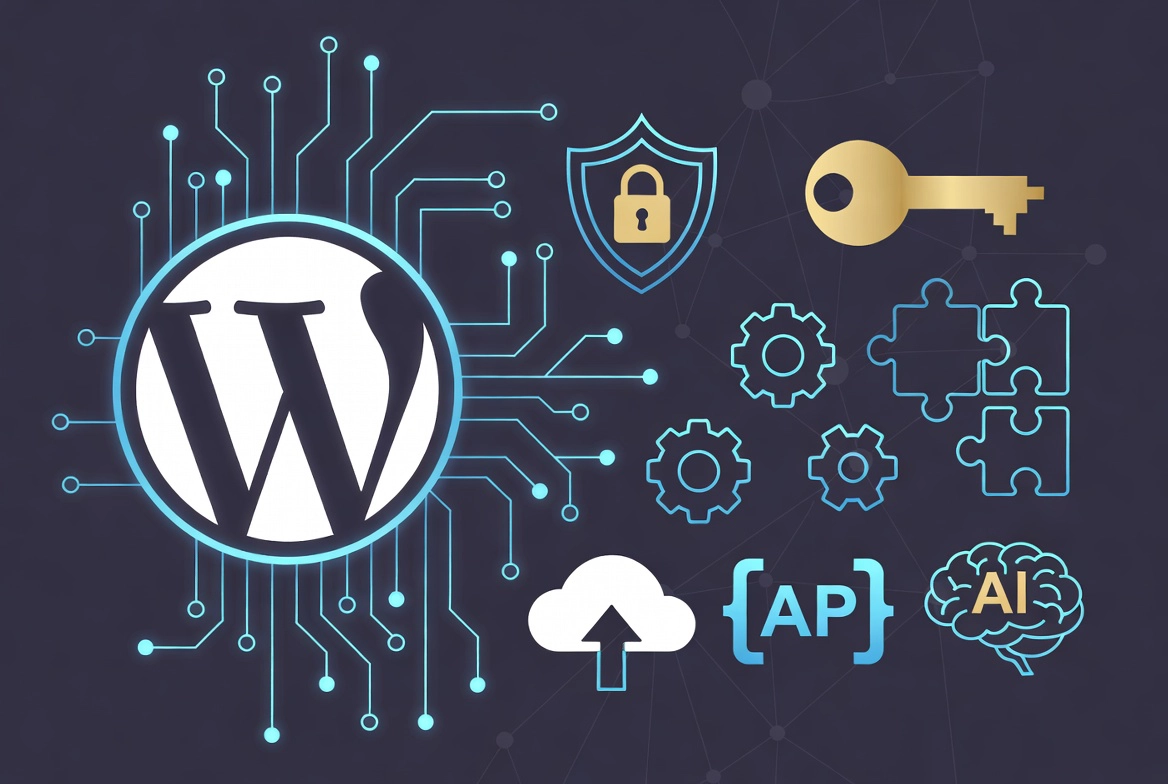
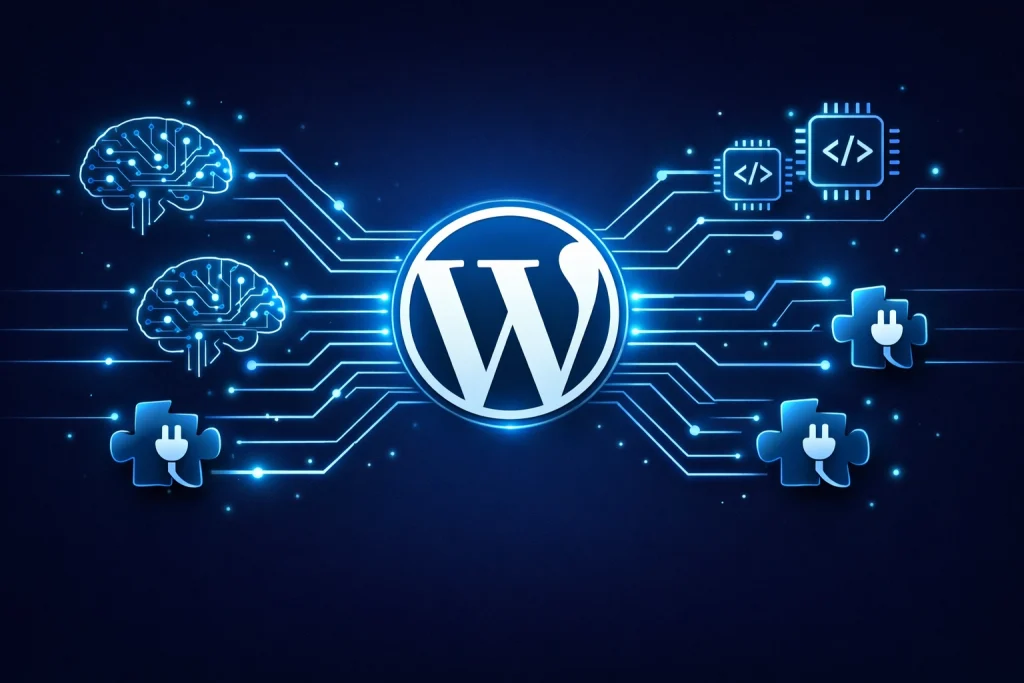
WordPress AI integration is one of the most talked-about topics heading into the April 9, 2026, release of WordPress 7.0. We have seen many headlines claiming WordPress is launching a built-in AI content generator. That claim is wrong, and we want to set the record straight. WordPress 7.0 does not ship an AI writer. It ships the infrastructure that makes AI integration possible, specifically two foundational components called the Abilities API and the AI Web Client API.
Understanding the difference matters enormously for how you prepare your site. This article is part of our full guide on WordPress 7.0: What Site Owners Actually Need to Do. Read on to learn exactly what these APIs do, why they represent a smarter approach than a built-in AI tool, and what they mean for your site right now.
📚 New to WordPress? Before diving in, make sure you have the basics covered with our WordPress Basics & Installation guide, which covers:
- What is WordPress? A Beginner’s Guide
- WordPress.com vs WordPress.org: Which One to Choose?
- WordPress System Requirements Explained
- How to Choose the Best WordPress Hosting
- Registering Your First Domain Name for WordPress
TL;DR: What You Need to Know About the WordPress Abilities API
- WordPress 7.0 does not include a native AI content generator. It introduces foundational AI infrastructure.
- The AI Web Client API lets you store one set of AI credentials centrally, used by all your plugins.
- The Abilities API lets plugins declare their capabilities so AI assistants can interact with them safely.
- Site owners keep full control over permissions, user roles, and which AI models access their site.
- Future plugins will use this foundation to deliver semantic SEO, automated linking, and content gap analysis.
Let’s Clear Up the Biggest WordPress AI Misconception
WordPress 7.0 will not write your blog posts for you. We want to be direct about this, because the misunderstanding is widespread, and it matters for how you plan your site strategy.
What WordPress 7.0 actually delivers is a standardized AI architecture built into the platform core. Think of it like electrical wiring in a building. The wiring does not produce light on its own. It creates the infrastructure that allows any appliance, from a lamp to a refrigerator, to plug in and function reliably. The Abilities API and the AI Web Client API are theirs for WordPress. Third-party plugins and themes are the appliances that will eventually plug into it.
This approach is deliberate. The official WordPress roadmap describes the goal as “AI Everywhere, With Clear Guardrails.” Standardizing AI at the core level prevents the WordPress dashboard from becoming a chaotic mix of competing, incompatible AI plugins all fighting for resources and API access. It is a smarter foundation than any single built-in tool could ever be.
ℹ️ Note: This is a beta 1 release. We have been testing the available features, and while the AI infrastructure is shipping, plugin developers are still building on top of it. Real-world AI features powered by these APIs will expand significantly in the months after the April 9 launch.
What is the AI Web Client API? Actually Does
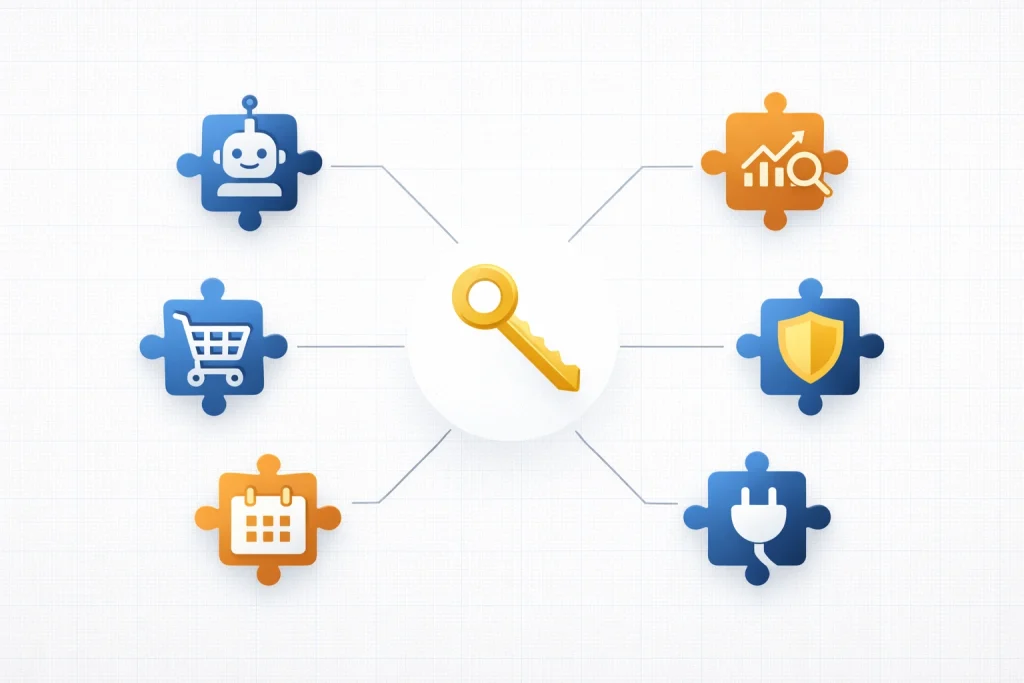
Before WordPress 7.0, every AI-powered plugin required its own separate API key configuration. If you ran five plugins that all used OpenAI, you entered your API key five times, in five different settings panels, with no coordination between them. Each plugin called the AI independently, with no oversight from WordPress core.
The AI Web Client API solves this problem completely. It creates a single, secure, centralized location inside your WordPress dashboard where you store your AI provider credentials. That one set of credentials then serves every compatible plugin on your site.
How It Works in Practice
You navigate to your WordPress settings and enter your OpenAI API key, your Anthropic key, or credentials for any other supported AI provider. Compatible plugins then request access to those credentials through the API rather than storing their copies. WordPress core handles the actual communication with the AI provider. Your plugins receive responses without ever directly touching your API keys.
This architecture delivers three immediate benefits. First, you manage one set of credentials instead of many. Second, WordPress can track and limit API usage centrally, preventing runaway costs from a single plugin making excessive calls. Third, you gain a single point of control for revoking access if a plugin behaves unexpectedly.
In our testing, we found the setup process straightforward. The credentials screen integrates cleanly into the existing WordPress settings area without feeling like a separate tool bolted on afterward.
Which AI Providers Will Be Supported
The AI Web Client API is designed to be provider-agnostic. WordPress is not locking site owners into one AI company. OpenAI, Anthropic, and other major large language model providers are expected to work through the standardized API. This keeps your options open as the AI landscape evolves and new providers emerge.
What the Abilities API Actually Does
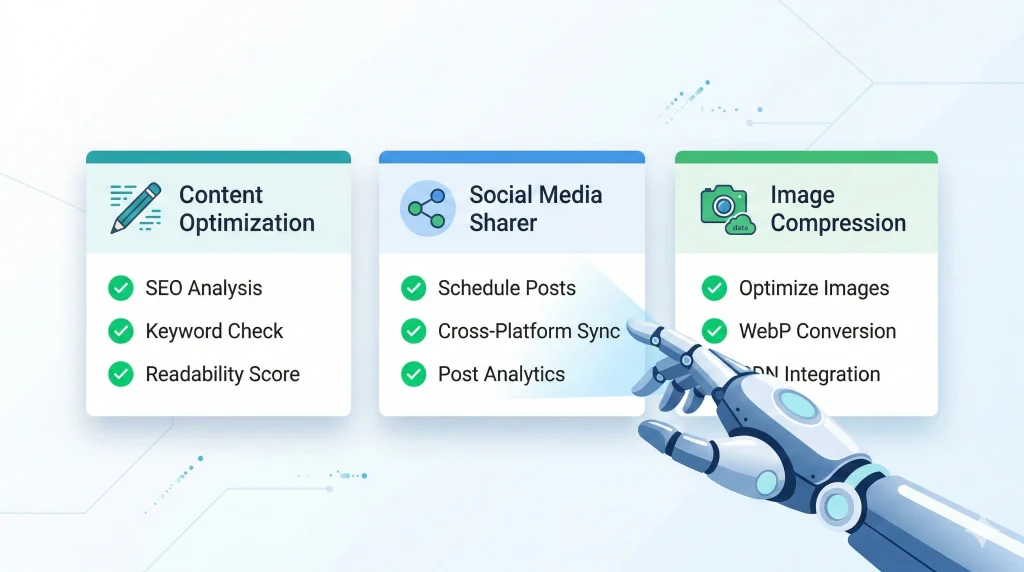
The Abilities API addresses a different but equally important problem. It creates a structured way for plugins to declare exactly what they can do, so AI assistants and agents know what actions they can safely request.
Without a standard like this, an AI agent trying to interact with your WordPress site has no reliable way to know what your plugins can do. It cannot safely trigger a WooCommerce order export, schedule a post, or audit your SEO settings without either custom connectors for every plugin or a messy trial-and-error approach.
How Plugins Declare Their Capabilities
The Abilities API gives plugin developers a standard framework to register their capabilities with WordPress core. A backup plugin can declare that it supports creating backups, viewing backup history, and restoring previous versions. An SEO plugin can also declare support for generating meta descriptions, running site audits, and managing redirects.
AI assistants then read this registry to understand what actions they can request, what parameters each action requires, and what permissions are needed to execute them. The result is a structured, predictable, and secure way for AI to interact with your entire plugin stack.
Why This Matters for Site Security

Security is where the Abilities API truly earns its place. Every capability a plugin registers includes permission requirements. An AI assistant can only trigger an action if the current user has the WordPress role required to perform that action manually. An AI cannot execute an admin-level function on behalf of a subscriber-level user. WordPress enforces those boundaries through the Abilities API automatically.
Site owners also retain full control over which AI models can access their site and which capabilities those models can request. Preventing unauthorized AI queries is built into the architecture from the start, not added as an afterthought.
💡 Pro Tip: When evaluating new plugins after the WordPress 7.0 launch, check whether they have added Abilities API support. Plugins that register their capabilities will work far more effectively with AI assistants than those that have not yet updated. This will become a meaningful quality signal when choosing between similar plugins.
How This Changes WordPress AI Integration Forever
The combined effect of the AI Web Client API and the Abilities API is a platform-level shift in how AI works with WordPress. We find this more exciting than any single AI feature, because it unlocks a compounding effect over time.
What AI Agents Will Soon Do on Your Site
Once plugin developers build on this foundation, AI agents will be able to perform complex, multi-step tasks across your entire WordPress site. An agent could audit every page for missing schema markup, generate the correct structured data for each one, submit the updates, and log a summary report, all without any manual input from you.
Another agent could analyze your internal linking structure, identify pages with weak authority, and automatically add contextual links to strengthen them. A third could review your editorial calendar, compare it against trending search queries, and flag content gaps worth addressing.
These are not speculative features. They are direct applications of what the Abilities API makes architecturally possible. Plugin developers are building these goals right now.
How It Changes Your SEO Strategy
The rise of large language models answering search queries directly changes what effective SEO looks like. When ChatGPT, Perplexity, or Google’s AI Overviews answer a question, they draw on content that is well-structured, semantically clear, and factually authoritative. Thin content stuffed with keywords does not survive in that environment.
Future plugins built on the Abilities API will focus on exactly this kind of semantic structuring. They will automate schema markup generation, surface content gaps competitors have missed, and strengthen topical authority through smarter internal linking. Text generation is the least compelling thing AI will do for SEO. Structural intelligence is where the real gains will come from.
We recommend preparing your content architecture now. Clean semantic HTML, proper heading hierarchy, complete schema markup, and strong internal linking structures will all perform better as AI-powered SEO tools mature on top of this new foundation.
What the WordPress Abilities API Means for You Right Now
The honest answer is that most site owners will see only a limited immediate impact. The Abilities API and the AI Web Client API ship in WordPress 7.0, but the plugins and tools that leverage them fully will arrive over the following months. Think of April 9 as the day the infrastructure opens, not the day everything changes overnight.
What you can do right now is prepare. Update your PHP version to at least 7.4, ideally 8.3, before the launch. Test on a staging environment using the WordPress Beta Tester plugin. Review your current AI-related plugins and watch for Abilities API compatibility updates from their developers. And start thinking about your content architecture in semantic terms, because the AI tools that will benefit from that structure are coming faster than most people expect.
| Feature | What It Is | Who Benefits Most | Available April 9? |
|---|---|---|---|
| AI Web Client API | Central credentials hub for all AI providers | All site owners using AI plugins | Yes, in core |
| Abilities API | Standard framework for plugins to declare AI capabilities | Developers and power users | Yes, in core |
| AI Agent Actions | Multi-step autonomous tasks across plugins | Agencies and content teams | Via future plugins |
| AI SEO Tools | Semantic structuring, gap analysis, schema automation | SEO professionals and publishers | Via future plugins |
| Permission Controls | Role-based access for all AI capability requests | Site administrators | Yes, in core |
Frequently Asked Questions
Does WordPress 7.0 include a built-in AI content writer?
No. WordPress 7.0 ships the Abilities API and the AI Web Client API as infrastructure layers. These enable third-party plugins to integrate AI features in a standardized way. WordPress Core does not generate content, write posts, or perform AI tasks directly. Those features will come through plugins built on top of this new foundation.
What is the difference between the Abilities API and the AI Web Client API?
The AI Web Client API manages AI provider credentials centrally. You store one API key, and every compatible plugin uses it. The Abilities API handles a different problem. It lets plugins register what actions they support, so AI assistants know what they can safely request. Both work together, but they solve separate problems.
Which AI providers work with the WordPress AI Web Client API?
The API is designed to be provider-agnostic. OpenAI, Anthropic, and other major providers are expected to work through the standardized interface. WordPress is deliberately not locking site owners into a single AI company. Support for specific providers will expand as plugin developers adopt the new standard.
Is the Abilities API safe for site security?
Yes. Security is a core design principle. Every capability a plugin registers through the Abilities API includes permission requirements tied to WordPress user roles. An AI assistant cannot execute an action the current user does not have permission to perform manually. Site owners also control which AI models can access their site and what capabilities those models can request.
Do I need to do anything right now to prepare for the Abilities API?
For most site owners, the immediate action is preparation rather than configuration. Update your PHP version to 8.3 if possible. Test the Beta 1 release on a staging site. Watch for Abilities API compatibility updates from your existing plugins. Start improving your content’s semantic structure now, because AI-powered tools that benefit from clean HTML and schema markup are coming soon.
Will the Abilities API make WordPress better for SEO?
Indirectly, yes, and significantly over time. The API enables future plugins to perform complex semantic SEO tasks automatically, including schema markup generation, internal linking optimization, and content gap analysis. These tools will outperform basic keyword insertion by a wide margin. Preparing your content architecture now positions you to benefit immediately when those tools arrive.
Additional Resources
- WordPress 7.0: What Site Owners Actually Need to Do (Full Pillar Guide)
- What’s Coming in WordPress 7.0? Features and Screenshots
- Official WordPress Roadmap
- WordPress Beta Tester Plugin
- Beginner’s Guide to Generative Engine Optimization for WordPress
- Small Business Owner’s Guide to Artificial Intelligence
- Official: Dropping Support for PHP 7.2 and 7.3
- WordPress Basics and Installation Guide
We are excited about what the Abilities API and the AI Web Client API make possible for WordPress site owners. The infrastructure shipping on April 9 is the starting point, not the destination. Plugin developers are already building the tools that will make these APIs genuinely transformative for how you manage, optimize, and grow your site. For the full picture of everything arriving in WordPress 7.0, read our complete WordPress 7.0 preparation guide.