Novamira AI Tools for WordPress Design Workflows
AI tools promise magical results everywhere. Marketing claims sound too good. Reality often disappoints badly. WordPress designers face real deadlines daily. Client expectations grow constantly. Budgets remain tight always.
Novamira changes web design workflows fundamentally. This isn’t another chatbot promising miracles. Real automation happens systematically. Practical benefits emerge immediately. Your design process transforms completely.
This guide reveals five proven strategies. Each method saves hours weekly. Implementation requires minutes only. Results compound over time. Your productivity multiplies significantly.
⚡ Quick Summary (TL;DR)
- Novamira’s AI tools connect directly to WordPress to automate tasks and remove the need for constant copy-pasting.
- You’ll learn how to use custom instructions, portable code, and automation to speed up your WordPress design workflows.
- The guide shows how to handle migrations, layouts, and SEO tasks in a fraction of the usual time.
- These strategies help you save hours on every project while improving quality and consistency.
- By combining your creativity with AI, you can work faster, take on more clients, and grow your design business.
Understanding Novamira’s Core Value
Novamira connects Claude AI directly to WordPress. Traditional AI tools work in isolation. Copy-pasting wastes tremendous time. Context gets lost frequently. Novamira solves this completely.
How Novamira Works
The Model Context Protocol (MCP) creates direct connections. Claude can access WordPress data immediately. No manual data entry required. Context preservation happens automatically. AI understands your site completely. Learn the complete setup process in “How to Connect Claude AI to WordPress Using Novamira MCP.”
Beyond Simple Chatbots
Most AI tools generate generic content. Novamira understands WordPress architecture deeply. Post types map correctly. Custom fields preserve perfectly. Taxonomies transfer accurately. Real WordPress knowledge matters tremendously.
Time Investment Reality
The initial setup takes a maximum of 15 minutes. The learning curve remains gentle always. Productivity gains appear immediately. Long-term savings compound dramatically. One project pays for everything.
Strategy 1: Master Your Custom Instructions and Save Cash
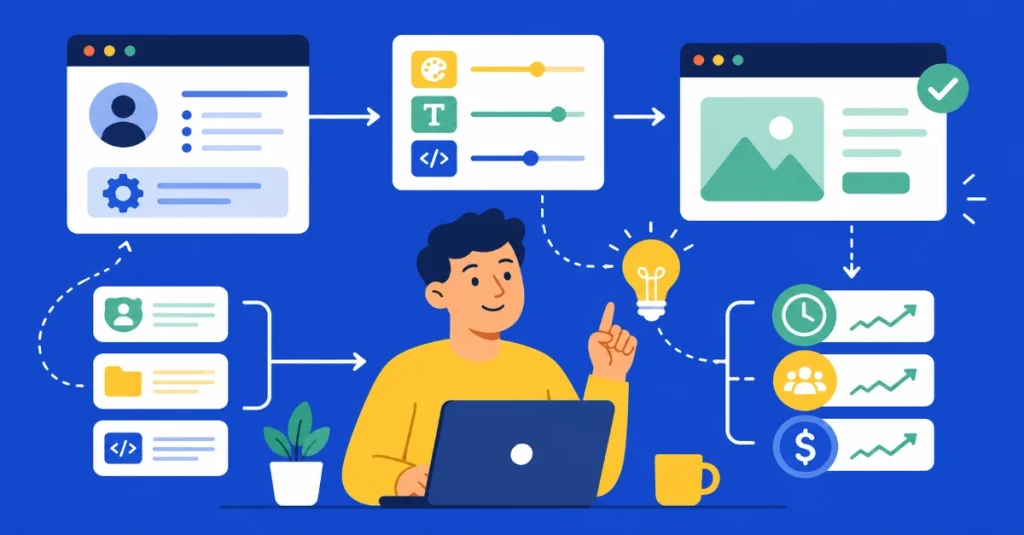
Custom instructions transform AI output quality. Generic prompts produce generic results. Personalized instructions deliver excellence consistently. Money saved exceeds subscription costs.
The Problem with Generic AI
Default AI responses sound robotic. Brand voice gets lost completely. Client requirements need constant repeating. Every conversation starts from zero. Frustration builds quickly and inevitably.
Building Effective Custom Instructions
Clearly document your design philosophy. Specify preferred color palettes explicitly. Define typography standards precisely. Listen to the full requirements. Include coding preferences in full. Brand guidelines integrate perfectly.
The example instruction framework works powerfully:
- Design approach: Minimalist, mobile-first always
- Color preferences: Brand colors, WCAG AA compliance
- Typography: System fonts, 16px minimum base
- Code style: BEM methodology, semantic HTML
- Accessibility: ARIA labels, keyboard navigation
Reusable Knowledge Base
Save common client requirements permanently. Store code snippets systematically. Document design patterns thoroughly. Reference materials centralize conveniently. Knowledge compounds over projects.
Cost Savings Breakdown
Revision requests typically decrease by 40%. Client approval speeds up dramatically. Rework time cuts significantly. Billable hours increase substantially. ROI appears within weeks.
Strategy 2: Ditch the Sandbox and Keep Code Portable
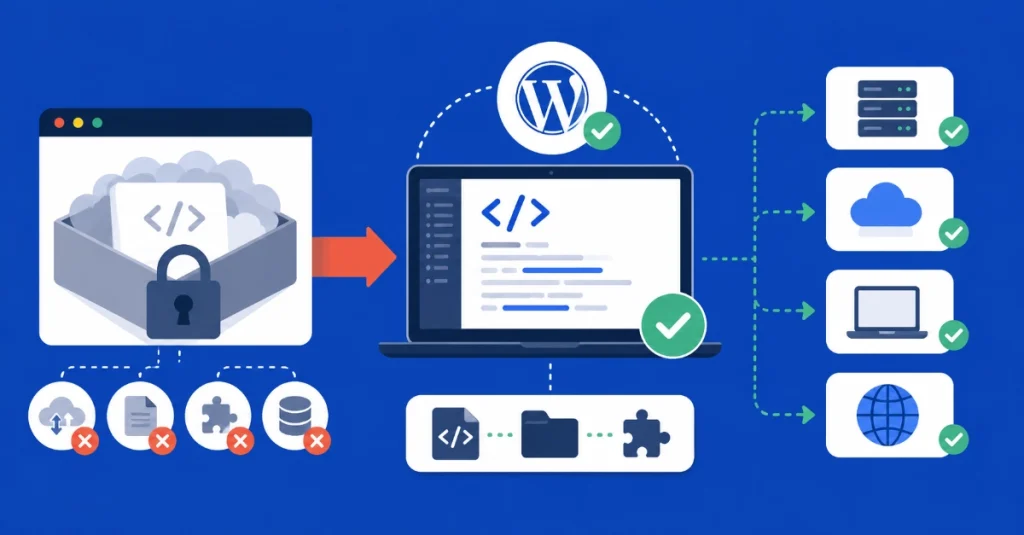
WordPress sandboxes create vendor lock-in. Code portability always matters tremendously. Client ownership remains essential legally. Professional standards demand portability.
The Sandbox Problem
Proprietary systems trap your work. Export options limit severely. Client migration becomes a nightmare. Code reusability dies completely. Long-term costs escalate dramatically.
Novamira’s Portable Approach
Standard WordPress consistently generates. No proprietary dependencies ever exist. Themes remain fully portable. Plugins work everywhere identically. Client freedom stays absolute. If you’re new to WordPress fundamentals, start with WordPress Basics and Installation: Complete Beginner Guide (2026).
Real-World Portability Benefits
Client hosting changes happen smoothly. Development environments clone perfectly. Team collaboration works seamlessly. Code reviews proceed normally. Version control integrates naturally. Deployment automation functions correctly.
Professional Standards Compliance
WordPress coding standards are enforced automatically. Best practices follow consistently. Security standards are maintained rigorously. Performance optimization applies systematically. Accessibility guidelines are implemented thoroughly.
Long-Term Value Creation
Code library builds organically. Reusable components accumulate steadily. Project templates multiply quickly. Future projects accelerate dramatically. Your asset value grows continuously.
Strategy 3: Painless Client Data Migrations
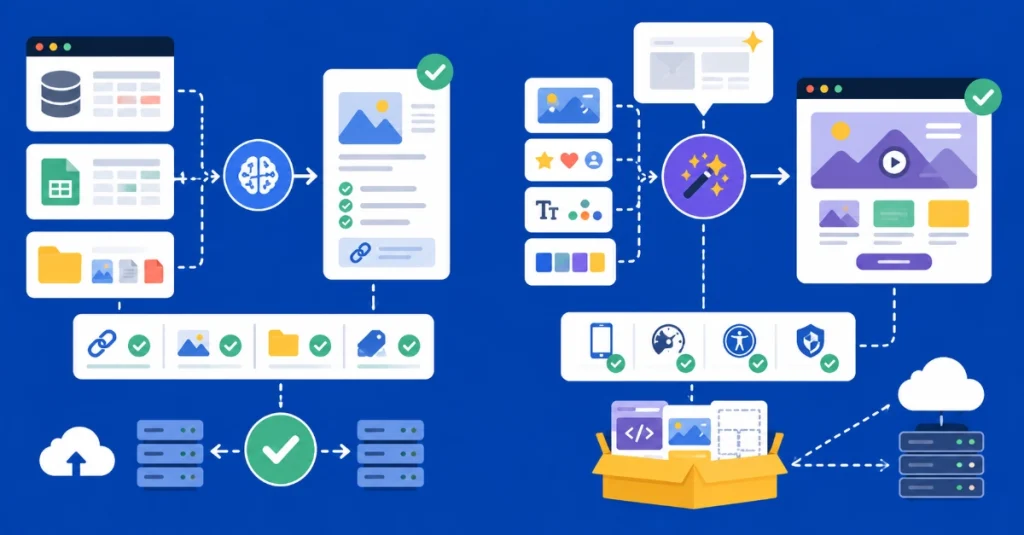
Data migration causes major headaches. Legacy systems resist cooperation. Content structures differ wildly. Manual migration takes forever. Errors multiply quickly and inevitably.
Common Migration Challenges
Old CMS platforms export badly. CSV files corrupt frequently. Image paths break constantly. Internal links die completely. Taxonomies map incorrectly. Custom fields disappear mysteriously. SEO metadata loses completely.
Novamira Migration Workflow
Claude analyzes source data intelligently. Structure mapping happens automatically. Content cleaning occurs systematically. Image processing handles bulk operations. URL preservation works perfectly. Redirect rules generate automatically.
Step-by-Step Migration Process
Export data from the old system first. Upload to Claude via Novamira. AI analyzes structure thoroughly. Mapping recommendations appear immediately. Confirm or adjust mappings. Execute migration automatically. Verify results systematically. Generate a redirect file completely.
Quality Assurance Automation
Broken links detect automatically. Missing images flag immediately. Formatting errors highlight clearly. SEO issues are identified quickly. Content gaps are obvious. Fix recommendations are generated automatically.
Time Savings Calculation
Manual migration typically takes 40 hours. Novamira migration: 4 hours maximum. 90% time reduction achieved. Error rate drops dramatically. Client satisfaction increases substantially. Profit margins improve significantly.
Strategy 4: Automate Complex Layouts and Asset Gathering
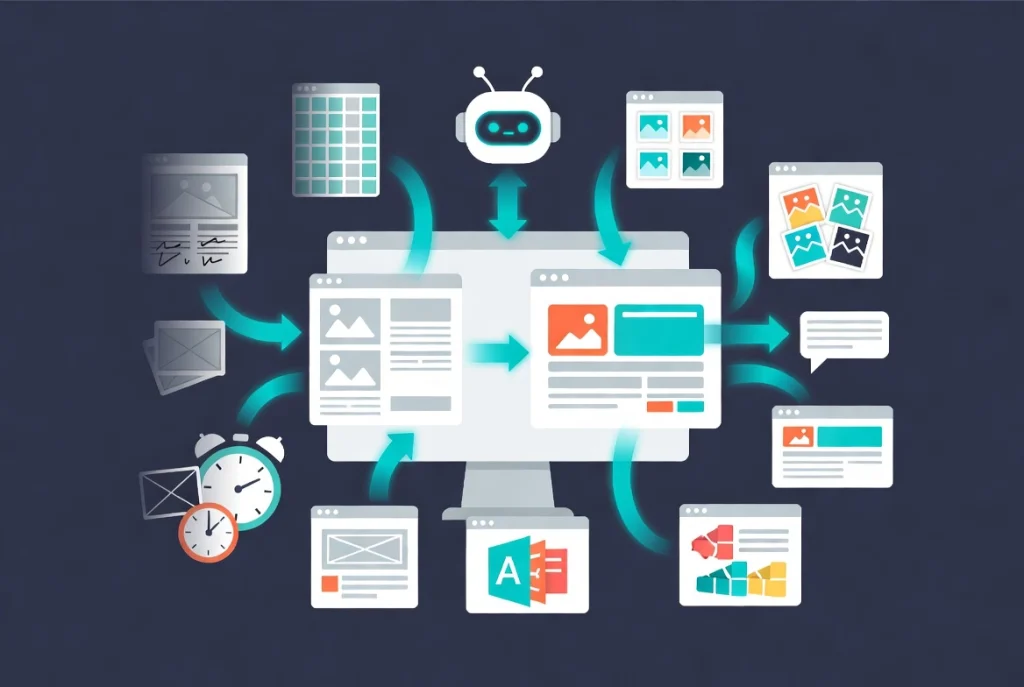
Layout creation consumes enormous time. Asset gathering is always tedious. Repetitive tasks drain creativity. Automation liberates designers completely.
Traditional Layout Challenges
Wireframes take hours manually. Component libraries need constant updates. Responsive breakpoints require testing. Browser compatibility needs verification. Accessibility checks consume time. Performance optimization demands attention.
AI-Powered Layout Generation
Describe the desired layout verbally. Claude generates complete structure. Responsive code outputs automatically. Accessibility features include automatically. Performance optimization applies automatically. Browser compatibility is ensured automatically. For advanced design workflows, explore Claude AI Content Generation for Elementor: Ultimate 2026 Guide.
Smart Asset Collection
Stock photos suggest it automatically. Icon sets are recommended intelligently. Font pairings are beautiful. Color palettes generate harmoniously. Design resources curate perfectly. Licensing information checks automatically.
Component Library Building
Reusable blocks create systematically. The pattern library grows organically. The design system develops naturally. Documentation generates automatically. Team sharing happens seamlessly. Version control tracks everything.
Real Project Example
The portfolio website requires a hero section. Describe the desired effect verbally: “Parallax hero with video background, overlay gradient, centered headline, and CTA buttons.” Claude generates complete code. The HTML structure appears semantically. CSS styling applies responsively. JavaScript interactions work smoothly. Accessibility features include properly.
Productivity Multiplication
Layout creation: 3 hours to 30 minutes. Asset gathering: 2 hours to 15 minutes. Component building: 4 hours to 45 minutes. Documentation: 1 hour to 10 minutes. Total savings: 8+ hours per project.
Strategy 5: Crush Your Bulk SEO and Social Micro-Tasks
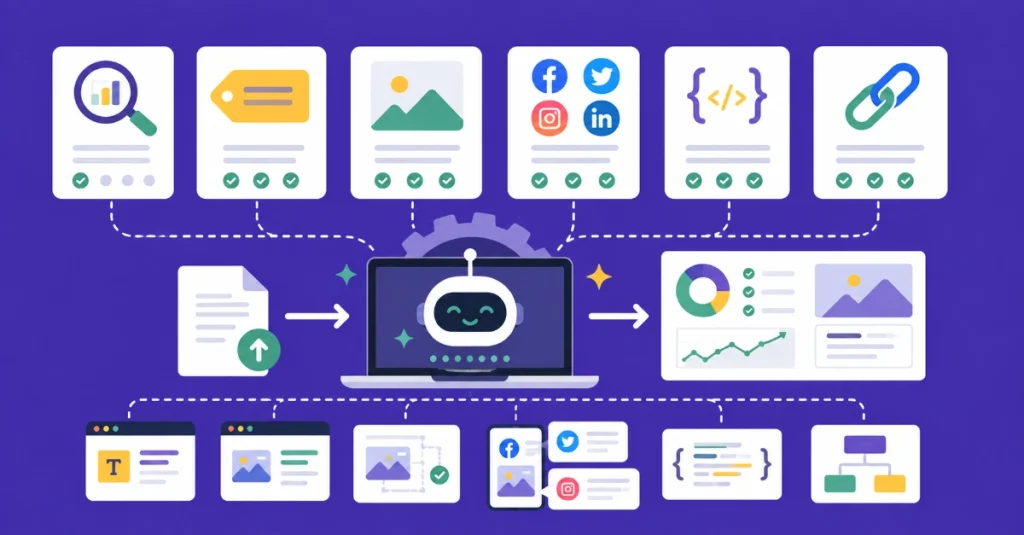
SEO optimizes meticulous attention. Social media needs consistent effort. Small tasks accumulate dangerously. Automation handles bulk operations.
SEO Tasks That Drain Time
Meta titles need writing individually. Descriptions require unique content. Alt text demands every image. Heading optimization needs attention. Internal linking takes planning. Schema markup requires implementation. XML sitemaps need generation.
Bulk Metadata Generation
Upload the post list to Claude. AI analyzes content comprehensively. Meta titles generate automatically. Descriptions write uniquely. Character limits are respected automatically. Keyword optimization applies naturally. Brand voice maintains consistently.
Automated Alt Text Creation
Image analysis happens automatically. Context understanding works intelligently. Descriptive alt text generates. Keyword integration applies naturally. Accessibility compliance is ensured. Batch processing handles hundreds.
Social Media Automation
Blog posts convert to social content. Multiple platform versions are created. Optimal hashtags are suggested automatically. Posting schedules are recommended intelligently. Visual descriptions generate. Character limits respect perfectly.
Schema Markup Generation
Content type is identified automatically. The appropriate schema selects correctly. JSON-LD generates perfectly. Validation happens automatically. Implementation code is provided ready. Testing recommendations include thoroughness.
Internal Linking Strategy
Content relationships map automatically. Anchor text suggests naturally. Link opportunities are identified systematically. The silo structure is maintained properly. User experience optimizes continuously. SEO value is maximized completely.
Measurable Results
100 posts optimized: Manual 20 hours vs. Novamira 2 hours. 500 images alt-texted: Manual 10 hours vs. Novamira 1 hour. Social content created: Manual 5 hours vs. Novamira 30 minutes. Schema implementation: Manual 8 hours vs. Novamira 1 hour.
Key Takeaways: Implementing Novamira Successfully

Start small with one strategy. Master custom instructions first. Build portable code libraries second. Automate migrations carefully. Generate layouts fourth systematically. Crush bulk tasks efficiently.
Getting Started Checklist
Install the Novamira MCP connector. Configure Claude API access. Document custom instructions thoroughly. Test with a small project. Measure time savings carefully. Scale gradually systematically. Build reusable assets continuously.
Avoiding Common Pitfalls
Don’t automate blindly everything. Review AI output always. Maintain quality standards strictly. Test thoroughly before deploying. Keep learning continuously. Update instructions regularly. Monitor results constantly.
Success Metrics Tracking
Time saved per project. Client satisfaction scores. Revision request frequency. Project completion speed. Profit margin improvement. Code reusability rate. Client retention improvement.
The Web Designer Isn’t Dead
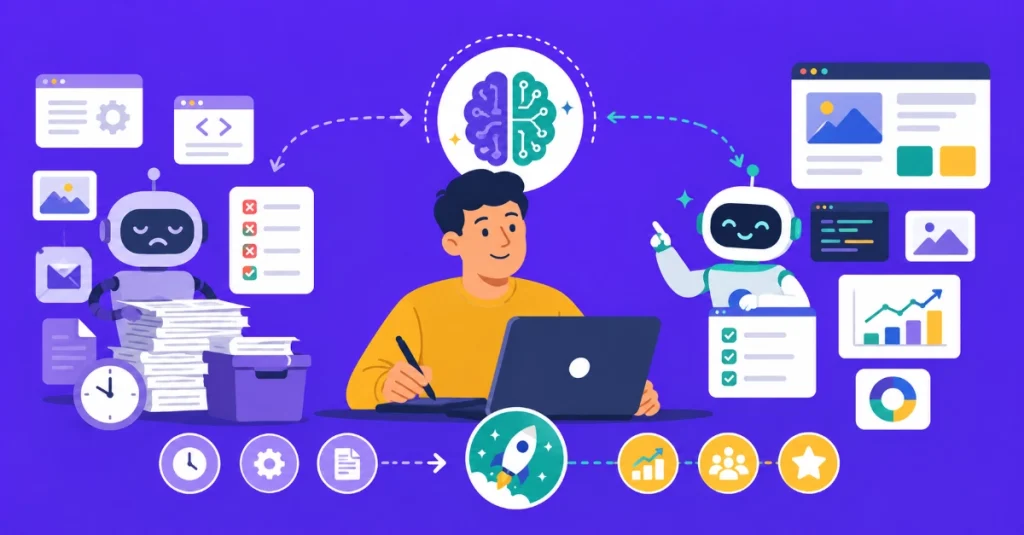
AI eliminates drudgery only. Creative work remains human. Strategic thinking stays essential. Client relationships matter tremendously. Design expertise grows valuable.
What AI Cannot Replace
Understanding client psychology deeply. Solving unique business problems. Creating emotional connections visually. Making strategic design decisions. Building long-term relationships. Providing expert consultation. Delivering creative innovation.
What AI Amplifies
Technical implementation speed. Repetitive task handling. Code quality consistency. Documentation completeness. Best practices compliance. Knowledge accessibility. Productivity multiplication.
The Hybrid Designer Advantage
Human creativity drives vision. AI handles execution details. Speed increases dramatically. Quality improves consistently. Capacity multiplies significantly. Income potential grows substantially. Competitive advantage strengthens considerably.
Advanced Implementation Strategies
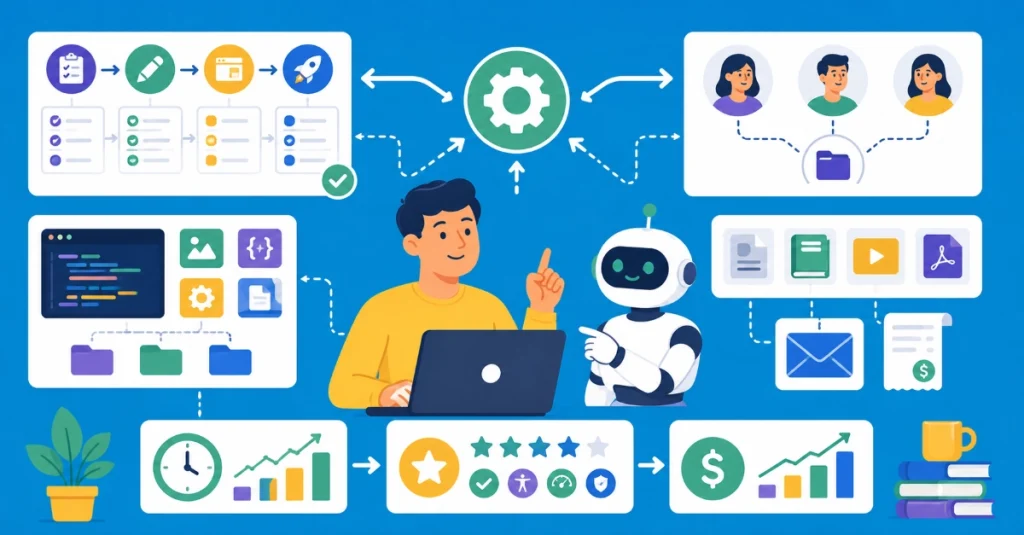
Move beyond basic automation. Build sophisticated workflows systematically. Create compound efficiency gains.
Custom Workflow Templates
Document complete project workflows. Save as reusable templates. Automate recurring steps. Standardize deliverables. Reduce decision fatigue. Improve consistency. Scale operations efficiently.
Team Integration Methods
Share custom instructions team-wide. Centralize code libraries. Standardize naming conventions. Document processes thoroughly. Train team members systematically. Monitor adoption rates. Refine continuously.
Client Deliverable Automation
Generate documentation automatically. Create training materials. Produce maintenance guides. Build handoff packages. Automate invoice generation. Streamline communication. Enhance professionalism.
Measuring Real ROI
Track concrete metrics always. Vanity metrics mislead easily. Focus on business impact.
Time Savings Calculation
Record baseline task times. Measure post-automation times. Calculate percentage reduction. Convert to dollar value. Compare against subscription cost. Calculate the break-even point. Project annual savings.
Quality Improvement Metrics
Client revision requests decrease. Approval time shortens significantly. Error rates drop dramatically. Standards compliance improves. Accessibility scores increase. Performance metrics enhance. SEO rankings strengthen.
Business Growth Indicators
Project capacity increases. Client satisfaction rises. Referral rates improve. Pricing power grows. Profit margins expand. Team morale strengthens. Market position advances.
Conclusion: The Practical AI Revolution
AI hype dominates conversations everywhere. Real value lies in practical application. Novamira delivers measurable results consistently. WordPress design accelerates dramatically. Quality improves systematically. Profitability increases substantially.
Start with one strategy today. Master custom instructions immediately. Build portable code continuously. Automate migrations confidently. Generate layouts efficiently. Crush bulk tasks systematically. Your competitive advantage grows daily. The future belongs to hybrid designers. Human creativity meets AI efficiency. Success multiplies exponentially.
Stop copying and pasting desperately. Start building intelligently and systematically. Your WordPress design business transforms completely. Results speak louder than hype. Implement Novamira today. Experience real automation immediately. Your productivity revolution begins now.