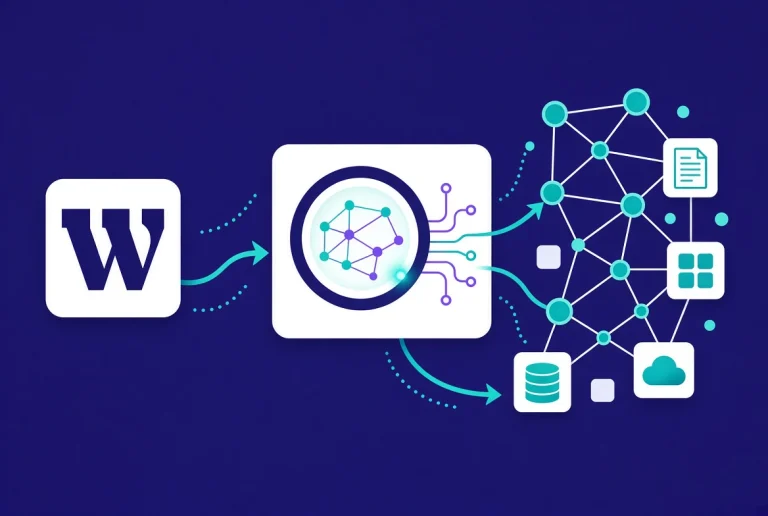

WordPress 7 vs Novamira: Native AI APIs and MCP Access Explained
WordPress 7 and Novamira both bring AI into WordPress, but they do different jobs. WordPress 7 provides native foundations that plugins can use to request AI-generated results and register site capabilities. Novamira connects an external AI client to a WordPress installation through the Model Context Protocol (MCP) and exposes tools that can inspect or change the site.
This guide explains the practical difference between WordPress 7 and Novamira, where their features overlap, and the security limits you should understand before connecting an AI agent. The information and linked documentation were verified on September 10, 2026.
WordPress 7 vs Novamira at a Glance
- WordPress 7 AI Client: a provider-agnostic PHP API that lets WordPress plugins request text, images, and other AI output.
- WordPress Abilities API: a standard registry that lets plugins describe callable capabilities, their inputs, outputs, and permission checks.
- MCP Adapter: a bridge that can expose registered WordPress abilities to MCP-compatible AI clients.
- Novamira: a third-party plugin and workflow layer that connects supported AI clients directly to WordPress and provides site-management abilities.
- The key safety difference: WordPress APIs define infrastructure; Novamira can grant an external agent powerful access to a real site. Novamira recommends using its AI abilities only on development or staging installations.
What WordPress 7 Adds

WordPress 7.0 “Armstrong” introduced the AI Client as part of WordPress core. The project describes it as a provider-agnostic interface: a plugin can ask for an AI result without building a separate integration for every supported provider. WordPress 7 also added a central Connectors screen for configuring supported AI services.
That does not mean WordPress Core automatically writes or changes an entire site. The AI Client is infrastructure for developers. A plugin still decides what the user can request, how the result is presented, and whether a generated result is saved.
The AI client handles model requests.
The official AI Client developer note explains that plugins call a common PHP API, and WordPress routes the request through a configured connector. This reduces duplicated provider-specific code and gives plugin authors a consistent way to request generated content.
A practical example is a plugin that sends image details to a model and asks for suggested alt text. The plugin remains responsible for its interface and for letting the user review the suggestion before applying it.
The Abilities API describes what WordPress can do.
The Abilities API, introduced in WordPress 6.9 and expanded in WordPress 7, gives plugins a standard way to register actions. Each ability can declare its input, output, callback, and permission rules. Examples might include reading a public post, creating a draft, or retrieving media details.
An ability is not automatically available to every AI tool. It must be registered by code, pass its permission checks, and be exposed through an appropriate interface. That distinction matters because a well-scoped ability can be safer than giving an agent unrestricted access to PHP, files, or the database.
The MCP Adapter connects registered abilities to agents.
WordPress’s MCP Adapter can expose selected registered abilities to an MCP client. The official developer tutorial Build Your First AI-Powered WordPress Plugin shows how the AI Client, Abilities API, and MCP Adapter can complement one another in a real plugin workflow.
In simple terms, the AI Client helps WordPress call a model, while the Abilities API and MCP Adapter can help an authorized external agent call defined WordPress functions. These are building blocks rather than a complete autonomous site builder.
What Novamira Adds
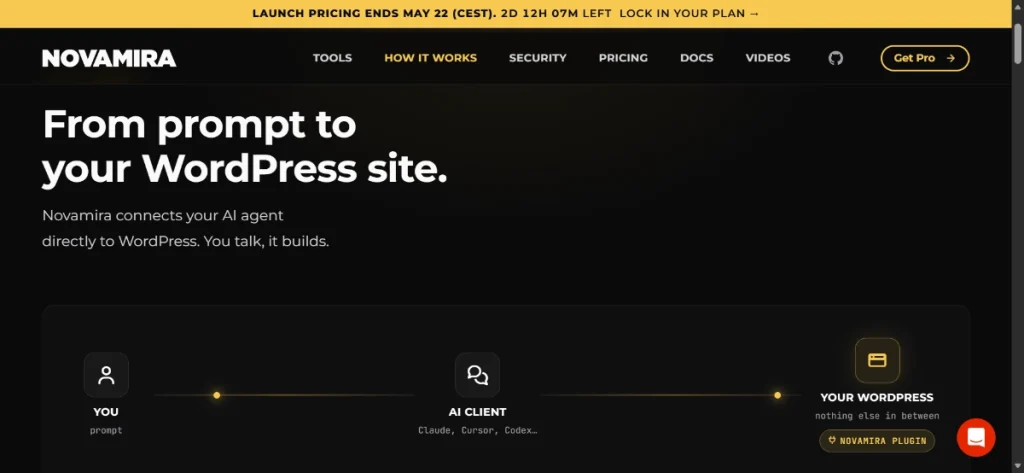
Novamira packages an MCP server, authentication options, and WordPress-specific abilities into a plugin. According to its connection documentation, compatible clients can connect with OAuth or a WordPress application password. The connection is direct to the WordPress installation; Novamira says requests are not routed through its servers.
Once connected, the available tools depend on the installed version and configuration. Novamira documents abilities for site context, content, code, and supported page-builder workflows. This can reduce the manual steps between an AI conversation and a WordPress change, but it also increases the importance of access control and review.
Free and Pro capabilities
The free plugin provides the MCP connection and core abilities. Novamira Pro adds product-specific integrations and other workflow features. Its memory documentation says saved memory is explicit, stored in the WordPress database, scoped to the site, and visible to any AI client connected to that installation. Administrators should therefore treat stored instructions as shared site data and review or clear them when access changes.
Features can change quickly. Check the official Novamira changelog and documentation before relying on a capability in a production workflow.
WordPress 7 vs Novamira: Direct Comparison
| Question | WordPress 7 native APIs | Novamira |
|---|---|---|
| What is it? | Core infrastructure for AI requests and registered site abilities | A third-party MCP server and WordPress agent workflow plugin |
| Primary user | Plugin developers and plugins built on the APIs | Developers, agencies, and site builders using compatible AI clients |
| Main direction | WordPress can request model output, and it can also expose registered abilities through MCP. | An external AI client connects to WordPress and calls available tools. |
| Scope | Determined by each plugin and each registered ability | Can include highly privileged site, code, file, and database operations |
| Authentication | Depends on the connector, plugin, and exposed interface | OAuth or WordPress Application Password, according to Novamira docs |
| Persistent memory | Not a general core memory feature | Available as an explicit Pro feature stored in the site database |
| Recommended environment | Depends on the plugin and action | Development or staging for AI abilities |
| Automatic rollback | Not provided as a universal core AI feature | Not provided by Novamira |
Do WordPress 7 and Novamira Work Together?
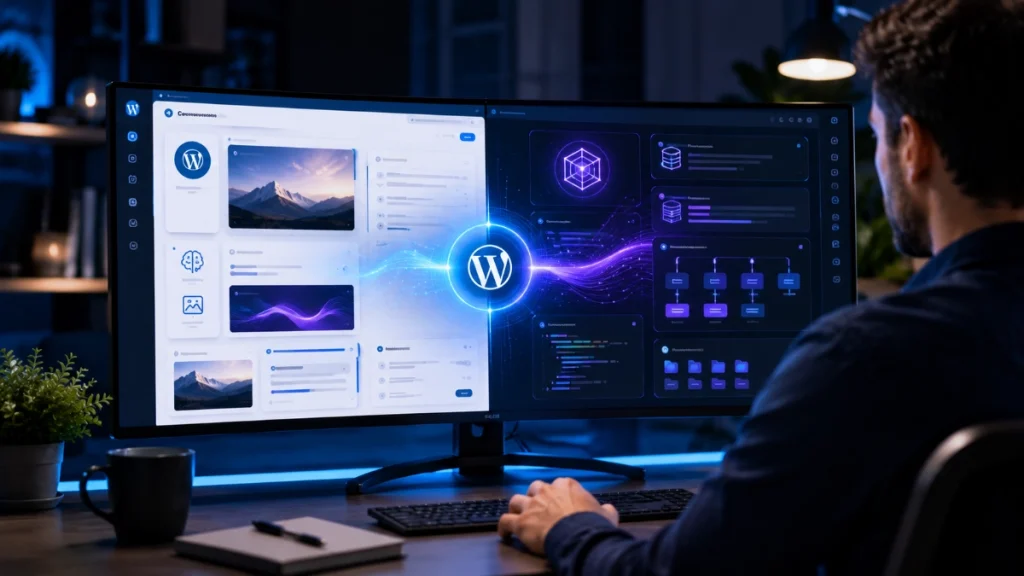
They can be used on the same development site because they address different layers of the workflow. WordPress 7 supplies native APIs that plugins can build on. Novamira supplies a ready-made connection for external agents and its own collection of abilities. Novamira also documents features that depend on WordPress 7, including its chat functionality.
However, “can work together” is not a guarantee that every combination of WordPress, Novamira, page builder, security plugin, host, and AI client will be conflict-free. Verify current compatibility, create a restorable backup, and test the exact operation on staging. If you want to compare MCP-focused products rather than native WordPress APIs, see our Novamira vs WPVibe vs NibWP comparison.
Security and Operational Limits
This is the most important part of the comparison. Novamira’s own security documentation says the plugin provides full programmatic access to WordPress and requires an administrator-level account with the manage_options capability. It also warns that PHP execution can bypass file restrictions.
- Use a development or staging site. Novamira’s live-site guidance says AI abilities should not be enabled on a production site.
- Create and verify an independent backup. Novamira does not create backups and does not provide automatic rollback. Confirm that you can restore both files and the database before an agent makes changes.
- Use dedicated credentials. Create a separate authorized account or application password where supported. Please revoke it when the session or project ends.
- Review every proposed action. There is no general read-only mode. A connected agent’s changes are real, and a plausible-looking command can still damage code, content, or data.
- Move approved changes through a normal deployment process. Test the result, inspect the diff where possible, and deploy only the reviewed change to production.
Crash recovery can help a site recover from some fatal errors, but Novamira explicitly states that it does not prevent errors and is not a security sandbox. It should not be treated as a substitute for staging, least-privilege access, backups, and human review.
Which One Do You Need?
If you are a site owner or editor
Start with features offered by trusted plugins that use WordPress’s native APIs and keep a person in control of saving the result. You probably do not need to give an external agent broad administrative access just to draft an excerpt, suggest alt text, or brainstorm content.
If you are a plugin developer
Learn the AI Client and Abilities API first. They are the native contracts for requesting model output and describing callable WordPress actions. Register narrow abilities with explicit schemas and permission callbacks instead of exposing a general-purpose operation when a smaller capability will do.
If you are a developer or agency using AI agents
Novamira may be useful when you want an MCP-compatible assistant to inspect context and perform multi-step WordPress work. Evaluate it against the exact builders and plugins in your stack, and use it inside a controlled staging-to-production process. Our Novamira MCP connection guide explains the connection workflow.
Practical Decision Checklist
- Define the exact task: generating a result, reading information, or changing the site.
- Prefer the narrowest ability and lowest privilege that can complete that task.
- Confirm which provider, connector, plugin, and AI client will process or store data.
- Check current WordPress, Novamira, page-builder, PHP, and hosting compatibility.
- Test on staging with a verified restore point.
- Review the output and revoke temporary credentials after the work is complete.
Frequently Asked Questions
Is Novamira part of WordPress 7?
No. Novamira is a third-party WordPress plugin. WordPress 7 includes native AI infrastructure that plugin developers can use, but it does not bundle Novamira.
Does WordPress 7 replace Novamira?
No direct replacement relationship exists. WordPress 7 provides APIs and connectors. Novamira provides an MCP server, a set of WordPress abilities, and workflow features for external AI clients. Whether you need Novamira depends on the tasks you want an agent to perform.
Can I use Novamira on a live site?
Novamira’s official guidance says to keep AI abilities on development or staging sites, not production. A connected agent can make real changes, and the plugin does not provide automatic rollback.
Can Novamira be limited to read-only access?
Novamira’s live-site documentation states that there is no read-only mode. Treat the connection as privileged access and use a disposable staging copy when you only need evaluation or experimentation.
Bottom Line
WordPress 7 gives the ecosystem common foundations for AI requests and callable abilities. Novamira builds a specific MCP-based agent workflow on top of the broader WordPress environment. They can complement one another, but they are not equivalent products and should not be compared only as “outbound” versus “inbound” AI.
For routine editorial assistance, choose a narrowly scoped plugin that keeps the user in control. For agent-driven development, Novamira can provide deeper access, but that access belongs on staging with dedicated credentials, a tested backup, and a human review before deployment.