WordPress 7.1 Mary Lou: Complete Guide for Site Owners (2026)
WordPress 7.1, codenamed Mary Lou, is a practical upgrade for teams that build and maintain sites in the block editor. It adds more responsive styling controls, a redesigned media workflow, richer collaboration notes, faster image processing, and a broader foundation for AI-connected tools. This guide explains what changed, who benefits, what to test, and how to update safely.
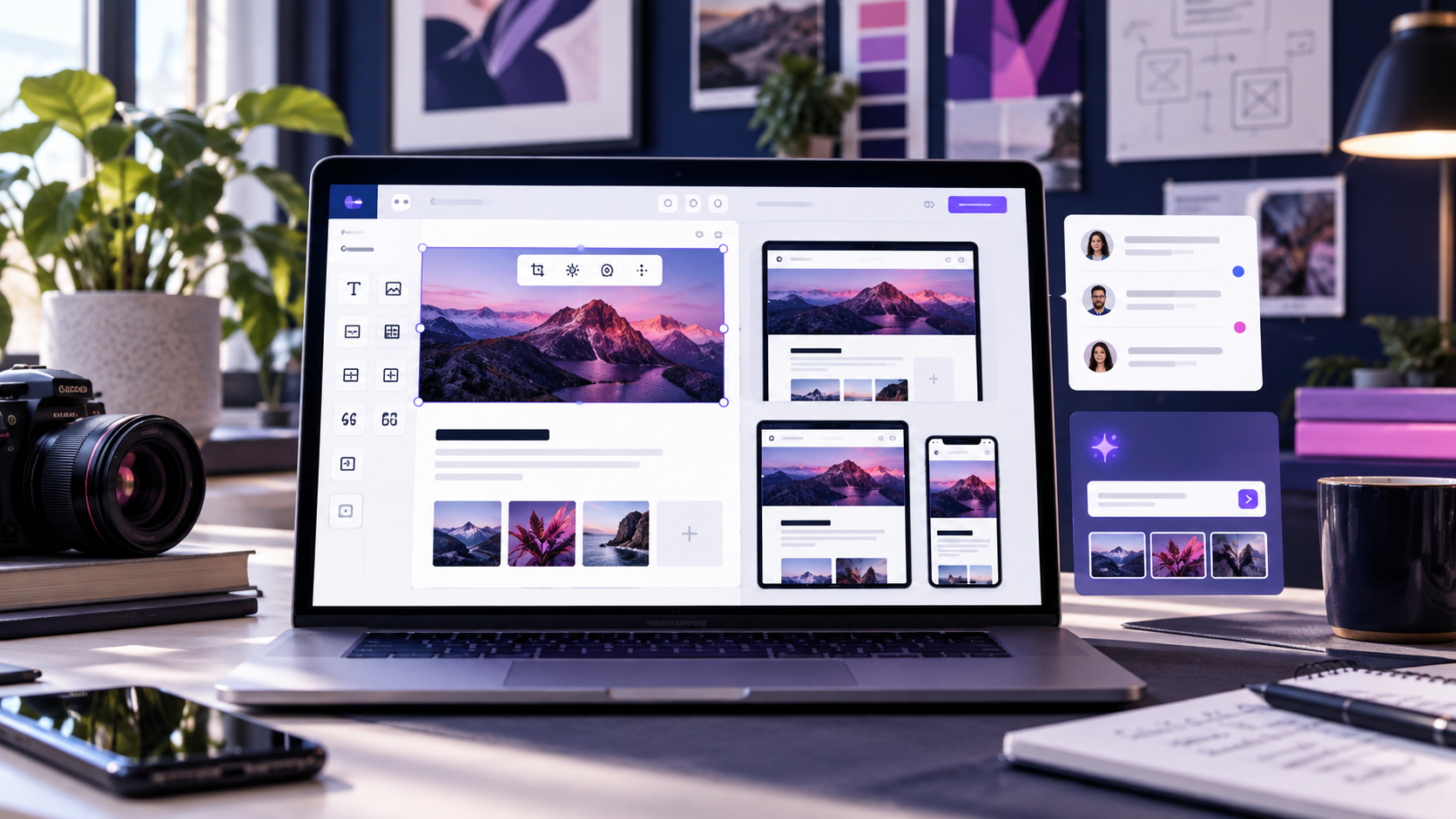
WordPress 7.1 at a glance
- Responsive styling: adjust more spacing, typography, and layout values per breakpoint without duplicating blocks.
- Media editing: a refreshed editor makes common crop, rotate, and image adjustments easier to complete in context.
- Collaboration notes: Notes support richer text and mentions, making editorial handoffs easier to track.
- Faster image handling: improved processing and browser-side compression can reduce friction when uploading large images.
- New building blocks: Playlist and Tabs blocks, custom icons, and additional editor refinements expand what teams can build without a page builder.
What the update means for site owners
The value of 7.1 is less about a single headline feature and more about removing small sources of rework. Responsive controls can reduce one-off CSS, the media editor keeps simple fixes inside WordPress, and Notes gives writers and developers a visible place to explain changes. These are workflow improvements, not a guarantee of higher rankings or faster front-end performance on every site.
Responsive controls that reduce duplicate work
Check your highest-traffic templates first: the header, article layout, archive cards, and conversion sections. Set a mobile value, preview tablet and desktop, then confirm that theme.json presets and existing custom CSS still win where they should. If a block looks different after the update, compare its computed styles before adding another override.
A more useful media workflow
Editors can make routine image adjustments closer to the writing workflow. Keep the original file in your media library, use descriptive filenames and alt text, and export large source images at a sensible size before upload. Image editing is not a substitute for a performance budget: still test LCP and total page weight on representative posts.
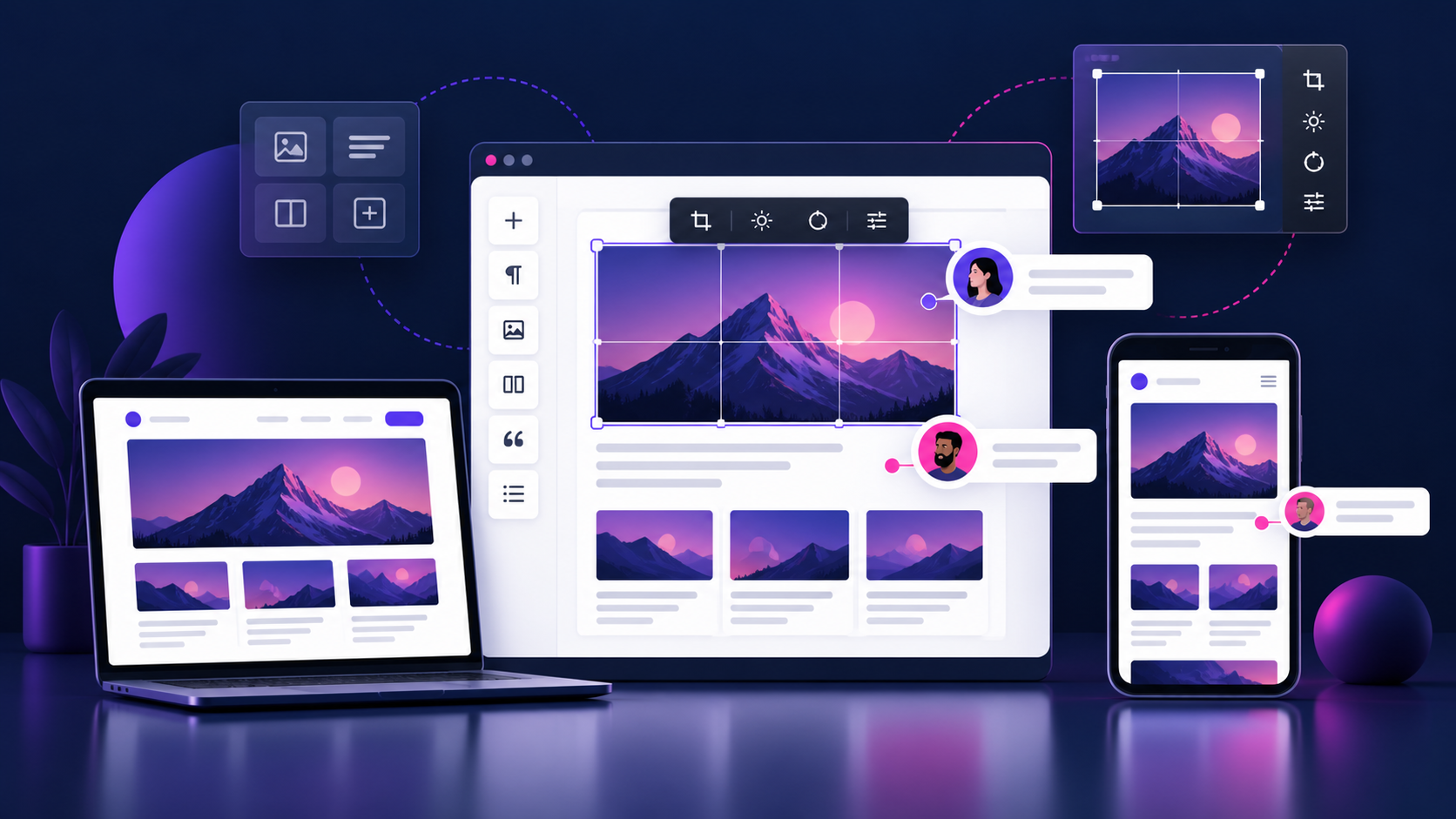
Developer and plugin compatibility checklist
- Take a full database and file backup; record the active theme, PHP version, and plugin versions.
- Clone production to staging and update the WordPress core there first.
- Test the editor iframe, reusable blocks, patterns, theme.json presets, and custom block controls.
- Run a smoke test for forms, login, checkout, search, caching, and image uploads.
- Review browser console errors and PHP logs before moving the update to production.
- Please schedule the production update during a low-traffic window and ensure the rollback point is available.
How to update to WordPress 7.1 safely
Start in Dashboard → Updates, but treat the button as the final step—not the test plan. Confirm your host supports the required PHP version, pause automated deployment jobs, and check the release notes for any feature that affects your stack. After updating, clear page and object caches, regenerate critical CSS if your performance plugin requires it, and verify a real article on desktop and mobile.
Is WordPress 7.1 worth upgrading?
For most actively maintained sites, yes—provided you can test first. Block-editor teams should notice the biggest workflow gains. Sites that depend on older editor extensions, custom metaboxes, or heavily customized admin scripts should wait until staging confirms compatibility. The safest decision is based on your backups, logs, and conversion paths rather than a generic “one-click” promise.
Frequently asked questions
Does WordPress 7.1 replace Elementor or other page builders?
No. It improves core editing and site-building capabilities, but page builders remain separate products with their own controls, support, and compatibility timelines.
Will the update automatically improve SEO?
No. Core features can make publishing and responsive QA easier, but rankings still depend on useful content, crawlability, performance, links, and search intent. Measure changes in Search Console after release rather than assuming an SEO gain.
Sources and verification
- WordPress 7.1 “Mary Lou” official release announcement
- WordPress Developer Blog: April 2026 updates
- WordPress Developer Blog: September 2026 updates
Editorial note: this guide summarizes official release documentation and practical implementation checks. Product capabilities are described as documented features; performance and compatibility still need validation on your own staging site.