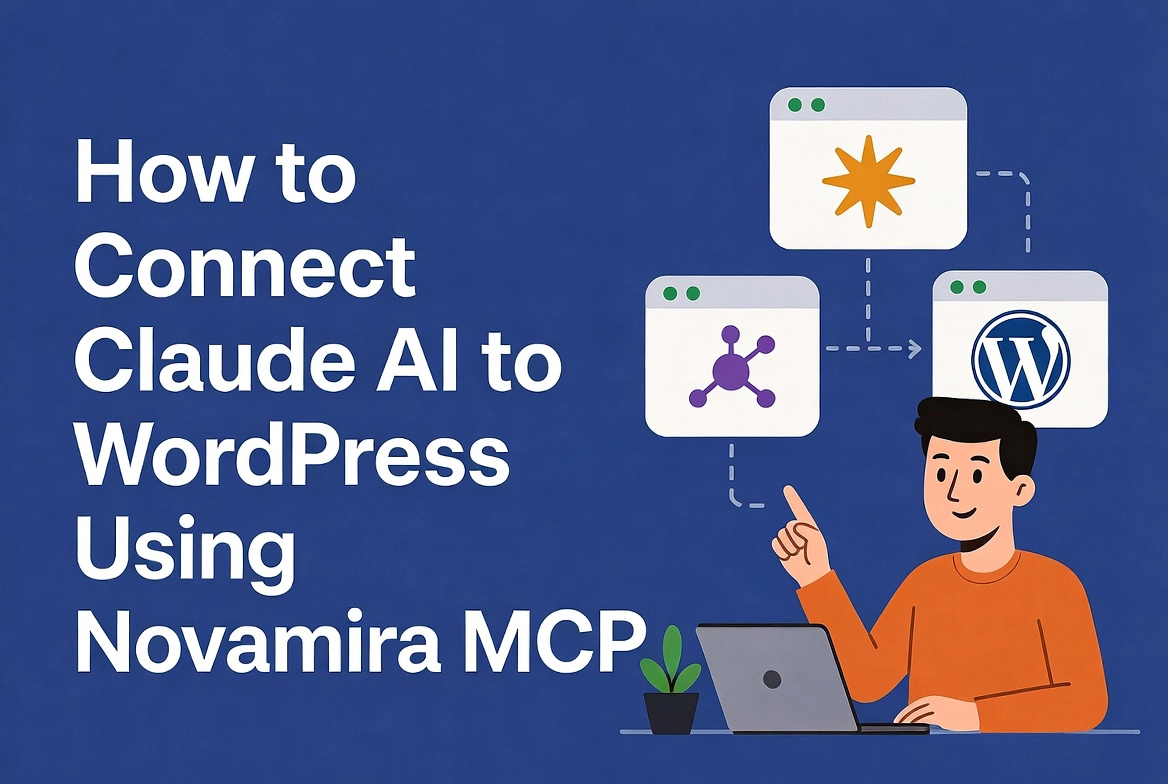
How to Connect Claude to WordPress with Novamira MCP
Claude can connect to a WordPress development or staging site through Novamira using OAuth or a WordPress application password. client. OAuth is the security-first route for supported clients because no reusable password needs to be copied into a configuration file. Application passwords remain useful when a host blocks cloud traffic or a client needs the local bridge.
This guide explains the current setup for Claude, Claude Desktop, and ClaudeCode, based on Novamira’s official documentation checked on September 10, 2026. Novamira gives an AI agent powerful WordPress, database, PHP, and filesystem abilities. It does not have a read-only mode, so please complete these steps on staging—not on a production website.
Before You Connect Claude to WordPress

Confirm that the staging environment meets Novamira’s current minimum requirements:
- WordPress 6.9 or newer is required because Novamira relies on the Abilities API that was added to WordPress core.
- PHP 8.0 or newer.
- HTTPS for remote connections. A genuine local environment can be
WP_ENVIRONMENT_TYPEset up. - Use Node.js 18 or newer if you are using the application password configuration through the remote bridge. OAuth and the direct-HTTP alternative do not use that same local bridge.
Create a fresh backup or hosting snapshot before enabling abilities. Novamira does not create backups and does not automatically roll back an agent’s changes. Our WordPress backup guide covers the recovery layer you should prepare first.
What the Novamira Connection Exposes
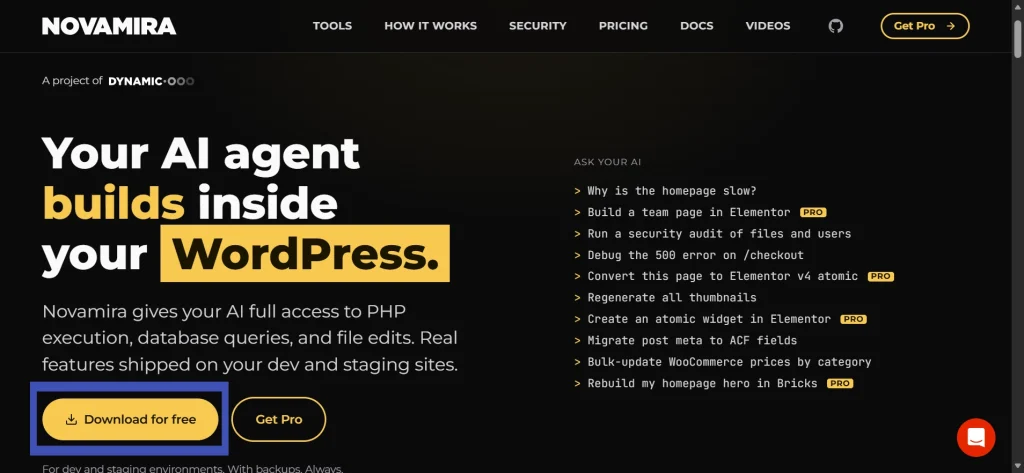
Novamira bundles the WordPress MCP Adapter and exposes three MCP tools: Discover Abilities, Get Ability Info, and Execute Ability. Through them, the agent can discover and invoke capabilities such as executing PHP and reading, writing, editing, deleting, enabling, or disabling files.
The official live-site guidance is explicit: there is no Novamira read-only mode. Abilities are either off or available with full read/write access through the sandbox and Execute PHP. The plugin restricts AI access to authenticated administrators and locks activation to a domain, but those controls do not make production experimentation safe.
For a more detailed capability map, see our Novamira Free vs Pro features and security guide. The steps below focus only on establishing the Claude connection safely.
Step 1: Install and Enable Novamira on Staging
- Download the free plugin from Novamira’s official website.
- In the staging WordPress dashboard, go to Plugins > Add Plugin > Upload Plugin.
- Upload the ZIP, install it, and activate the plugin.
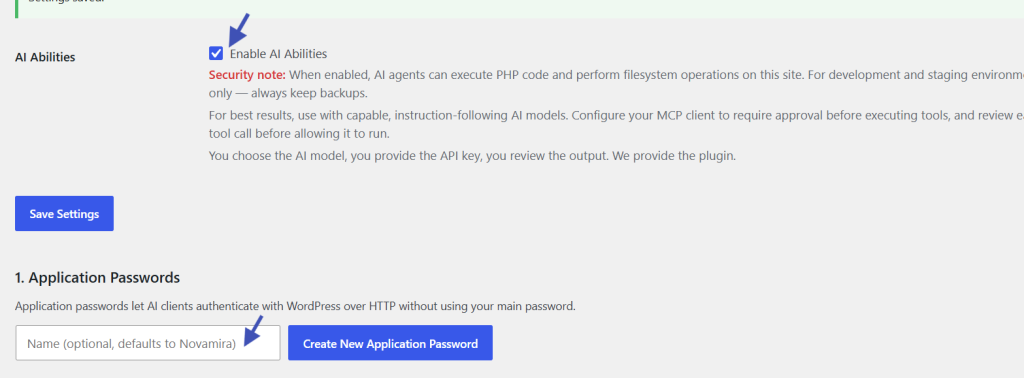
- Open Novamira > Configuration and enable AI abilities.
- Choose the Claude client you plan to use. Novamira displays only the compatible connection routes and fills in the site’s real endpoint.
A red “Novamira ON” indicator appears in the WordPress admin bar while abilities are enabled. Treat it as a reminder that an authenticated agent can act on the site. Disable abilities when the session is finished.
Option A: Connect Claude or Claude Desktop with OAuth
OAuth became available in Novamira 1.9.1. It lets you approve the connection through your WordPress login and revoke it later from Novamira’s Manage Connections screen. For Claude and Claude Desktop users:
- In Novamira > Configuration, select Claude or Claude Desktop and copy the OAuth server URL. Its standard pattern is
https://your-site.com/wp-json/mcp/novamira-oauth. - In Claude, open Settings or Customize > Connectors, choose Add custom connector, and give it a recognizable name that includes “Novamira” and the stage name of the staging site
- Paste the OAuth URL. Leave the optional OAuth Client ID and Secret fields empty unless your configuration specifically requires them.
- Save the connector. When the browser opens, sign in to the staging WordPress site and approve the connection.
- Enable the connector in a new Claude conversation and verify the available tools before making any requests to write.
Anthropic’s documentation notes that remote custom connectors originate from Anthropic’s cloud infrastructure, even when used in Claude Desktop. A firewall, CDN, or security plugin can therefore classify the request as bot traffic. Please avoid disabling the entire firewall to resolve this issue; instead, use Novamira’s Troubleshoot screen and allow the documented paths narrowly.
Option B: Connect Claude Code with OAuth
For Claude Code, use the client-specific command generated by Novamira. The official pattern is
claude mcp add novamira-your-site --transport http https://your-site.com/wp-json/mcp/novamira-oauthReplace the placeholder server name and domain with the exact values from Novamira > Configuration. The browser then opens the WordPress authorization flow. Approve it using an administrator account on staging, return to Claude Code, and start a new session if the tools do not appear immediately.
Option C: Use a WordPress Application Password
An application password is separate from your normal WordPress password and can be revoked independently. It is the practical fallback when OAuth is unsupported or a host blocks cloud-originated requests. It is still a powerful credential and must not be pasted into public screenshots, support forums, analytics tools, or shared documents.
Claude Desktop One-Click Bundle
Novamira’s .mcpb bundle is available again for Claude Desktop 1.24012.1 or later. Generate an application password from Novamira > Configuration, download the bundle from the Claude Desktop tab, open it in Claude Desktop, and complete the extension installation.
The bundle contains the application password. Keep it private and delete the downloaded bundle after installation. If the installed connector does not start, please update Claude Desktop before recreating the credentials.
Manual Application Password Configuration
- In, please create a > Configuration, create a dedicated application password, and copy it immediately.
- Use the generated setup prompt or the client-specific JSON shown by Novamira. Do not replace an existing configuration file; add the Novamira server entry inside its existing MCP servers object.
- The standard endpoint is
https://your-site.com/wp-json/mcp/novamira, without the-oauthsuffix. - Reload or restart the client and begin a new session.
The normal bridge uses @automattic/mcp-wordpress-remote a trough. Novamira also documents a direct-HTTP alternative for clients that cannot run Node.js, but its pre-encoded Authorization header is equivalent to a password. Store it only in the intended client configuration and revoke it when it is no longer needed.
Step 2: Verify the Connection with a Read-Only Task

After the client lists Discover Abilities, Get Ability Info, and Execute Ability, ask Claude to perform a harmless inspection, such as “List the installed WordPress plugins and identify which are active. “Do not change anything.” Please review the proposed tool call before approving it.
This does not turn Novamira into a read-only system—the next approved call could still write. It is simply a safer first test that confirms the endpoint, authentication, and tool discovery. Keep the client’s ask-before-running mode enabled. Claude Desktop normally shows a confirmation for each invocation, while Claude Code asks for tools by default unless permissions are broadened.
Step 3: Make One Controlled Change
Choose a small, reversible task on staging—for example, create a draft post with a unique title. Please tell Claude the exact site, desired post status, scope, and stopping condition. Please ask it to inspect before making any changes, create only the draft, verify the result, and report the post ID.
For frontend or page-builder work, the agent needs a visual feedback loop. Novamira’s documentation recommends pairing it with browser control such as Playwright or Chrome DevTools so the agent can inspect rendered output instead of assuming database writes look correct. Our Novamira Visual guide covers the in-browser alternative.
Security Checklist for Every Session
- Use development or staging; keep AI abilities off in production.
- Make a current files-and-database backup before the session.
- Name the connector with the staging domain to avoid confusion with another site.
- Keep per-tool approval enabled and review every write, delete, file edit, and PHP execution.
- Treat WordPress content and plugin output as untrusted because an agent can encounter prompt-injection instructions while reading the site.
- Review files in
wp-content/novamira-sandbox/; sandbox PHP can run on every WordPress request. - Disable AI abilities and revoke unused OAuth connections or application passwords when work is complete.
These controls complement—not replace—the user, plugin, update, and backup practices in our WordPress security basics guide.
Common Connection Problems
| Problem | Likely cause | Check |
|---|---|---|
| Connection refused | AI abilities are disabled. | Enable them in Novamira > Configuration on staging. |
| 401 or authentication failed | Wrong username, expired/revoked credential, or an extra copied space | Please create a fresh dedicated credential and update only that server entry. |
| OAuth never reaches WordPress. | CDN, WAF, host, or security plugin blocks cloud traffic. | Run Novamira > Troubleshoot and allow the documented REST/OAuth paths. |
npx not found | Node.js is missing or unavailable to the client. | Install Node.js 18+ or use a supported OAuth/direct-HTTP route. |
| Tools are missing. | The client loaded its MCP configuration before the change. | Restart or reload the client and open a new session. |
| TLS/certificate error on Windows | Node does not trust a corporate or security proxy certificate. | Please follow Novamira’s documented fix. |
Do not <phrase>disable</phrase> a connector by turning off Wordfence, Cloudflare, or an entire hosting firewall. Novamira documents the exact REST API and OAuth discovery paths that must reach WordPress. Allow the minimum paths, ensure the Authorization header reaches PHP, and exclude those API routes from page caching or bot challenges.
Do You Need Novamira Pro for Claude?
No. The free, open-source plugin includes the core PHP, file, and database abilities, supports unlimited sites, and can connect to Claude. Pro adds expertise and memory plus builder-specific features. The personal plan was listed at €49 per year for three sites on September 10, 2026, but prices can change. Compare the current plans on the official pricing page before buying.
Our Novamira vs WPVibe vs NibWP comparison explains how the connection and safety models differ if you are still choosing a WordPress MCP tool.
Final Recommendation
OAuth is the best starting route for Claude when the client and host support it. Use a dedicated application if you need the local bridge or if local bridge or OAuth traffic is blocked, and revoke it after use. In either case, the connection grants an agent consequential WordPress access. Work on staging, retain human approval for every tool call, begin with inspection, make one reversible change, and verify the rendered result before expanding the scope.
Official Sources
- Novamira: Connecting your AI client
- Novamira requirements
- Novamira recommended setup
- Novamira live-site guidance
- Novamira connection troubleshooting
- Claude custom connectors documentation