
Top 10 WordPress Hosting Providers in 2026: A Practical Comparison
The best WordPress hosting is not the plan with the largest discount. It is the plan whose limits, support, backup system, and long-term cost match the site you are building.
This guide compares ten widely considered WordPress hosting providers for beginners, small businesses, WooCommerce stores, developers, and agencies. We checked current provider pricing and documentation on September 14, 2026. Prices, discounts, taxes, and plan limits can change, so confirm the checkout total before buying.
Important methodology note: this report is a researched comparison of current plans and documented capabilities, not a controlled performance benchmark. We do not label a provider the “fastest” without running identical WordPress sites under repeatable tests. Instead, each recommendation explains the use case it fits, the tradeoff, and the detail you should verify.
Top 10 WordPress hosting: the short answer
| Provider | Best fit | Representative starting price* | Main caution |
|---|---|---|---|
| Hostinger | Budget-conscious beginners and several small sites | $2.99/mo for 48 months; renews at $10.99/mo | The lowest rate requires four years paid upfront; the entry plan has weekly rather than daily backups. |
| SiteGround | Small businesses wanting managed tools and human support | $2.99/mo for 12 months; renews at $17.99/mo | A large renewal jump changes the long-term value. |
| Bluehost | First-time site owners who want guided setup | $3.99/mo for 36 months; renews at $9.99/mo | Starter uses weekly backups and excludes phone support. |
| DreamHost | Content sites needing generous site and bandwidth allowances | €1.99/mo in the locale checked for 48 months; renews at €7.99/mo | Long prepayment and a custom panel instead of cPanel |
| WordPress.com | Owners who want a highly managed WordPress experience | Business listed from $25/mo annually or $17.50/mo on a three-year term | It is a more controlled environment than conventional WordPress.org hosting. |
| Cloudways | Developers who want managed cloud servers | DigitalOcean-based plan from $11/mo | Offsite backups add $0.033/GB per server, and server management is less beginner-oriented. |
| Kinsta | Business-critical sites needing premium managed tooling | $35/mo, or $30/mo billed annually, after the current first-month offer | Bandwidth or visit limits, storage, and add-ons need close review. |
| WP Engine | Editorial teams, agencies, and structured deployment workflows | Use the current plan builder for a live quote | Plan limits, overages, and plugin restrictions should be checked before migration. |
| Rocket.net | Sites prioritizing an edge CDN, WAF, and predictable renewal pricing | $30/mo monthly or $25/mo annually; $1 first month | The Starter plan includes 10GB storage and 50GB bandwidth. |
| Pressable | WooCommerce and multi-site teams in the Automattic ecosystem | $20.83/mo billed as $250/year | Usage above the plan allowance costs $1.20 per 1,000 visits and $1/GB storage. |
Our practical starting point: choose Hostinger or Bluehost when cost and guided setup matter most; SiteGround when you value convenient WordPress management and support; Cloudways when you are comfortable managing a cloud-oriented stack; and Kinsta, WP Engine, Rocket.net, or Pressable when a business depends on managed workflows and faster recovery. WordPress.com stands out because it combines hosting and the WordPress service.
How we compared these WordPress hosting providers
Many “best WordPress hosting” lists rank a low introductory price beside a premium monthly plan as if they were comparable. They are not. We evaluated the decision using seven questions:
- What will you actually pay? We separate promotional price, billing commitment, and renewal price.
- What is limited? Storage, bandwidth, visits, websites, inodes, PHP workers, CPU, and memory can all become the real upgrade trigger.
- Can you recover the site? Backup frequency matters, but retention, off-server storage, and one-click restore access matter more.
- Can you test safely? Staging, SSH, WP-CLI, Git, and collaborator access determine whether you can make changes without risking production.
- What does “managed” include? Core updates do not necessarily mean plugin updates, malware cleanup, database work, or application debugging.
- How does traffic growth affect the bill? Visitor and bandwidth overages can make a seemingly affordable plan expensive.
- How difficult is it to leave? Migration help is useful, but you should still be able to export files, databases, DNS records, and email independently.
Before comparing hosts, use our evidence-based WordPress hosting checklist and verify that a shortlisted plan meets the current WordPress server requirements.
1. Hostinger: strong value for beginners and multiple small sites
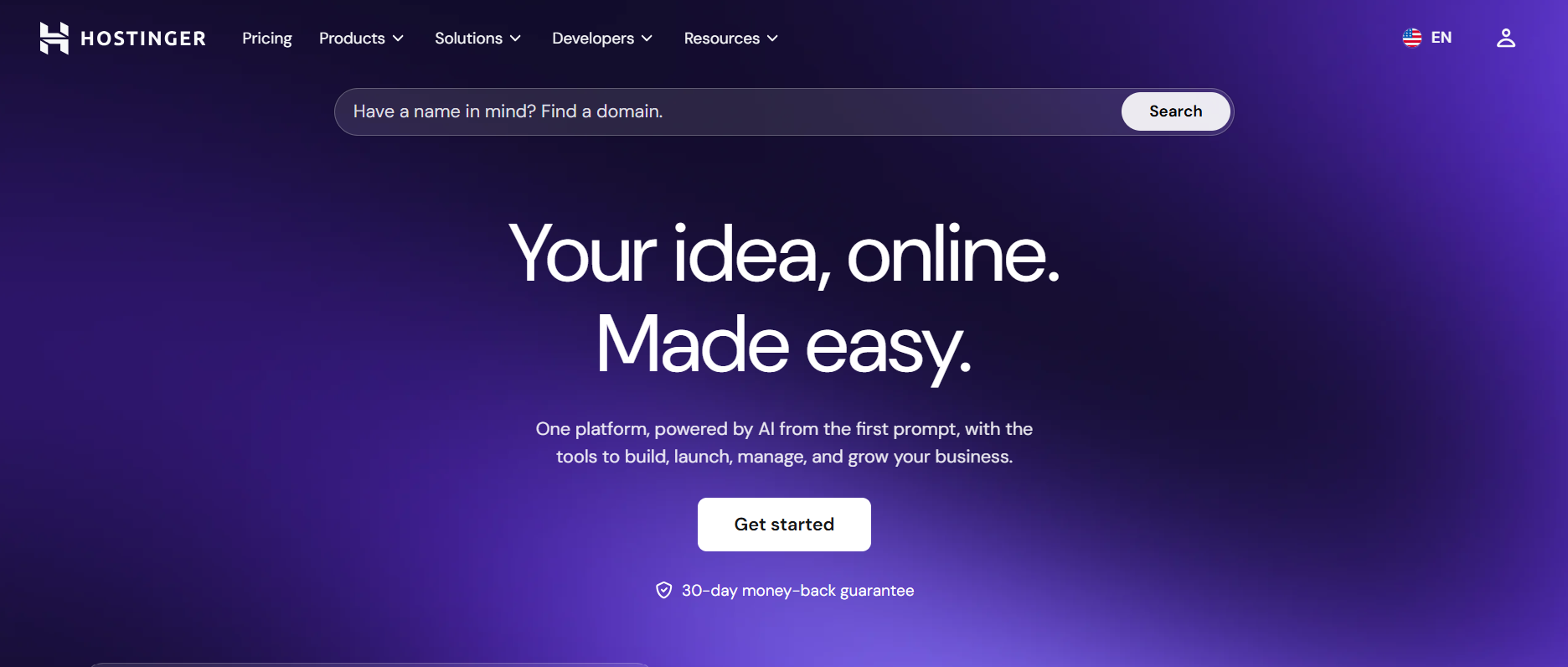
Hostinger is the easiest recommendation to understand: it offers a low first-term price, a beginner-friendly custom dashboard, and room for multiple sites. Its current premium plan lists three websites, 20 GB SSD storage, a free domain for one year, a CDN, WordPress tools, and weekly backups. The Unlimited plan increases storage to 50 GB NVMe, adds daily backups, and allows more websites.
The tradeoff is the commitment you make. The advertised $2.99 monthly is based on a 48-month payment of $143.52, and the page lists renewal at $10.99 per month. That means the renewal rate is about 3.7 times the introductory monthly equivalent. If you need daily backup and easier restoration, choose the higher plan instead of assuming the cheapest tier includes them.
- Choose it for: a new blog, portfolio, brochure site, or several small sites.
- Do not choose it only because the first-term monthly equivalent is low.
- Verify first: renewal total, data center location, inode limits, backup frequency, and whether the plan supports your expected store traffic.
Source: Hostinger WordPress hosting plans.
2. SiteGround: managed convenience for small businesses
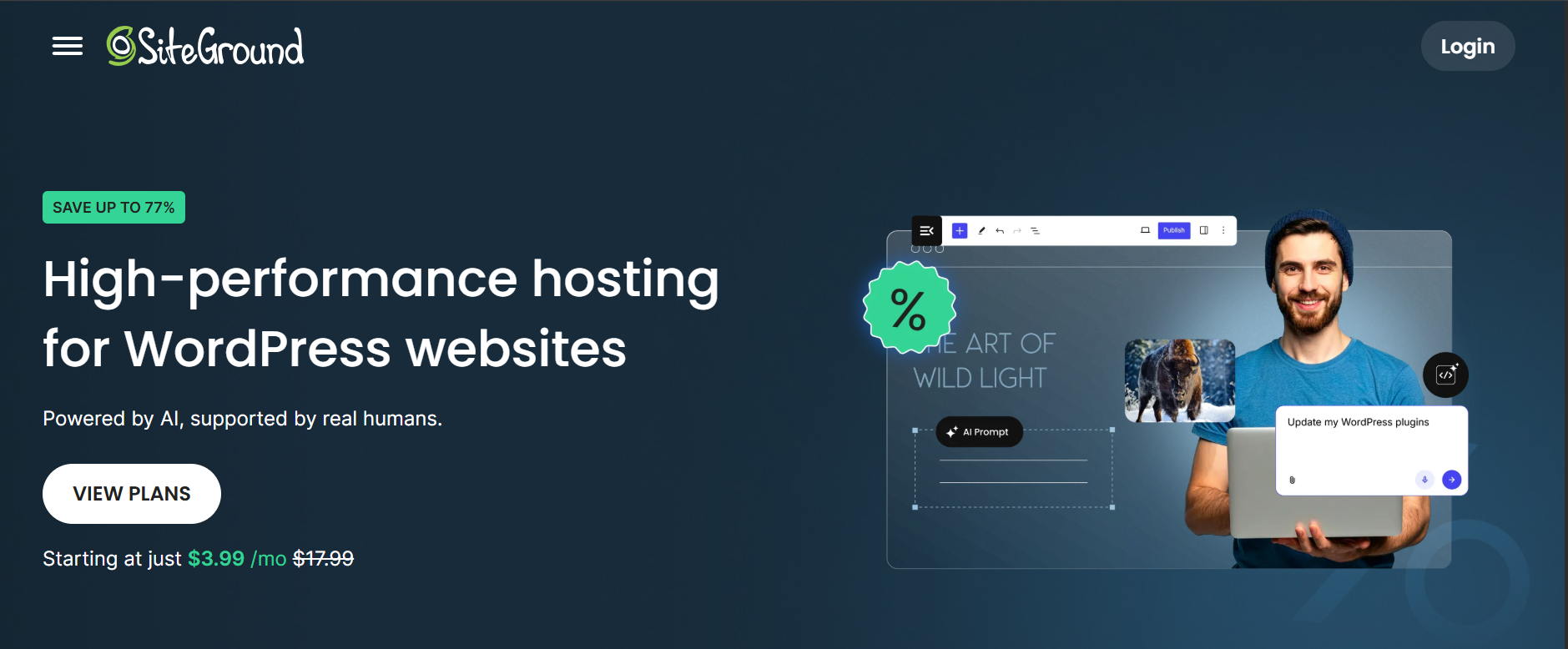
SiteGround packages daily geo-distributed backups, managed updates, caching, CDN, email, migration, WP-CLI, and SSH into its WordPress plans. That combination suits a small business that wants useful WordPress tooling without moving immediately to a premium managed platform. GrowBig and GoGeek add more room and workflow features for growing sites.
The renewal math is the deciding issue. StartUp was listed at $2.99 per month for the first prepaid year and $17.99 per month at renewal. GrowBig moved from $4.99 to $29.99, while GoGeek moved from $7.99 to $44.99. Focus on the second-year total, not the sale banner. A business that can justify the renewal price may value the integrated tools; a hobby project may not.
- Choose it for small-business sites whose owners value managed backups, migration, caching, and accessible support.
- Watch: renewal cost, per-plan storage, database limits, and the resources available to each site.
- Ask support: what happens during a traffic spike and what evidence is required for a restore or malware case.
Source: SiteGround WordPress hosting plans.
3. Bluehost: guided onboarding for first-time WordPress owners
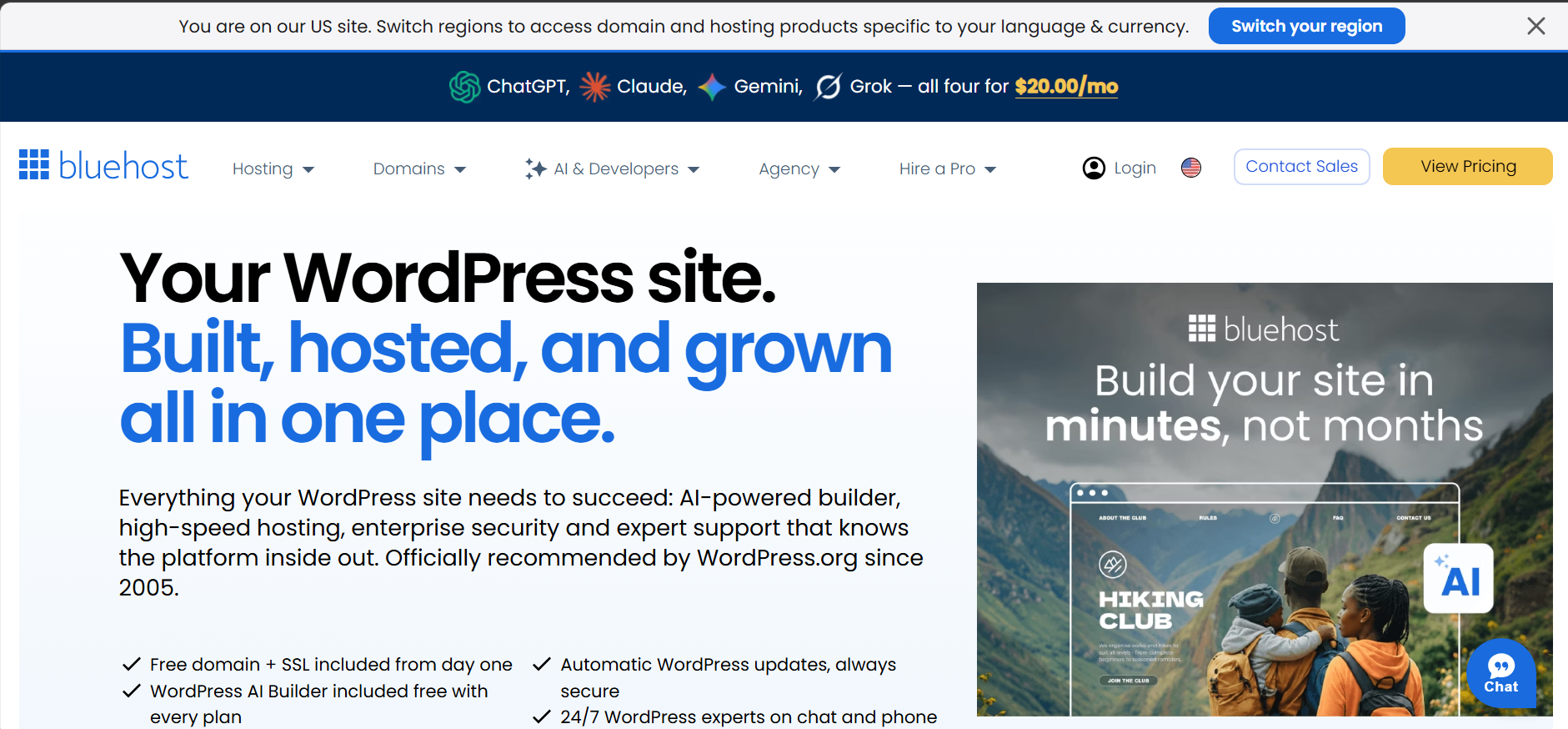
Bluehost’s current Starter plan focuses on launching a first site: ten websites, 10GB NVMe storage, a free first-year domain, free SSL, CDN, a migration tool, managed WordPress updates, staging, SSH, and WP-CLI. Its guided setup and bundled tools reduce the number of separate decisions a beginner must make.
The starter was listed at $3.99 per month for a 36-month term and $9.99 at renewal. Weekly backups are included, but phone support is not. The Business tier increases storage and includes phone support. Buyers should confirm exactly which backup, malware removal, email, and SEO features remain included after any trial period.
- Choose it for a beginner who wants guided setup, a familiar brand, and phone support on an eligible tier.
- Watch: the three-year prepayment, renewal rate, upsells, and differences between Starter and Business security tools.
- Developer note: the presence of staging, SSH, and WP-CLI makes it more capable than a basic one-click installer.
Source: Bluehost WordPress hosting plans.
4. DreamHost: generous allowances with a long-term discount
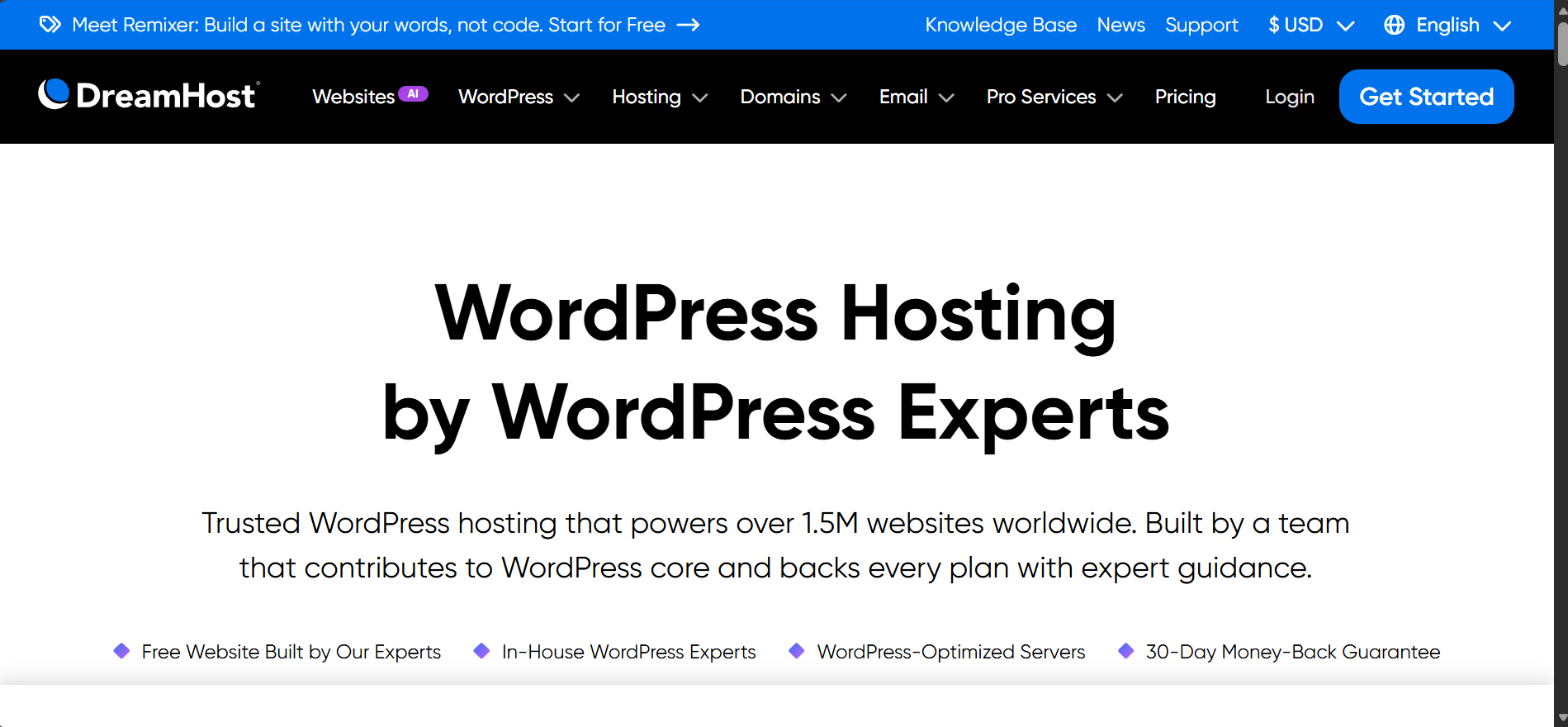
DreamHost’s WordPress Hosting The launch plan lists 25 websites, 25 GB of NVMe storage, unmetered bandwidth, daily automated backups, SSL, and a free first-year domain. Growth and scale increase the site, storage, and visit guidelines. DreamPress is the separate managed line with staging, CDN, and on-demand backups.
The sale we observed was localized in euros: €1.99 per month for four years, renewing at €7.99. Your country may show different currency and tax. A four-year commitment can make sense for a stable portfolio, but it is too long if you have not tested the dashboard, support, restore process, and real workload first.
- Choose it for blogs and content portfolios that need several installs and predictable included storage.
- Watch the long billing term and the learning curve of a custom panel if you expect cPanel.
- Clarify: whether your site needs standard WordPress hosting or DreamPress; the management level is different.
Source: DreamHost WordPress plans.
5. WordPress.com: the most hands-off WordPress option
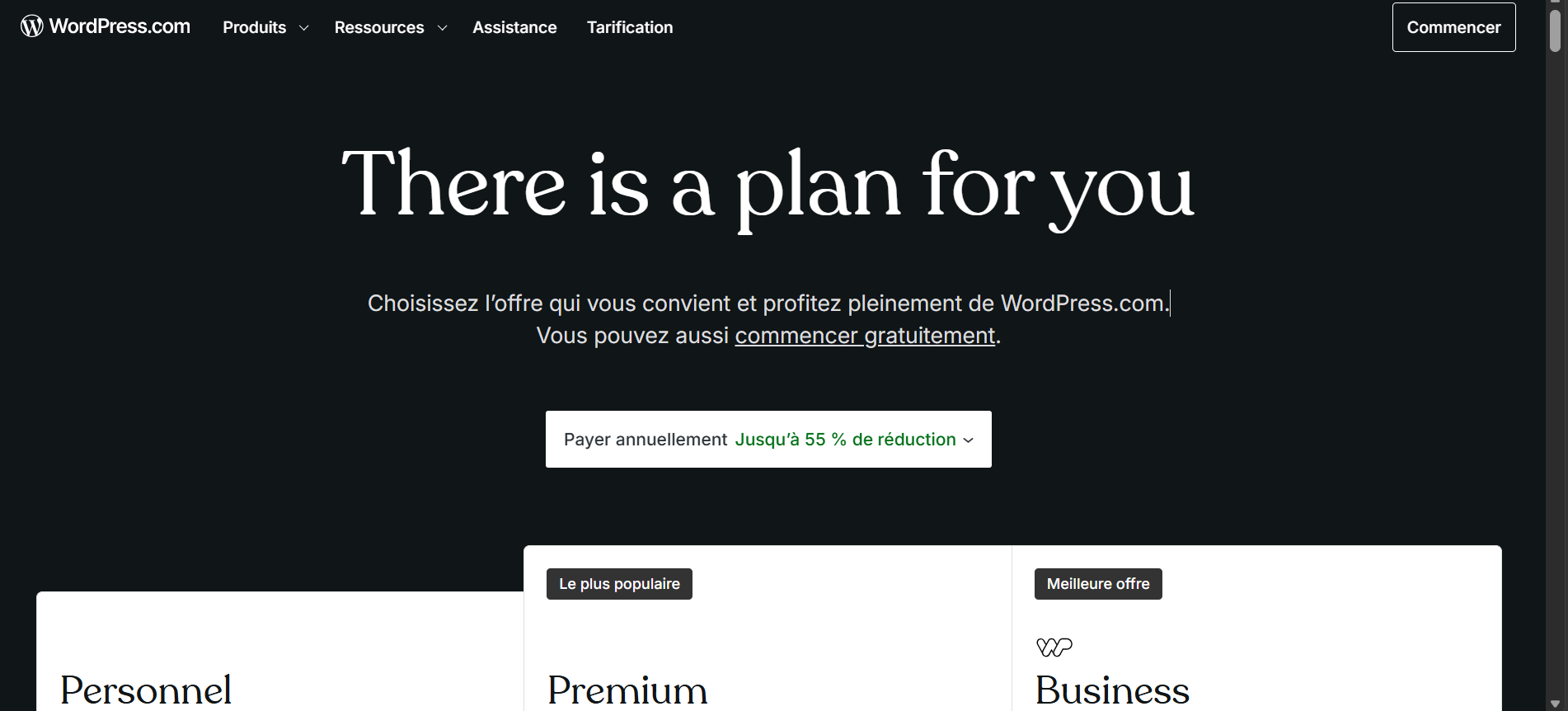
WordPress.com combines the publishing platform and hosting service. That removes several server-management tasks and can suit creators or organizations that prefer a controlled, integrated system. The business plan is the practical comparison point for owners who need broader plugin and site capabilities; the pricing page lists real-time backups and one-click restores among plan features.
This offering is not simply another cPanel account. Confirm plugin installation, custom code, SFTP/SSH access, staging, monetization, backup, and export capabilities at the exact tier you are considering. Our WordPress.com versus WordPress.org guide explains the platform difference before you compare prices.
- Choose it for teams that want fewer infrastructure decisions and an integrated WordPress service.
- Watch: feature differences between plan tiers and the more controlled environment.
- Exit check: verify how you would export content, media, domain settings, and any store data.
Source: WordPress.com pricing.
6. Cloudways: managed cloud hosting for developers

Cloudways sits between traditional hosting and an unmanaged cloud server. You choose infrastructure and manage WordPress through Cloudways’ layer. The DigitalOcean-based Micro plan was listed at $11 per month with 2GB RAM, one vCPU, 50GB storage, and 2TB transfer. Hourly billing makes it easier to test than a multi-year shared-hosting contract.
The headline server price is not the full cost. Offsite backup storage charged at $0.033 per GB per server. Email, premium support, security services, CDN usage, and team workflows may also affect the total. Cloudways fits someone who understands server resources and application-level troubleshooting; it is less comfortable for a beginner who wants every problem handled as “WordPress support.”
- Choose it for developers, growing applications, and owners who want cloud-provider choice without fully managing Linux.
- Watch: backup storage, add-ons, vertical-scaling cost, and what the support team will troubleshoot.
- Operational advantage: monthly and hourly pricing reduces lock-in while you validate the environment.
Source: Cloudways WordPress hosting.
7. Kinsta: premium managed hosting with clear resource limits
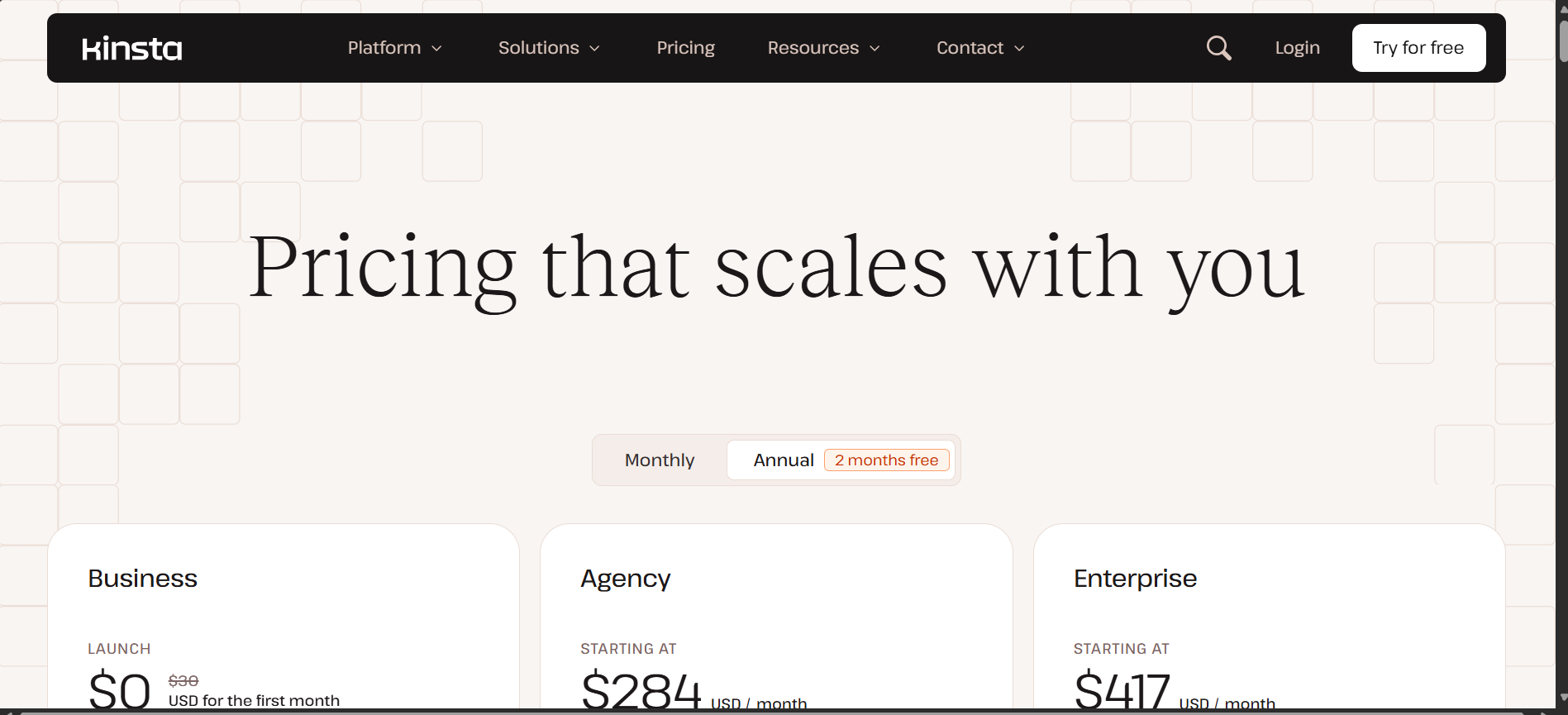
Kinsta’s entry business configuration lists one WordPress install, 10GB storage, 20GB server bandwidth, 125GB CDN bandwidth, 14-day backup retention, unlimited free migrations, and 24/7 human support. A visit-based configuration lists an estimated 75,000 monthly visits and 15GB storage. The current price page shows $35 monthly or $30 monthly with annual billing after a first-month promotion.
Kinsta is compelling when staff time, observability, migration help, WAF/DDoS protection, edge caching, and expert support are worth more than the lowest hosting bill. However, “premium” does not mean unlimited. Check bandwidth or visit accounting, CDN allocation, disk storage, backup retention, PHP workers, and the price of additional sites. More frequent backups are paid add-ons.
- Choose it for revenue-generating sites and teams that value managed operations and a polished control panel.
- Watch: usage model, extra-site cost, storage, and paid hourly or six-hour backups.
- Ask before purchase: which traffic is excluded from visit or bandwidth calculations and how overages are handled.
Source: Kinsta WordPress pricing.
8. WP Engine: managed workflows for teams and agencies
WP Engine’s Managed Hosting Platform emphasizes security, updates, performance, staging, and team workflows. Its plan comparison documents automatic and on-demand backups retained for at least 30 and no more than 60 days, plus WordPress-optimized caching. This makes it a serious option for agencies, publishers, and organizations that need repeatable development and recovery processes.
The current pricing page uses an interactive plan builder, so confirm the live quote and included capacity rather than relying on an old “starting at” figure. Review monthly visits, storage, bandwidth, environments, support level, overage terms, and restricted plugins. Our detailed WP Engine hosting decision checklist covers those questions in depth.
- Choose it for teams that value deployment environments, managed backups, caching, and structured account access.
- Watch: usage limits, add-ons, plugin restrictions, and the final configured price.
- Fit test: compare the value of staff time saved against the price difference from shared hosting.
Source: WP Engine plans and pricing.
9. Rocket.net: edge-first hosting with stable renewals

Rocket.net’s Starter plan lists one install, 10GB storage, 50GB bandwidth, unmetered visitors, an enterprise CDN, WAF, malware protection, free migrations, daily backups, and 30-day retention. It costs $30 monthly or an annual equivalent of $25 per month, with a $1 charge for the first month. The company states that it does not increase the price at renewal.
This is useful for owners who prefer a predictable managed-hosting bill and want CDN/security features included. “Unmetered visitors” should not be read as unlimited resources: storage and bandwidth remain defined, and the acceptable-use policy still applies. A media-heavy or download-heavy site may reach the 50GB bandwidth allowance before it reaches a visitor threshold.
- Choose it for a single business site that benefits from edge delivery, WAF, and managed security.
- Watch: storage and bandwidth rather than the unmetered-visitor label.
- Value point: stable renewal pricing makes three-year cost easier to forecast.
Source: Rocket.net pricing.
10. Pressable: multi-site and WooCommerce-friendly managed hosting
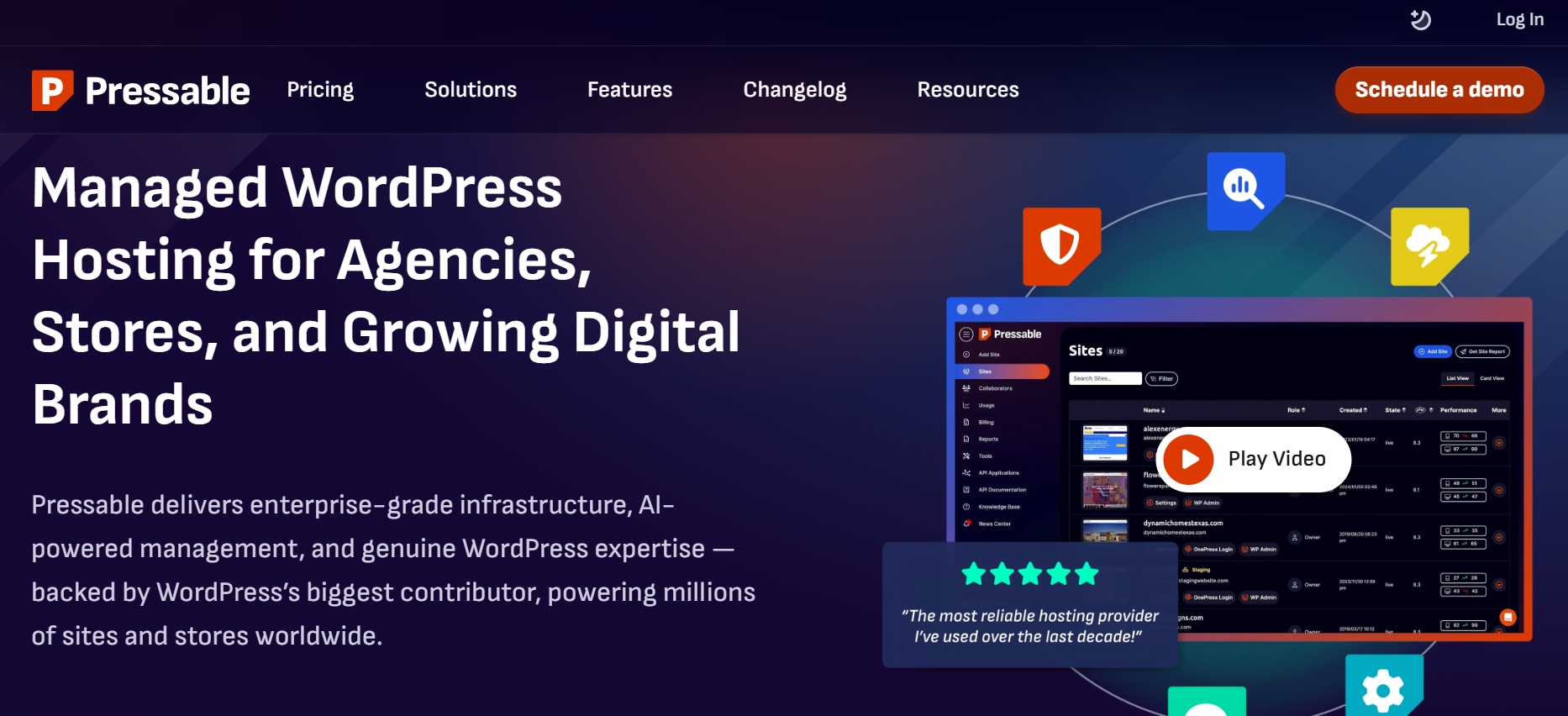
Pressable’s Signature 1 plan lists one WordPress install, 30,000 monthly visits, 20GB storage, staging and sandbox environments, edge and object caching, hourly database backups, daily full backups, 24/7 WordPress support, Jetpack Security, and free migrations. It costs $250 annually, equivalent to $20.83 per month.
The most useful detail is explicit overage pricing: $1.20 per 1,000 visits and $1 per GB of storage above the included allowance. That makes capacity planning more transparent. Pressable belongs on a WooCommerce shortlist because it is part of the broader Automattic ecosystem, but store owners still need to confirm PHP-worker capacity, object caching, database performance, order volume, checkout concurrency, and the escalation path during a sales event.
- Choose it for WooCommerce teams, agencies, and multi-site portfolios that value staging, sandboxing, and clear overage rates.
- Watch for visit and storage overages, as well as the per-plan site allocation.
- Store test: validate checkout and admin performance with realistic products, plugins, and concurrent users before a campaign.
Source: Pressable managed WordPress plans.
The hosting cost most comparison tables hide.
A $3 monthly headline can require a $144 payment today and become an $11 monthly renewal later. Use this calculation before comparing any cheap WordPress hosting offer:
Three-year ownership cost = first-term checkout + renewal charges during the period + required add-ons + expected overages costsmain/email cost.
Record these figures in a simple worksheet: checkout total, months covered, renewal rate, renewal term, domain renewal, email, backups, malware cleanup, CDN, migration, taxes, and expected overages. Do not count a temporary free domain or mailbox as a permanent saving. Our domain-registration guide explains why keeping control of the domain separately can reduce migration risk.
Which WordPress host fits your type of site?
| Site type | Start with | What to verify |
|---|---|---|
| Beginner blog or portfolio | Hostinger, Bluehost, DreamHost, WordPress.com | Renewal total, backups, email, dashboard, and exit/export options |
| Small-business lead-generation site | SiteGround, Rocket.net, Kinsta | Restore speed, support scope, uptime SLA, WAF, staging, and traffic limits. |
| WooCommerce store | Pressable, Kinsta, WP Engine, Rocket.net | PHP workers, object cache, database capacity, backup frequency, checkout load, and overage policy |
| Agency managing client sites | WP Engine, Kinsta, Pressable, Cloudways | Roles, site transfer, billing transfer, templates, staging, audit logs, and cost per active site |
| Developer-managed application | Cloudways, Kinsta, WP Engine | SSH, WP-CLI, Git, cron, logs, APM, database access, and deployment workflow |
| High-traffic publisher | Kinsta, WP Engine, Rocket.net, Pressable | Cache hit ratio, uncached traffic, PHP workers, bandwidth, origin capacity, and incident escalation |
WordPress hosting features that actually matter
Backups must be restorable, not merely advertised.
“Daily backups” does not answer where copies are stored, how long they remain available, whether email is included, or whether you can restore a single database without replacing uploads. Before migrating, ask the host to document the frequency, retention, off-server location, restore permissions, and restore time. Keep an independent copy and test restoring it on staging. Follow our WordPress backup and restore-testing guide.
“Unlimited” always has a technical boundary.
Unlimited websites or traffic can still hit limits on storage, inodes, CPU seconds, RAM, PHP workers, database connections, or an acceptable-use policy. Ask for the resource that triggers throttling or an upgrade. A plan that allows 100 sites but provides one shared CPU pool may not be suitable for 100 active businesses.
Support scope is more important than a 24/7 badge.
Twenty-four-hour availability does not mean the host will debug a plugin conflict, repair custom code, clean malware, optimize a database, or investigate a slow WooCommerce query. Ask support five presales questions based on real incidents and save the answers. The quality of escalation matters more than the existence of chat.
cPanel is convenient, but it is not a quality score.
Users searching for WordPress hosting with cPanel often want portable tools for files, databases, email, cron, and backups. A good custom panel can be easier, but it may create unfamiliar workflows. Verify SFTP, database export, DNS management, cron control, logs, backups, staging, and account access instead of choosing by the panel name alone.
A safer migration test before you commit
- Create a complete independent backup of files and database.
- Lower DNS TTL at least a day before the planned switch.
- Migrate to a temporary URL or staging domain without changing production DNS.
- Verify pages, forms, search, logins, scheduled jobs, redirects, analytics, and email delivery.
- For WooCommerce, test cart, checkout, payment sandbox, webhooks, tax, shipping, and order emails.
- Compare logged-in and uncached performance, not only a cached homepage.
- Run a restore test and record how long recovery takes.
- Change DNS only after validation, then keep the old account available during the rollback window.
- Recheck SSL, canonical URLs, redirects, sitemap, robots.txt, and Search Console after cutover.
If your host does not provide a guided migration, our manual WordPress installation with SFTP guide explains the underlying file and database workflow.
Frequently asked questions
How much does managed WordPress hosting typically cost?
Entry managed plans in this comparison range from roughly $20 to $35 per month when billed annually or monthly, while agency plans can cost hundreds. Shared plans advertise lower introductory rates but can renew several times higher. Compare the checkout total, renewal price, included sites, traffic, storage, backups, and support rather than a single monthly number.
What features are essential for a good WordPress hosting plan?
Look for a supported PHP and database stack, free SSL, reliable backups with self-service restores, server-level caching, a staging environment, SFTP, clear resource limits, useful logs, malware-response documentation, and support that defines what it will troubleshoot. Developers should also check SSH, WP-CLI, Git, cron, and database access.
Is shared hosting suitable for a high-traffic WordPress site?
It can serve a cacheable content site, but “high traffic” is not one workload. A cached article is cheaper than an uncached account page or WooCommerce checkout. Ask about CPU, memory, PHP workers, concurrent requests, database limits, and throttling. Test the real workload before a campaign rather than relying on an estimated-visitor label.
What is the fastest WordPress hosting provider?
There is no defensible universal winner without a matched test. Results change with data center distance, theme, plugins, caching, CDN, database size, logged-in traffic, and test method. Shortlist hosts by workload, then clone the same site, disable measurement-changing differences, run repeated tests from relevant regions, and record TTFB, Core Web Vitals, error rate, and uncached performance.
Which WordPress host has the best support?
Support quality depends on the problem and plan. Presales ratings cannot predict incident handling. Ask whether support debugs plugins, handles malware, restores backups, assists with DNS and email, and provides escalation for outages. Test response clarity during the refund window with technical questions specific to your site.
Can I get a free domain with WordPress hosting?
Several shared-hosting plans include a domain for the first year. Check the renewal price, privacy fee, transfer lock, and who controls the registrant account. A free first year is a small saving compared with hosting renewal cost and the risk of losing control of the domain.
How do I choose between Kinsta and WP Engine?
Build the same requirement sheet for both: number of production and staging sites, expected visits or bandwidth, storage, PHP workers, backups, migrations, CDN, WAF, APM, team roles, support, overages, and restricted plugins. Then compare the live configured price. The better choice is the one that fits your workflow and capacity with fewer paid exceptions.
Final recommendation
For most new sites, start by comparing Hostinger, Bluehost, and SiteGround using the renewal price rather than the first-term discount. Add DreamHost when site allowances and a long commitment fit. Consider WordPress.com when you want a more integrated, hands-off service.
For a developer-managed site, shortlist Cloudways. For a business-critical site, compare Kinsta, WP Engine, Rocket.net, and Pressable using the same capacity and recovery checklist. Do not upgrade to premium hosting only for a speed promise; pay for the operational features you can identify and use.
The strongest buying decision is not “Which host is number one?” It is “Which plan still works when the discount ends, traffic grows, a plugin update fails, and I need to restore the site?” Answer that question with documented limits and a migration test, and your shortlist becomes much clearer.