How to Register a Domain for WordPress Safely (2026)
I once bought a domain name in 90 seconds flat. Two years later, I spent six months trying to recover it after the registrar went bankrupt. That expensive lesson taught me domain registration isn’t something you rush through at 2 AM.
Your domain name creates the permanent address for your digital presence. You can change your WordPress theme in five minutes, but changing a domain name requires complex redirects and often results in permanent loss of search engine authority. Understanding how to register your first domain name correctly protects your brand and saves you from costly mistakes. This guide covers everything you need before moving to WordPress Basics and Installation, ensuring you secure your internet real estate properly.
⚡ Quick Summary (TL;DR)
- Choosing a
.comdomain extension is highly recommended because it remains the global standard for building credibility, avoiding typos, and maintaining user trust. - Registering your domain name through an independent provider—separate from your web host—ensures maximum agility and portability if you ever need to change servers.
- Activating free WHOIS privacy protection acts as an essential shield to block spammers and scammers from harvesting your personal contact details from public databases.
- Verifying your email address within 15 days of your purchase is mandatory to comply with ICANN rules and prevent immediate domain suspension.
Why Your Domain Name Choice Matters More Than You Think
The Domain Name System (DNS) acts as the phonebook of the internet.
When someone types your address into a browser, DNS translates that human-readable name into an IP address. This translation happens instantly, but accuracy matters enormously. Incorrect registration details or misconfigured DNS records prevent your site from loading entirely.
In 2026, the registration process moves faster than ever, but stakes run higher due to increased cybersecurity threats and stricter ICANN regulations. You need to approach this decision with the same diligence you’d use when signing a physical lease.
Choosing the Right Top-Level Domain for WordPress Sites
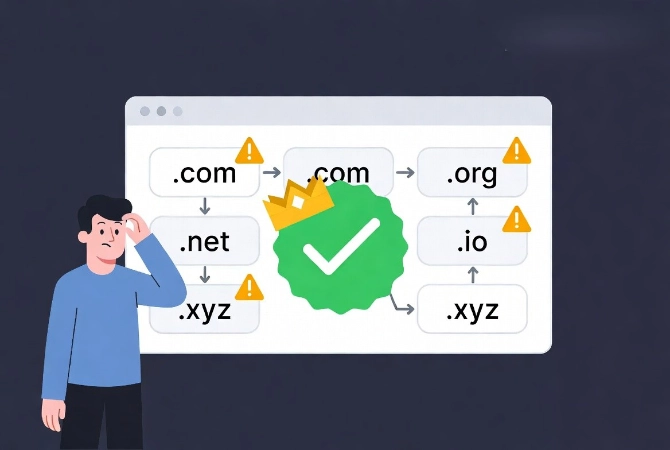
The TLD forms the suffix at the end of your domain, such as .com, .net, or .org.
Over 1,500 different TLDs exist in 2026, but the situation is more complicated. The .com extension remains the global standard, carrying the most weight with users and search engines. If you can secure the .com version of your desired name, buy it right away.
Why .com Dominates Every Other Extension
According to data from Wikipedia’s TLD database, .com still accounts for nearly 50 percent of all global registrations. This dominance reflects user behavior patterns rather than temporary trends. People type .com by default when remembering web addresses.
Choosing a .xyz or .club domain means spending years correcting people who visit the wrong site. Some newer extensions carry higher spam rates, which directly impacts your email deliverability and brand perception.
Essential Rules for Choosing Your Domain Name
Follow these proven guidelines when selecting your name:
- Keep the name under 15 characters to ensure easy typing
- Avoid hyphens because they create confusion in verbal communication
- Skip double letters like “wordpressservices.com” that lead to constant typos
- Check for existing trademarks to avoid legal takedown notices
- Verify social media handle availability for brand consistency
Selecting a Trustworthy Domain Registrar
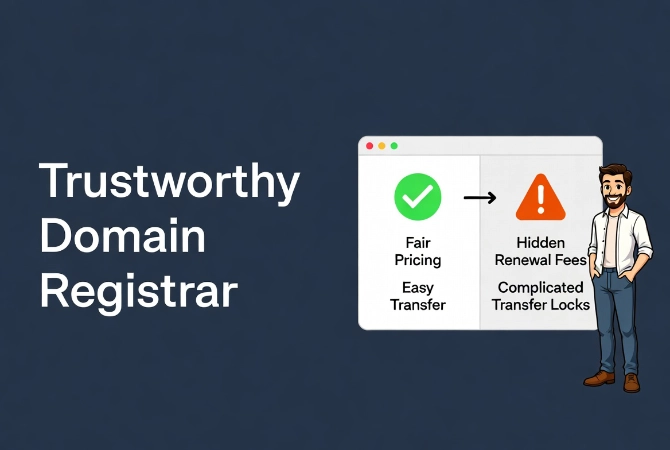
A registrar manages the reservation of internet domain names.
Not all registrars provide equal service or value. Some attract customers with $1.99 intro rates only to charge $40 for renewals. Others make transferring your domain to a different provider nearly impossible through hidden fees and complex processes.
Why You Should Separate Your Registrar From Your Host
I recommend using a registrar independent of your hosting provider.
This separation of concerns follows best practice principles. If your host experiences downtime or you decide to switch servers, you don’t want your domain trapped in the same account. Independent control gives you flexibility when problems arise.
Namesilo, Cloudflare, and Namecheap lead the industry for transparent pricing and clean interfaces. They don’t hide transfer codes or create obstacles when you need to move. Look for ICANN-accredited registrars, which you can verify via the ICANN official list.
Once you’ve chosen a registrar, you’ll need hosting too. Review our comprehensive guide on how to choose the best WordPress hosting to make the right decision.
Budget vs. Professional Registrar Comparison
| Feature | Budget Registrars | Professional Registrars |
|---|---|---|
| Introductory Price | Very Low ($1-5) | Standard ($10-14) |
| Renewal Price | High ($30+) | Flat ($10-15) |
| WHOIS Privacy | Paid Add-on | Included Free |
| Support Quality | Automated Bots | Technical Experts |
Step-by-Step Domain Registration Process
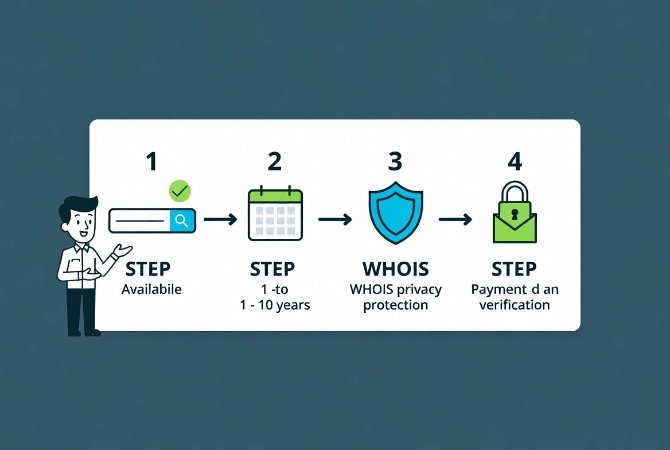
Once you’ve selected a name and registrar, the actual purchase takes only minutes.
Follow these steps to ensure you own the domain correctly and avoid common pitfalls that can cost beginners their domains.
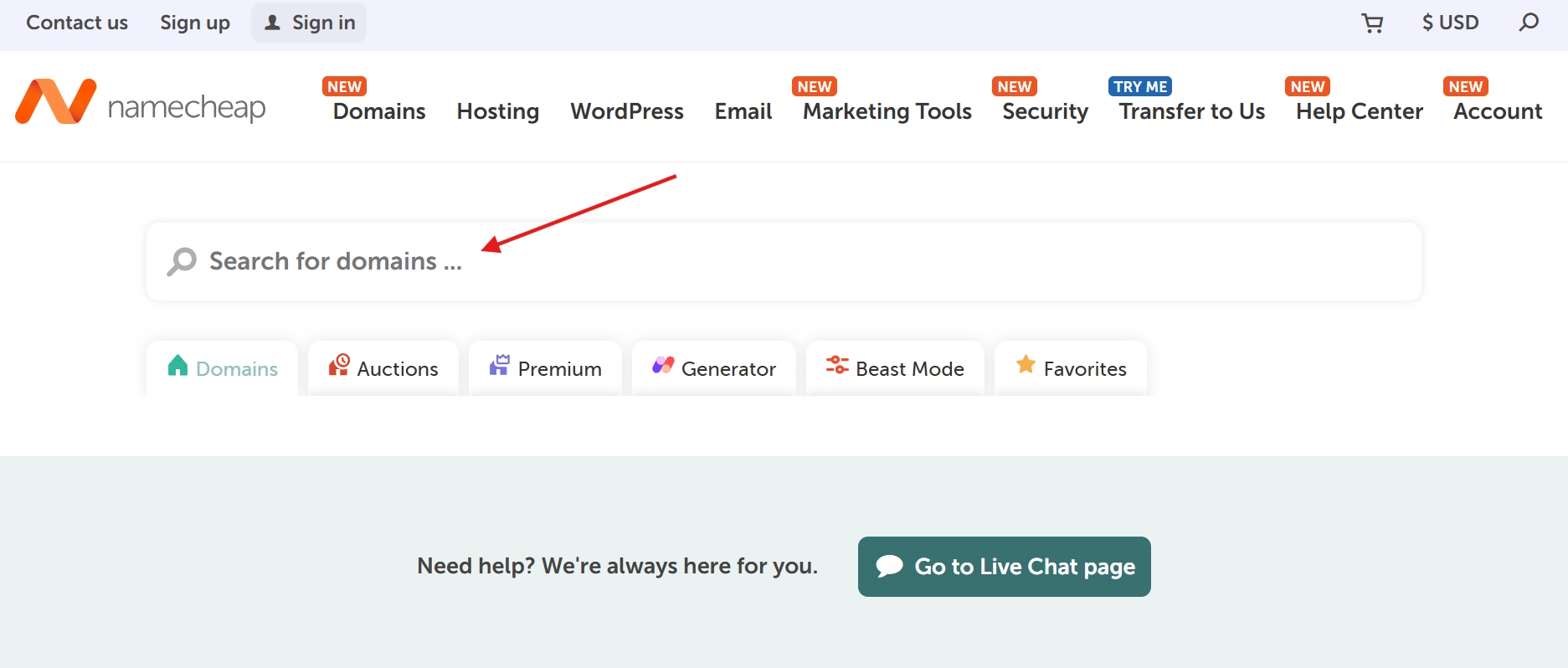
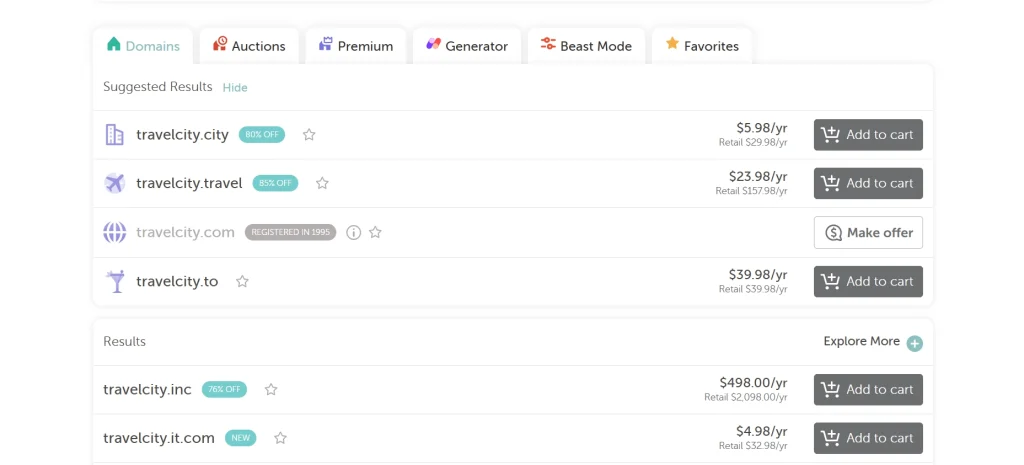
Step 1: Search and Verify Domain Availability
Enter your desired name into the search bar.
If another party has taken it, the registrar suggests alternatives. Most suggestions prove poor quality, however. If your primary choice is unavailable, return to brainstorming rather than adding “the” or “my” to the beginning. These prefixes dilute your brand and make verbal communication awkward.
Step 2: Configure Your Registration Terms
You can register a domain for one to ten years.
For new projects, one year works fine initially. Just ensure auto-renew stays active, preventing domain loss because an email landed in spam folders. For serious business ventures, register for three to five years. This duration sometimes acts as a minor trust signal to search engines, showing you’re not a temporary spam site.
Step 3: Add WHOIS Privacy Protection
This protection is non-negotiable.
When you register a domain, your name, email, and phone number get added to a public database. Spammers scrape this data within minutes of registration. WHOIS privacy replaces your personal information with the registrar’s contact details.
Many registrars in 2026 include this feature for frIf your registrar charges extra for basic privacy protection, switch to a different one immediately.ely. Your privacy represents a right, not a premium feature.
Step 4: Complete the Purchase Securely
Use a secure payment method for your transaction.
Avoid temporary credit cards because renewals will fail. After payment, check your email immediately. You must verify your email address within 15 days, or ICANN suspends the domain. This verification requirement causes the number one reason new websites suddenly go offline.
Connecting Your Domain Name to WordPress
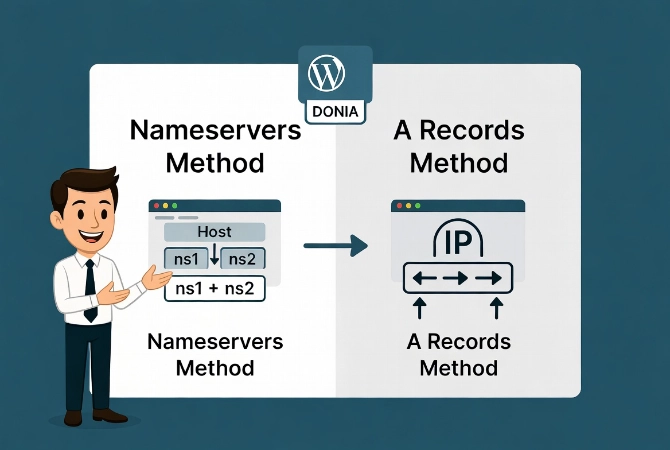
Buying the domain is only half the battle.
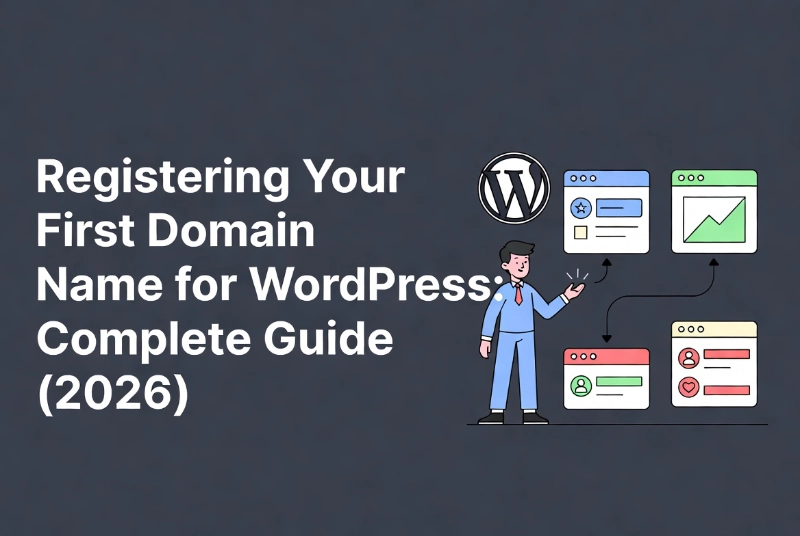
Now you must tell the domain where your WordPress site lives. This configuration happens through DNS records using two main methods: nameservers or A records.
Using Nameservers for a Simple Setup
Nameservers provide the easiest connection method.
Your host supplies two or three addresses, like ns1.yourhost.com. You enter these addresses in your registrar’s dashboard, which hands DNS management over to your host. This approach offers simplicity but provides less control. For beginners, this path usually works best.
Using A Records for Advanced Control
A record points the domain to a specific IP address.
This method keeps DNS management at the registrar level, allowing faster switching if you need to migrate your site under pressure. Experienced users prefer this approach for the flexibility it provides.
If you haven’t set up your site yet, consider How to Install WordPress Locally on Windows and Mac to build your site and take it live. This strategy allows testing everything before linking it to your new domain.
Critical Domain Security Measures for 2026
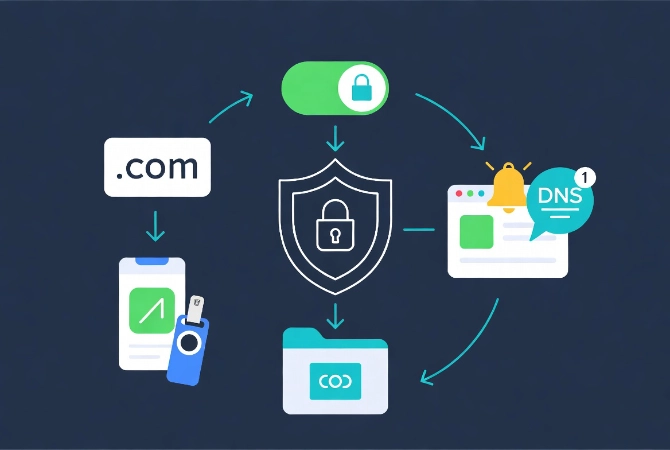
Don’t buy the domain and walk away.
Domain hijacking represents a real threat in 2026. Hackers target your traffic and brand reputation, not just your data. Secure your account immediately after purchase using these essential measures.
Enable Multi-Factor Authentication Immediately
Use an app like Authy or a physical key like YubiKey for authentication.
Avoid SMS-based 2FA because SIM swapping attacks occur too frequently. If hackers breach your registrar account, they can transfer your domain to their own account within minutes. Reversing domain theft involves legal nightmares that drag on for months.
Activate Registrar Lock Protection
This feature prevents any transfers from happening unless you manually disable the lock.
Most registrars enable this feature by default, but verify the setting personally. It functions as a simple toggle switch that provides massive protection against unauthorized transfers.
Monitor Your Domain for Unauthorized Changes
Services exist that alert you to any DNS changes immediately.
For high-traffic sites, this monitoring proves essential. You want notification the second an unauthorized change occurs, not hours or days later when the damage has spread.
Once your domain stays secure, you can focus on building content and managing community interaction. Understanding How to Moderate and Manage WordPress Comments becomes important once your domain attracts visitors.
Modern Domain Trends and Pricing in 2026
Domain valuation has shifted significantly from previous years.
Keywords in domain names are used to heavily influence SEO rankings. Today, branding matters far more. Google’s algorithms understand site content without requiring domains named “best-cheap-wordpress-hosting-2026.com. ” Exact match domains (EMDs) sometimes trigger spam filters when paired with low-quality content.
Understanding Current Domain Pricing
The cost of .com domains has increased due to the ongoing contract between ICANN and Verisign.
Expect to pay between $12 and $18 per year for standard registrations. Anyone charging $50 or more for a regular domain overcharges significantly. The only exception involves “premium” domains on the secondary market. These names already belong to someone else who sells them for profit. Unless you have a massive budget, stick to fresh registrations.
Maintaining Your Domain Long-Term
Your domain registration forms the foundation of your site.
Weak foundations put the entire structure at risk. Read the terms carefully. Understand renewal costs before committing. Keep your contact information current at all times.
If you change your email address, update your registrar account immediately. If they cannot reach you during critical situations, you could lose your domain permanently. This loss would wipe out years of SEO work and brand building.
Additional Resources for WordPress Setup
Continue building your WordPress foundation with these essential guides:
- Master the complete process in WordPress Basics and Installation
- Understand technical needs with WordPress System Requirements Explained
- Choose quality hosting using How to Choose the Best WordPress Hosting
- Install WordPress locally via How to Install WordPress Locally on Windows and Mac
- Manage community engagement through How to Moderate and Manage WordPress Comments
Securing your domain marks a major milestone in your WordPress journey. This purchase makes your project feel tangible and real. From here, technical hurdles focus more on software and configuration, but everything starts with that name. It defines your identity on the web. Protect it diligently, maintain it carefully, and use it to build something valuable. For the next steps in your setup, return to the WordPress Basics and Installation guide to ensure your hosting and software match the quality of your domain choice.