BdThemes Supply-Chain Incident: WordPress Response Checklist
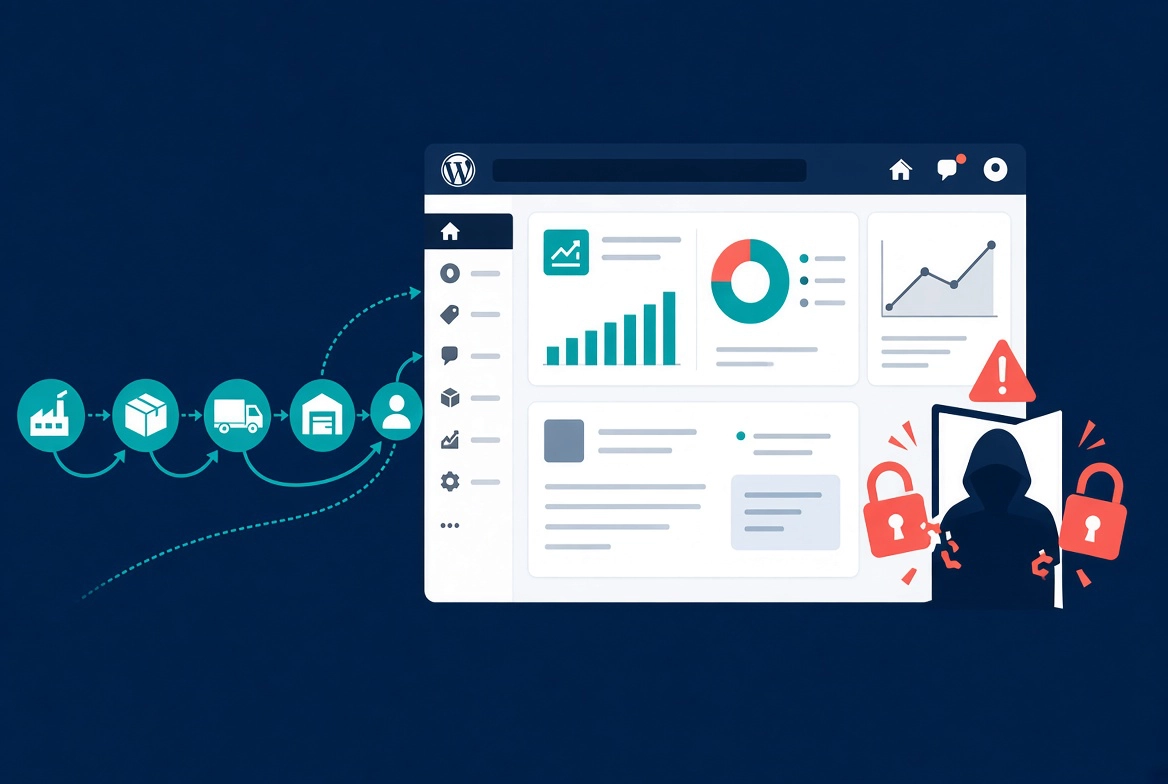
A supply chain attack targeting BdThemes, developer of Element Pack, Prime Slider, and Ultimate Post Kit, has been creating rogue administrator accounts on affected sites since at least June 23, 2026. The attack required no plugin update, no user interaction, and no file modification from the victim. Every logged-in administrator who opened wp-admin while a BdThemes plugin was active was potentially exposed.
This attack belongs in the same category as the wp2shell vulnerability and the WordPress core emergency update from earlier this year. Supply chain attacks and core exploits represent the two most serious threat categories WordPress site owners face right now.
How the Attack Worked
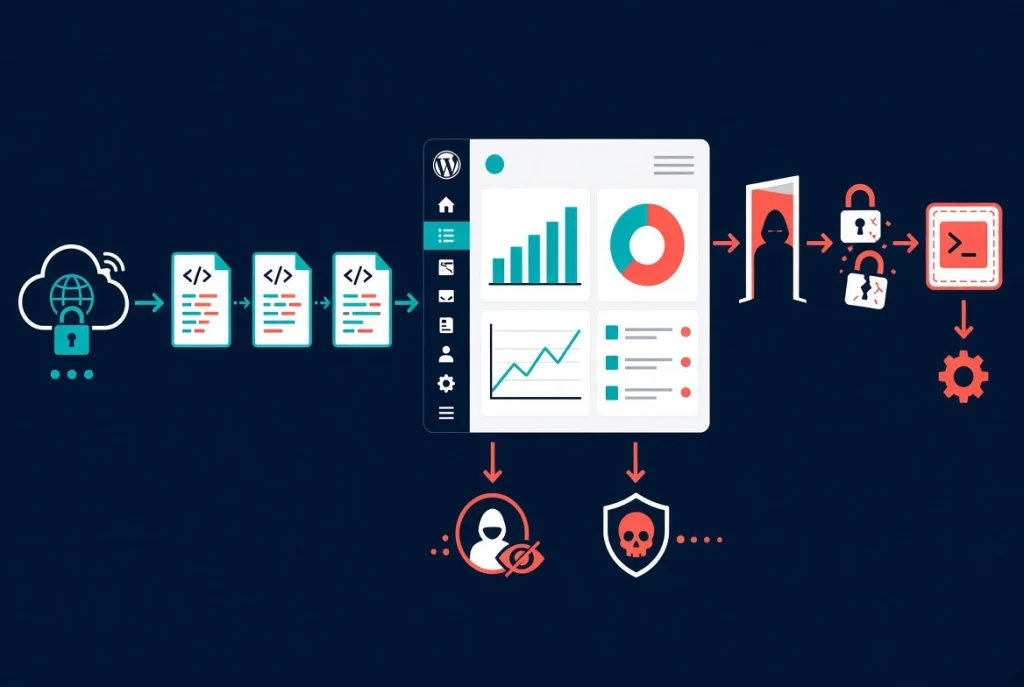
BdThemes plugins include a promotional banner component called Biggopti. It fetches a remote JSON data stream from the vendor’s API server and displays banners inside the WordPress admin dashboard.
The attacker obtained write access to BdThemes’ storage bucket and poisoned the JSON feed. A cross-site scripting flaw in the JSON response-parsing code, introduced in March 2026, made the poisoned feed exploitable. Insufficient output escaping in the display_id parameter from the Sigmative API is the root cause of the vulnerability.
Malicious JavaScript injected through the poisoned JSON used each administrator’s authenticated browser session to silently create rogue admin accounts. A secondary payload called w2.js established persistence by installing a fake plugin containing a webshell named emer-run.php. The code also manipulated database queries to hide rogue admin accounts from the Users list, making the compromise harder to detect.
Wordfence’s full technical analysis is in their PSA on the BdThemes supply chain compromise. No administrator action triggers or prevents this attack. The payload executes on every wp-admin page load because the attack vector is entirely API-driven.
ℹ️ Note: Wordfence confirmed the C2 infrastructure matches the same threat actor behind the Advanced Responsive Video Embedder and OptinMonster CDN supply chain compromises. A coordinated campaign targeting the WordPress plugin ecosystem is active and ongoing.
Scale and Current Status
BdThemes reports over 350,000 active installs across its portfolio. The flagship Element Pack plugin alone shows more than 100,000 active installations on WordPress.org. WordPress.org pulled all affected BdThemes plugins from the directory on August 8, 2026, pending investigation. Both poisoned API endpoints now return clean JSON data. The XSS vulnerability in the Biggop Library remains unpatched at time of writing. BdThemes had not published an official statement at the time of publication per BleepingComputer’s full report.
What to Do Right Now
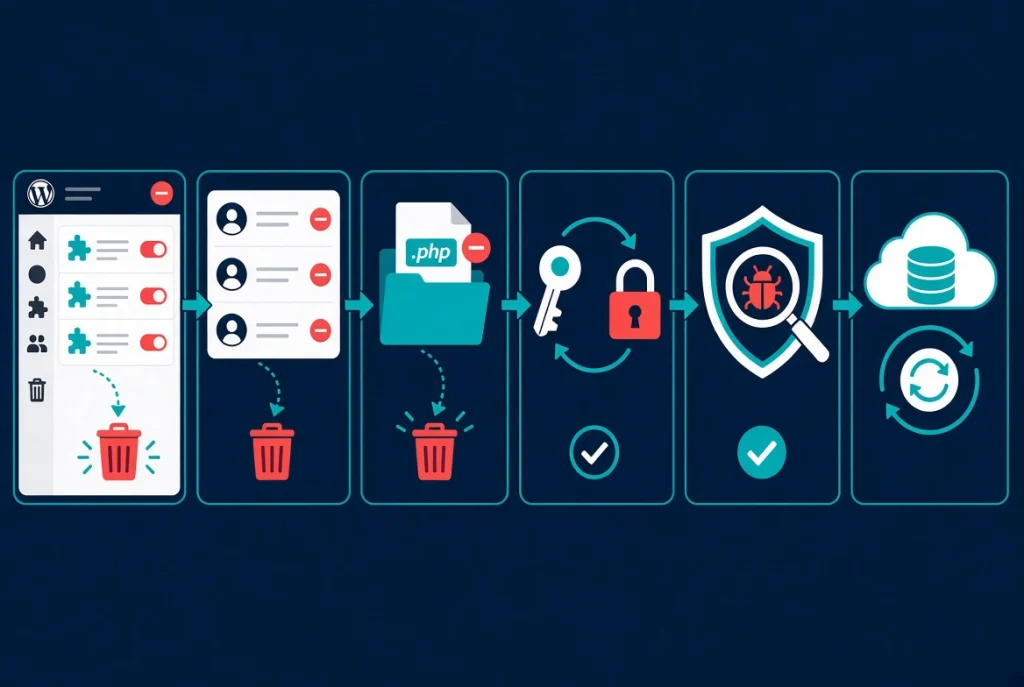
Treat any site with an active BdThemes plugin as potentially compromised and take these steps immediately.
- Deactivate and remove all BdThemes plugins, including Element Pack, Prime Slider, Ultimate Post Kit, Pixel Gallery, and Ultimate Store Kit.
- Audit every admin account in Users, then Administrators. Delete any unfamiliar account. The attack hides rogue accounts via database manipulation, so also query your database directly:
SELECT user_login, user_email FROM wp_users; - Search for the webshell by locating it
emer-run.phpin yourwp-content/plugins/directory and any directory named after a fake plugin. Delete it immediately. - Rotate all admin passwords and API keys associated with any account that was active during the exposure window from June 23 onward.
- Run a full malware scan using Wordfence, Sucuri, or your host’s scanning tool to detect any additional payloads beyond the documented webshell.
- Restore from a known-good backup if your scan returns additional unexpected files or database modifications.
💡 Pro Tip: A web application firewall blocks many supply chain payloads before they execute. Wordfence’s WAF began blocking this attack on August 7, protecting subscribers before the plugins were pulled.
Supply chain attacks are the hardest WordPress threats to defend against. Malicious code arrives through a trusted update or API channel rather than direct site compromise. Our WordPress security basics guide covers the layered approach: WAF protection, file integrity monitoring, admin account auditing, and regular off-server backups.
Additional Resources
- WordPress Security Basics: Complete Protection Guide
- WP2Shell WordPress Vulnerability: What Site Owners Need to Know
- WordPress Emergency Update: Critical wp2shell RCE Flaw
- Wordfence PSA: BdThemes Supply Chain Compromise
- BdThemes Plugins Supply Chain Hack (BleepingComputer)
- OptinMonster CDN Supply Chain Attack (BleepingComputer)