
Novamira MCP Features: Free vs Pro, Access, and Security (2026)
Novamira gives compatible AI clients direct, high-privilege access to a WordPress development site through the Model Context Protocol (MCP). Its free plugin exposes core abilities for PHP, files, uploads, and site discovery. Novamira Pro adds product-specific abilities and workflow features for page builders and other WordPress tools.
This is a documentation-based feature analysis, not a hands-on performance test. We verified the official Novamira documentation and changelog on September 10, 2026, then separated confirmed capabilities from vendor positioning. The most important conclusion is simple: Novamira’s power comes from broad access, and that same access is why it belongs on development or staging—not a live production site.
Novamira MCP at a Glance
- Novamira is a WordPress plugin that bundles an MCP Adapter and registers WordPress abilities for AI clients.
- The free plugin registers abilities for PHP execution, file operations, directory listing, and creating upload links.
- Connections can use OAuth, a WordPress application password, or the Novamira CLI, depending on the client and environment.
- Requests connect directly between the AI client and the WordPress site; Novamira says they do not pass through its servers.
- Pro adds specialized abilities and guidance for supported builders, plugins, and longer-running project workflows.
- There is no read-only mode and no automatic rollback. Novamira recommends enabling AI abilities only on development or staging sites.
How Novamira MCP Works
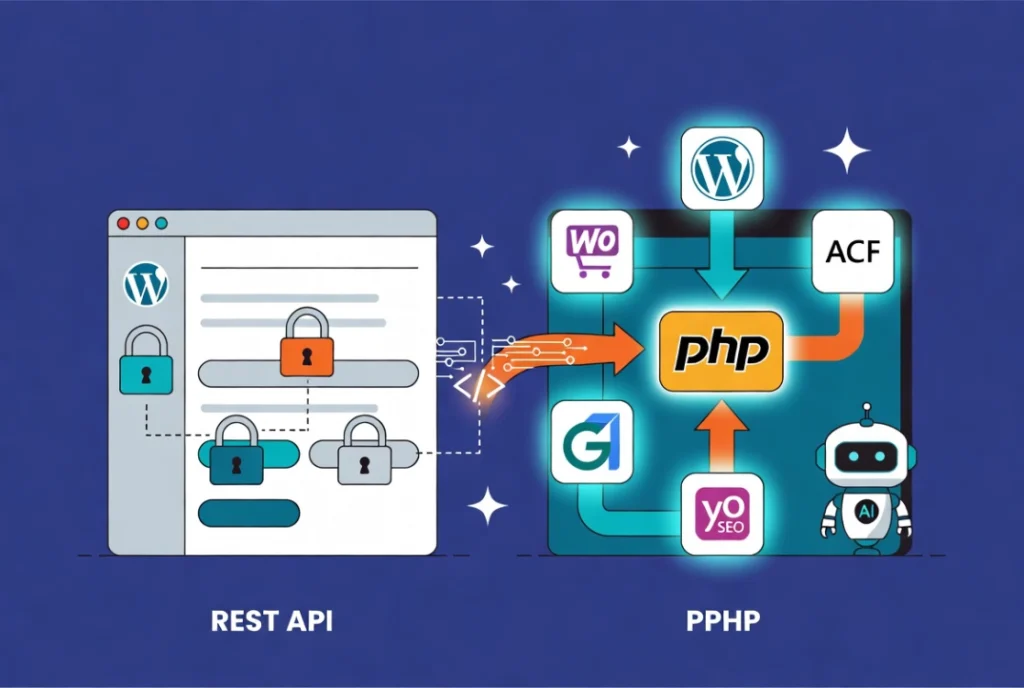
When the plugin is installed, it bundles the WordPress MCP Adapter and registers abilities with the WordPress Abilities API. According to the official installation documentation, the free plugin currently registers nine core abilities: Execute PHP, Read File, Write File, Edit File, Delete File, Disable File, Enable File, List Directory, and Create Upload Link.
The MCP Adapter presents a compact tool interface to the AI client. The client can discover available abilities, inspect an ability’s schema, and execute an allowed ability with arguments. The exact ability list should be read from the connected site because it depends on the installed Novamira and Pro versions, enabled abilities, and supported plugins.
This functionality differs from a simple content-generation plugin. Novamira is designed for developers and technical professionals who want an agent to inspect or change a WordPress installation. The agent may run WordPress-aware PHP, call plugin APIs, use WP-CLI through Novamira, or edit files. That breadth creates flexible workflows, but it does not guarantee that an agent understands every plugin or will choose the correct implementation.
Novamira Free: Confirmed Core Features
PHP execution inside WordPress
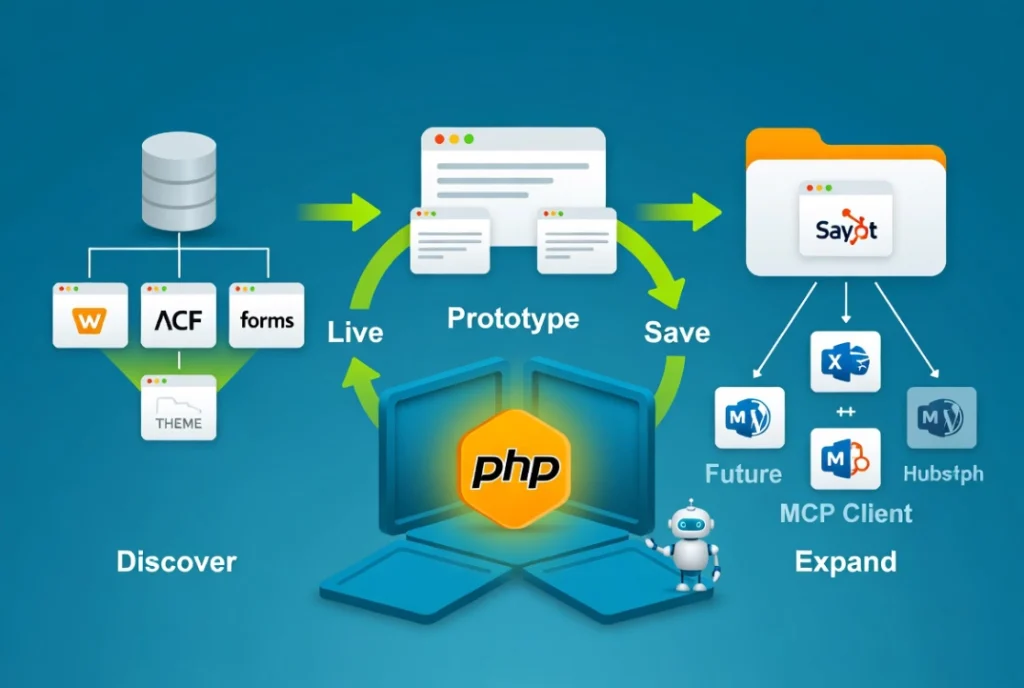
Execute PHP lets an authorized agent run code with WordPress already loaded. The feature can be used to inspect registered post types, query options, call a plugin’s public API, or prototype a WordPress operation. The result is contextual because the code runs against the actual installation, but the output is only as safe and accurate as the code the agent chooses to execute.
Novamira’s security documentation warns that PHP execution can bypass filesystem restrictions and that its sandbox is not a true security boundary. Treat every execution as a privileged development action.
File and directory abilities
The free abilities can read, write, edit, disable, enable, and delete supported files, plus list directories. Targeted editing can be useful for a small change, while disable and enable operations support an iterative sandbox workflow. These tools should never be mistaken for version control. They do not replace a Git history, an off-site backup, or a reviewed deployment.
Temporary upload links
Create Upload Link lets an agent arrange a short-lived path for larger assets such as plugins, themes, or media. Before accepting an upload, verify its source, file type, license, and destination. Scan unfamiliar packages and install them only in a disposable environment first.
WordPress-aware site inspection
Because WordPress is loaded during PHP execution, an agent can inspect runtime information such as active plugins, registered objects, options, and public APIs. It does not automatically “understand the entire site,” and broad database or filesystem access should not be granted merely to answer a narrow question. Request the smallest relevant inspection and review what the agent plans to access.
Connection and Authentication Options
The current connection guide documents three routes. Availability depends on the AI client and hosting environment:
- OAuth: the user signs in through WordPress and approves a revocable connection without copying a password into the client.
- Application Password: WordPress creates a separate credential that can be revoked independently of the account’s normal login password.
- Novamira CLI: a terminal-focused route for supported coding agents.
Novamira says all three create a direct connection between the AI client and the site, with no request routing through Novamira’s servers. That statement does not describe what the selected AI provider does with prompts, tool results, or account data. Review the provider’s own privacy and retention controls separately.
OAuth is the vendor’s security-first default when supported, while application passwords may be more practical when a host or firewall blocks cloud-originated connections. Use the instructions generated by Novamira → Configuration for the specific site and client. Do not publish or share the generated setup prompt because it may contain credentials.
What Novamira Pro Adds
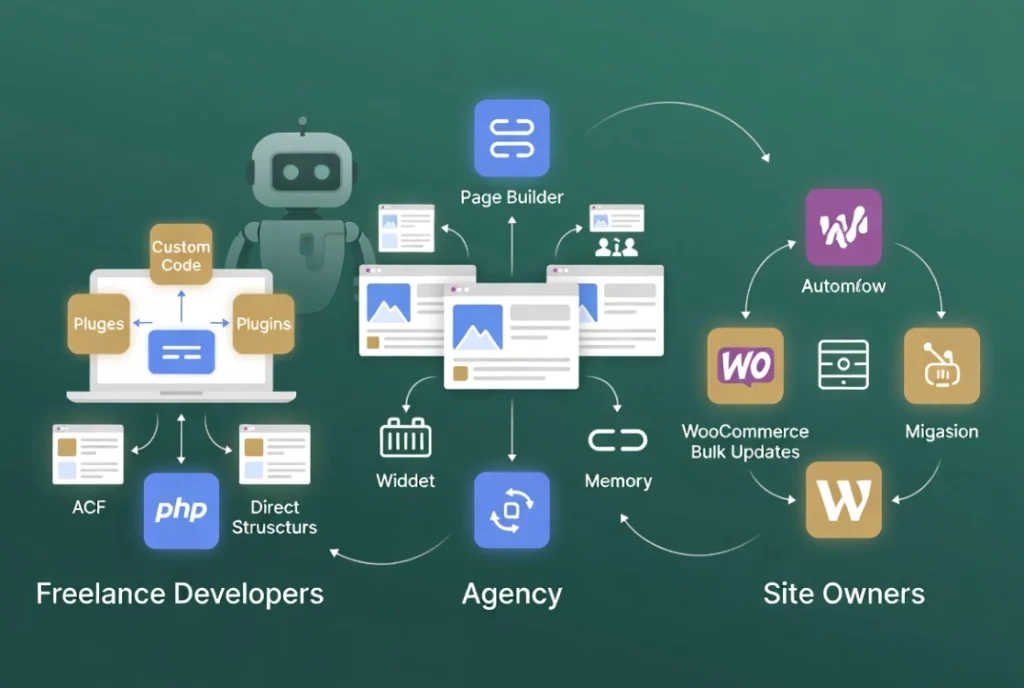
Product-specific abilities and guidance
Pro adds dedicated abilities and workflow guidance for supported WordPress products. The exact list changes frequently, so the authoritative sources are the connected client’s ability catalogue, the Novamira Pro changelog, and the relevant product documentation.
For example, the current Bricks documentation lists abilities for page elements, templates, components, dynamic data, global classes, variables, interactions, and theme styles. This description is more precise than saying Pro simply “understands Bricks.” Each operation has a schema and still requires review against the installed Bricks version.
Persistent site memory
Novamira Pro can store explicit project memory in the WordPress database. According to the memory documentation, it is scoped to the site, auditable, and visible to any AI client connected to that installation. Memory can help carry approved conventions between sessions, but it should not contain secrets or personal data. Please review it when there are changes in team members or connected clients.
Visual and design workflows
Novamira Visual is included with the free plugin for Gutenberg, while Pro brings Elementor and Bricks into the experimental live workspace. Novamira Design stores a site design direction that agents can follow across supported surfaces. Read our Novamira Visual review for the difference between live editor interaction and standard builder abilities.
Novamira Free vs Pro
| Capability | Free | Pro |
|---|---|---|
| MCP server and adapter | Included | Uses the same core connection |
| PHP execution and core file abilities | Included | Included |
| OAuth and Application Password Connections | Included where supported | Included |
| Gutenberg authoring abilities | Included | Included |
| Product-specific abilities | Core/general abilities only | Supported builders and plugins |
| Persistent memory | Not listed as a free feature | Included |
| Novamira Visual | Gutenberg workspace | Adds Elementor and Bricks to Visual |
| Automatic backup or rollback | No | No |
| Read-only mode | No | No |
This table describes the documented feature boundary as of the verification date. Please review the current product pages before purchasing, as integrations, requirements, and licensing may change.
Security Boundaries You Must Understand
Novamira’s live-site guidance is unambiguous: the plugin can remain installed on production, but AI abilities should be enabled only on development or staging. When abilities are enabled, an agent can run PHP, edit files, and change database records. Those changes are real.
- Work on staging or local development. Never point a privileged agent at the only copy of a live site.
- Create a restorable backup. Novamira does not create backups or automatically undo changes.
- Use dedicated, revocable access. Remove the OAuth connection or application password when it is no longer required.
- Ask the agent to explain the plan. Confirm the target files, data, and expected result before approving a destructive or broad operation.
- Inspect the result independently. Review diffs where possible, test the front end, examine logs, and verify database-sensitive workflows.
- Deploy reviewed changes through your normal process. Keep AI capabilities disabled in production.
Who Should Use Novamira?
Novamira is best suited to WordPress developers, technical site builders, and agencies that understand PHP, WordPress internals, credentials, backups, and staging. The free plugin is enough to evaluate the connection model and general development abilities. Pro is relevant when a documented integration matches a major part of your stack or when site-scoped memory and specialized builder workflows justify the license.
It is not the safest starting point for someone who only wants help writing a post or improving alt text. For those tasks, use a narrower editorial tool that does not require broad administrative access. For a comparison of MCP server plugins, check out Novamira vs WPVibe vs NibWP. For native WordPress AI architecture, check out WordPress 7 vs Novamira.
Verdict
Novamira’s defining feature is not a promise that AI will understand every WordPress site. It is a direct, extensible connection that gives an authorized AI client powerful WordPress abilities. The free version provides the core access layer; Pro adds supported product-specific workflows and persistent site context.
That can save manual handoffs for an experienced developer, but it also expands the consequences of a mistaken instruction. Evaluate Novamira on a staging copy, start with a small reversible task, verify each result, and purchase Pro only after confirming that its current documented integrations match your workflow.