
What Is WordPress? A Practical Beginner’s Guide for 2026
I was consulting with a tech startup last month when their CTO said something that made me laugh. “We’re building a serious business application,” he told me. “We can’t use WordPress. That’s just for blogs.”
I pulled out my phone and showed him something: the White House website. Sony Music. Microsoft News. The New Yorker. Time Magazine. All running on WordPress.
Then I showed him the number that really got his attention: according to W3Techs, WordPress powers 45.8% of all websites on the internet in 2026. Blogs are 45.8% more than this. Not 45.8% of small sites. 45.8% of all websites.
That’s nearly half the internet running on what people still dismissively call “a blogging platform.”
The CTO went quiet for a moment. Then he said, “Okay, so what exactly is WordPress?”
That’s the question I want to answer in this article. Because if you’re making decisions about your web presence in 2026, whether you’re launching a startup, building a business site, or creating any kind of digital platform, you need to understand what WordPress actually is. Not what it was in 2005. Not what people who don’t use it think it is. What it really is today.
This post is part of our comprehensive WordPress Basics and Installation series, but before we dive into the how, you need to understand the why.
⚡ Quick Summary (TL;DR)
- Modern WordPress is a powerful, open-source content management system that powers nearly half of all websites on the internet today.
- The platform has evolved drastically with full site editing and a block-based architecture, letting you visually design your entire website without touching code.
- Choosing self-hosted WordPress.org provides absolute ownership and data control, whereas renting space on WordPress.com leaves you vulnerable to platform restrictions.
- You can extend your site to do almost anything using over 60,000 plugins, but keeping them updated is crucial for performance and security.
- The platform offers unmatched long-term stability and a massive global community, making it the strategic choice for almost any professional web project.
What WordPress Actually Is (Beyond the Outdated Label)
Let me give you the technical definition first, then I’ll translate it into what it actually means for you.
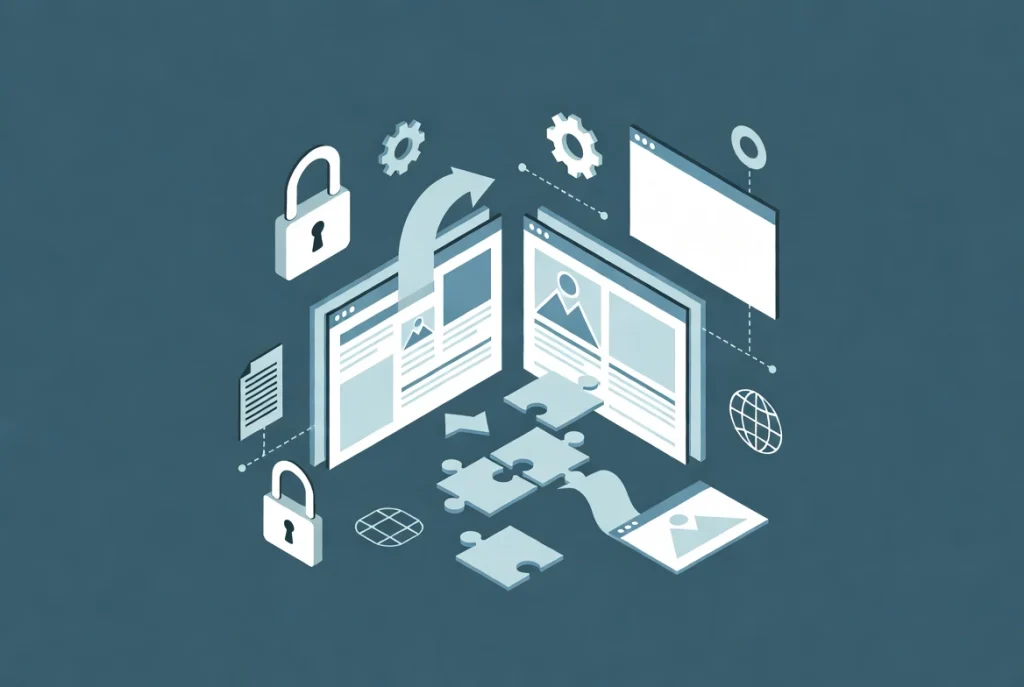
WordPress is an open-source content management system licensed under the GPL (General Public License). It started in 2003 when Matt Mullenweg and Mike Little forked an existing tool called b2/cafelog. You can read the full history on Wikipedia if you’re interested in the origin story.
But here’s what that really means in practical terms:
Open-source means the code is transparent. Thousands of developers worldwide can see it, improve it, and fix bugs. Nobody owns it. Nobody can take it away from you. This is the opposite of proprietary systems where you’re at the mercy of a single company.
The GPL license means it’s free. Not free-trial-then-pay-us. Not free—but we own your content. Actually free. You can use it, modify it, and redistribute it however you want.
Content Management System means it separates your content from your design. Write once, display anywhere. Change your entire design without touching your content. This separation is more powerful than most people realize.
That startup CTO I mentioned? Once I explained what “open-source” really meant for his business—no vendor lock-in, no licensing fees scaling with growth, complete data ownership—he got it. WordPress wasn’t limiting his options. It was protecting them.
The Technical Foundation (Explained Like a Human)
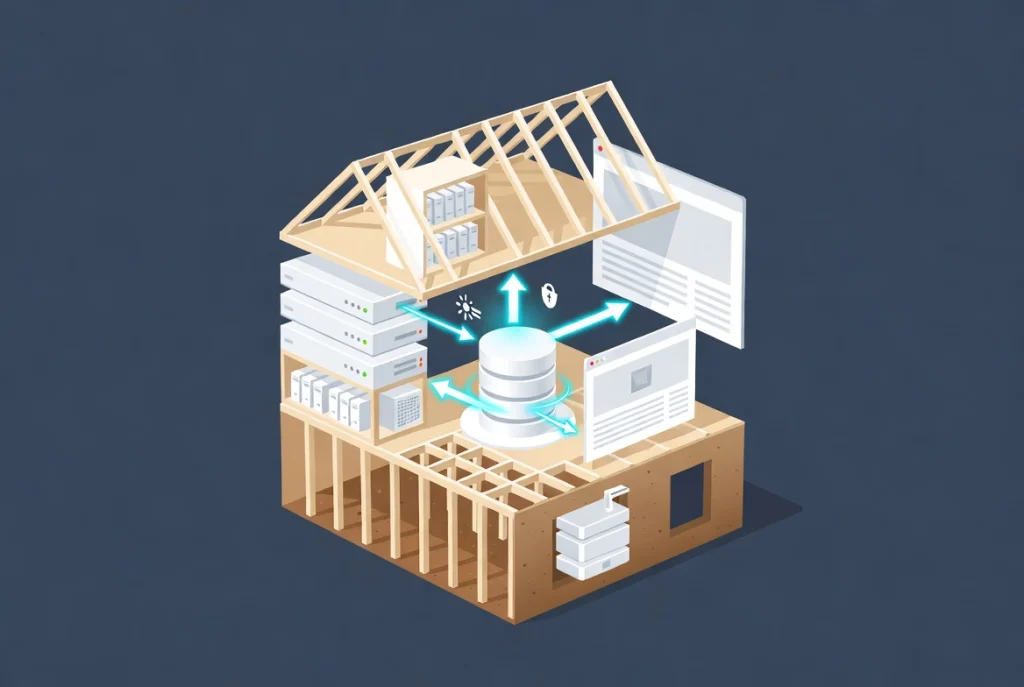
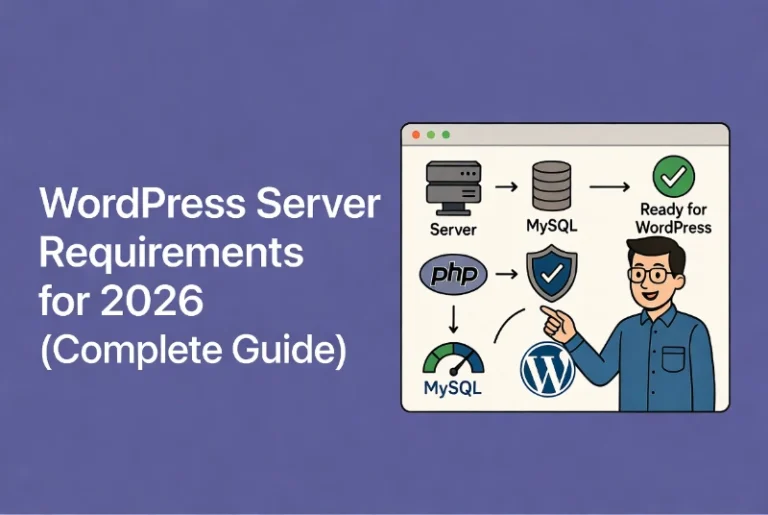
WordPress runs on what’s called a LAMP or LEMP stack. That sounds intimidating, but it’s just an acronym for the technologies it needs:
L = Linux (the operating system)
A/E = Apache or Nginx (the web server software)
M = MySQL or MariaDB (the database)
P = PHP (the programming language)
Think of it like building a house. Linux is the foundation. Apache/Nginx is the framing. MySQL is the filing system where everything is stored. PHP is the electrical wiring that makes everything work together.
In 2026, WordPress requires PHP 8.3 or higher. Why does this requirement matter to you? Because newer PHP versions are faster and more secure. It’s like the difference between running your business on Windows 95 versus Windows 11. The foundation matters.
Here’s how it actually works: When someone visits your website, WordPress pulls your content from the database (all your text, images, and settings), combines it with your design files (the theme), and generates the page they see. This happens in milliseconds. Every single time. For every single visitor.
That dynamic generation is why WordPress can power everything from simple blogs to complex applications. It’s not static HTML pages. It’s a living, breathing application that assembles content on demand.
The Modern WordPress You Don’t Know About
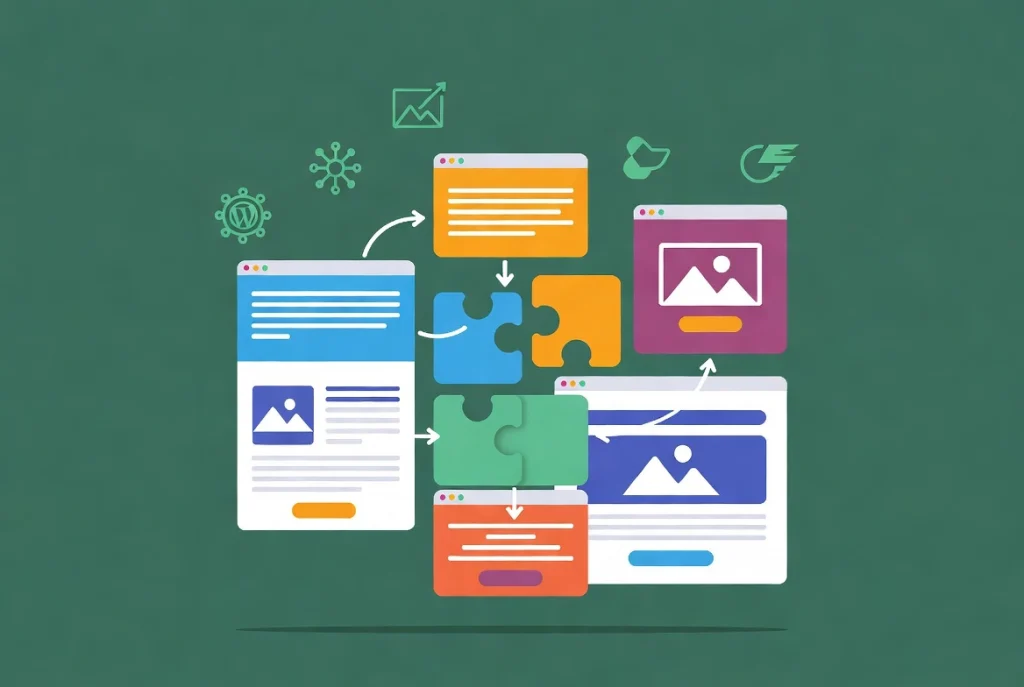
If you used WordPress five or ten years ago and haven’t looked at it recently, you don’t actually know what WordPress is anymore. It’s evolved dramatically.
The old “Classic Editor”—that simple text box where you wrote posts—is gone. It’s been replaced by the Block Editor, which changed everything about how you build sites.
Every element on your page is now a “block.” Paragraphs, images, headings, buttons, videos, forms—everything. You drag, drop, and configure blocks to create layouts that used to require expensive page builders or custom code.
But the real revolution is Full Site Editing (FSE). You’re not just editing posts and pages anymore. You’re editing your entire site headers, footers, sidebars, and templates—all through the same visual interface. No code required.
I’ve watched clients who used to pay developers $150/hour to make simple header changes do it themselves in five minutes with FSE. That’s not an exaggeration. That’s the difference between old WordPress and modern WordPress.
The platform also has a REST API and Interactivity API that let developers build sites that feel like mobile apps. Fast, dynamic, and responsive. This is why major corporations choose WordPress for serious applications. It’s not limited to simple websites anymore.
WordPress.org vs. WordPress.com: The Confusion That Costs People Thousands
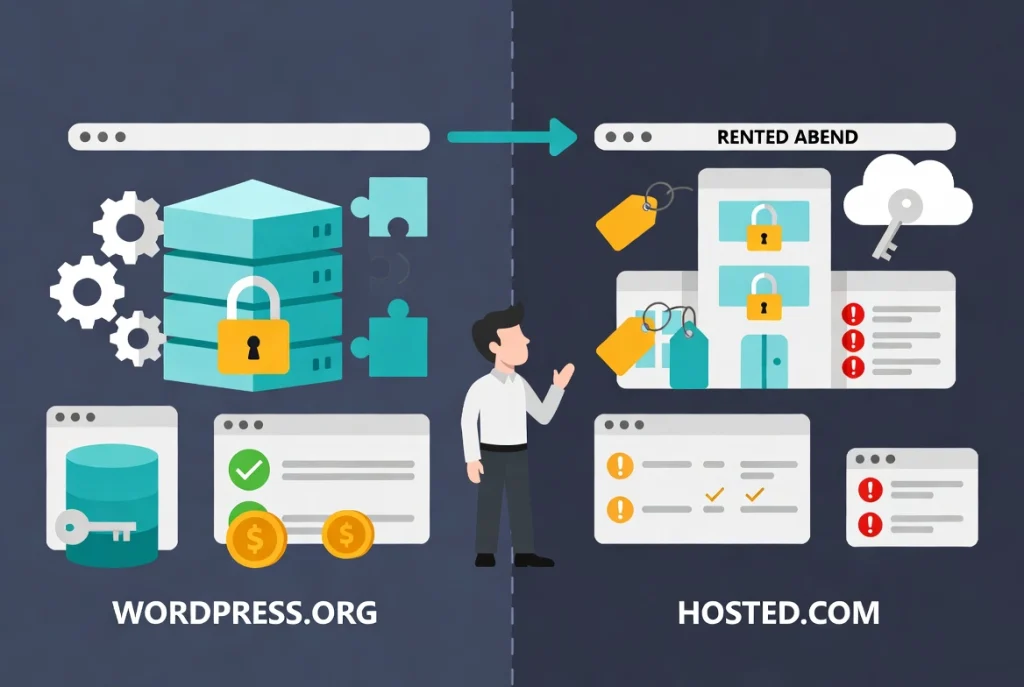
This is where I see people make expensive mistakes. There are two completely different things both called “WordPress,” and choosing wrong can cost you dearly.
WordPress.org is the real deal. This is where you download the free software and install it on your own web hosting. You own everything. Your files, your database, your content. Total control. Want to install any plugin? Go ahead. Want to customize anything? Do it. Want to monetize however you choose? Your call.
This is what professionals use. This is what I’m talking about when I say “WordPress.”
WordPress.com is a completely different animal. It’s a hosted service owned by Automattic—a commercial company. Think of it like renting an apartment versus owning a house.
WordPress.com is easier to start with. You sign up, and boom, you have a site. But you’re renting space on their servers, playing by their rules. Want to install custom plugins? Pay for their business plan at $25/month. Want to remove their ads? Pay more. Want to truly own your platform? You can’t. They own it.
If you violate their terms of service—even accidentally—they can shut you down. I’ve seen businesses lose years of content because they didn’t understand this distinction.
Here’s the comparison that matters:
| Feature | WordPress.org (Self-Hosted) | WordPress.com (Hosted Service) |
|---|---|---|
| Cost | Free software; you pay for hosting ($3-50/month). | Free limited plan, expensive paid tiers ($25-70/month) |
| Plugins | Full access to 60,000+ plugins | Only on a business plan or higher |
| Ownership | You own everything. | They own your platform |
| Maintenance | You handle updates (or use managed hosting). | Automated by provider |
| Monetization | Complete freedom | Restrictions on ad networks |
For serious business applications, WordPress.org is the only path that makes sense. If you want to test WordPress risk-free before committing to hosting, you can install WordPress locally on Windows and Mac to experiment on your own computer.
Don’t cut corners here. Choose self-hosting from the start. The few dollars saved on WordPress.com hosting will cost you exponentially more in limitations down the road.
The Three Pillars: Understanding WordPress Architecture
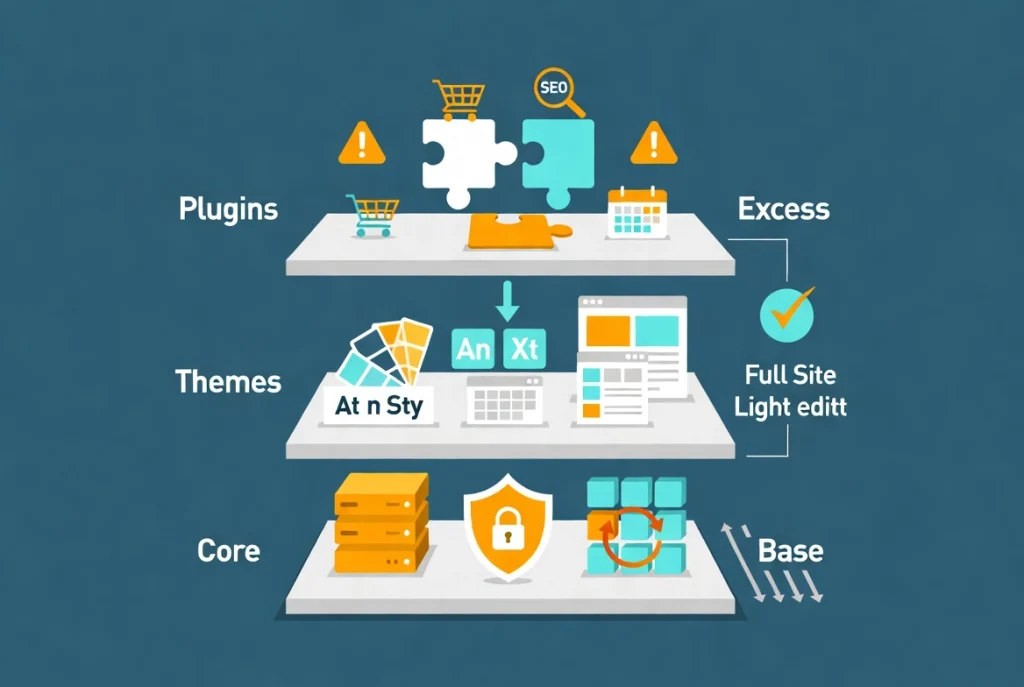
WordPress has three distinct layers that work together. Understanding how they interact will help you make better decisions about your site.
Pillar 1: The Core
The Core is the base WordPress software. It handles user management, the media library, and the fundamental block editor functionality.
Here’s the critical rule: never modify core files. Never. I don’t care how tempting it is. Updates happen several times per year to patch security vulnerabilities and add features. If you’ve modified core files, those updates will overwrite your changes—or worse, break your site entirely.
In 2026, core updates are often automated and seamless. You wake up, check your site, and see “WordPress 6.x updated successfully.” That reliability only works if you haven’t touched the core.
Pillar 2: Themes
Themes control how your site looks. Colors, fonts, layouts, and header styles—all determined by your theme.
With modern block themes and full site editing, you can now change your entire design globally through the Site Editor. No more hunting through settings panels or hiring developers for simple design changes.
But here’s what most people get wrong: they choose themes based on features instead of performance. They see “500+ options!” and think that’s good. It’s not. Bloated themes with endless features slow your site to a crawl.
Choose lightweight, well-coded themes that score high on Core Web Vitals—Google’s performance metrics. A fast theme with fewer features will outperform a feature-packed slow theme every single time.
Pillar 3: Plugins
Plugins extend WordPress’s capabilities. This is where the platform becomes anything you need.
Need an e-commerce store? Install WooCommerce. Need a contact form? Install a form plugin. Need advanced SEO tools? There’s a plugin. Need to accept bookings? Multiple plugins handle that.
There are over 60,000 plugins in the WordPress repository. This ecosystem is WordPress’s superpower.
But it’s also where people shoot themselves in the foot. Every plugin adds code to your site. Too many plugins, or poorly coded ones, create two problems:
Performance degradation. I’ve seen sites running 50+ plugins that took 20 seconds to load. That’s unacceptable in 2026 when visitors expect sub-three-second load times.
Security vulnerabilities. Outdated or abandoned plugins are the #1 entry point for hackers. Every plugin you install is a potential security hole.
Treat plugins like dependencies in software development. Install only what’s necessary. Check the last updated date and user reviews. Delete anything you’re not using; don’t just deactivate it.
As your site grows, managing your WordPress media library becomes crucial for keeping things lean and fast.
Security: The Reality Check Nobody Wants to Hear
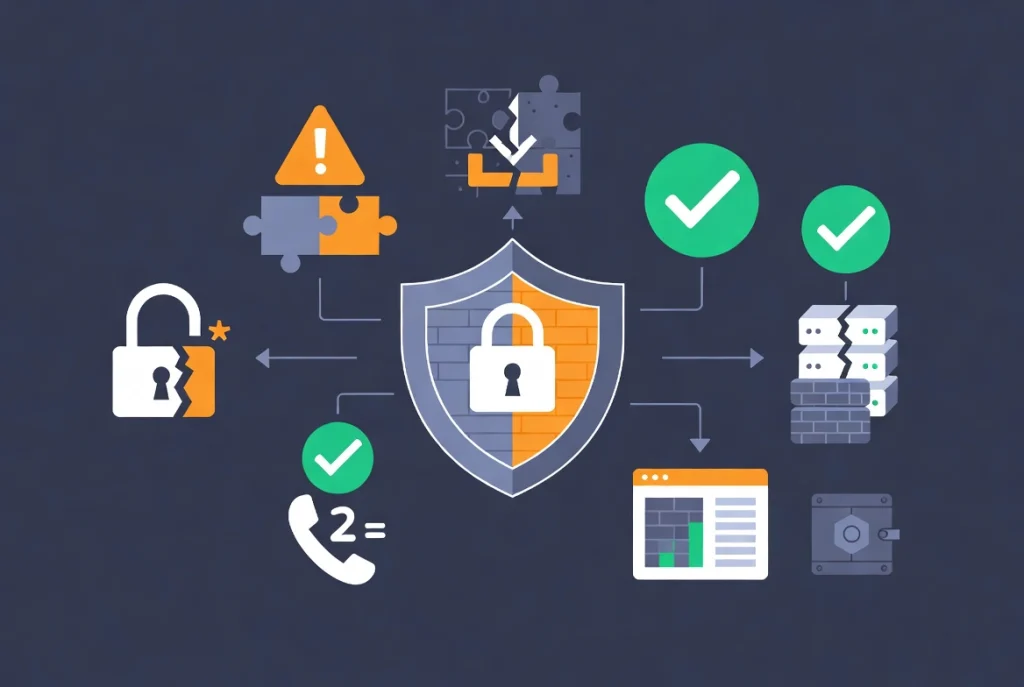
Let me be blunt: WordPress is the most targeted CMS in the world. That’s not because it’s insecure. It’s because it’s successful.
When you power 45.8% of all websites, you become a target. Hackers develop tools specifically to find WordPress vulnerabilities because the potential payoff is enormous. Find one exploit, scan the entire internet for sites running that outdated plugin, and you’ve got thousands of targets.
But here’s the truth that security scaremongers won’t tell you: WordPress itself is not inherently insecure. The software is constantly audited by thousands of developers worldwide. Vulnerabilities get patched quickly.
Most WordPress hacks happen because of three things:
1. Weak passwords. “admin” as username, “password123” as password. I’ve seen this on million-dollar business sites. Use strong, unique passwords and two-factor authentication.
2. Outdated plugins. That plugin you installed two years ago and forgot about? If it hasn’t been updated, it’s probably vulnerable. Hackers know about these vulnerabilities and actively scan for them.
3. Nulled themes. “Free” premium themes downloaded from shady sites often contain backdoors. Don’t be penny-wise and pound-foolish. Pay for themes from reputable sources or use free themes from the official repository.
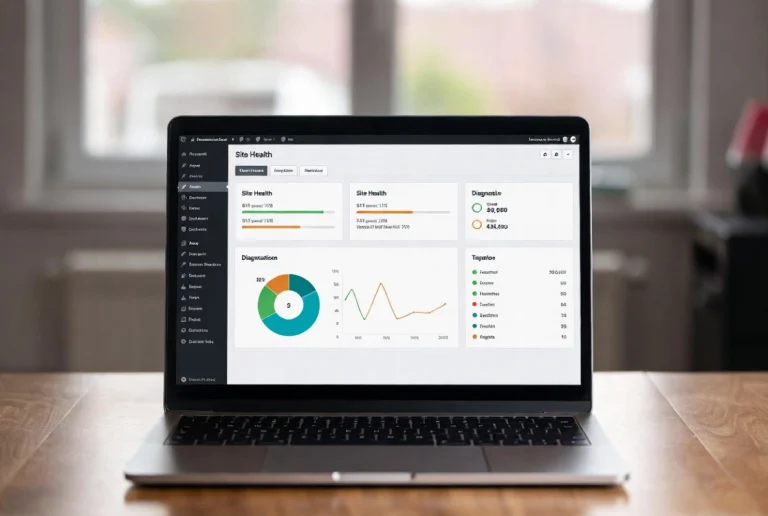
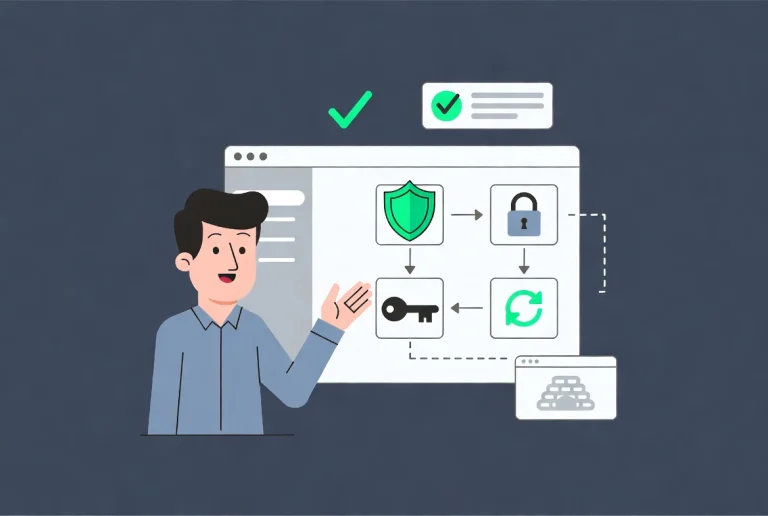
Security isn’t optional. Use two-factor authentication. Choose managed WordPress hosting that provides server-level firewalls. Keep everything updated. Monitor your site with the built-in Site Health tool.
A professional site is a maintained site. Set aside time monthly to review your plugins, update your software, and verify your backups work.
Why WordPress Wins in 2026 (Despite What the Critics Say)
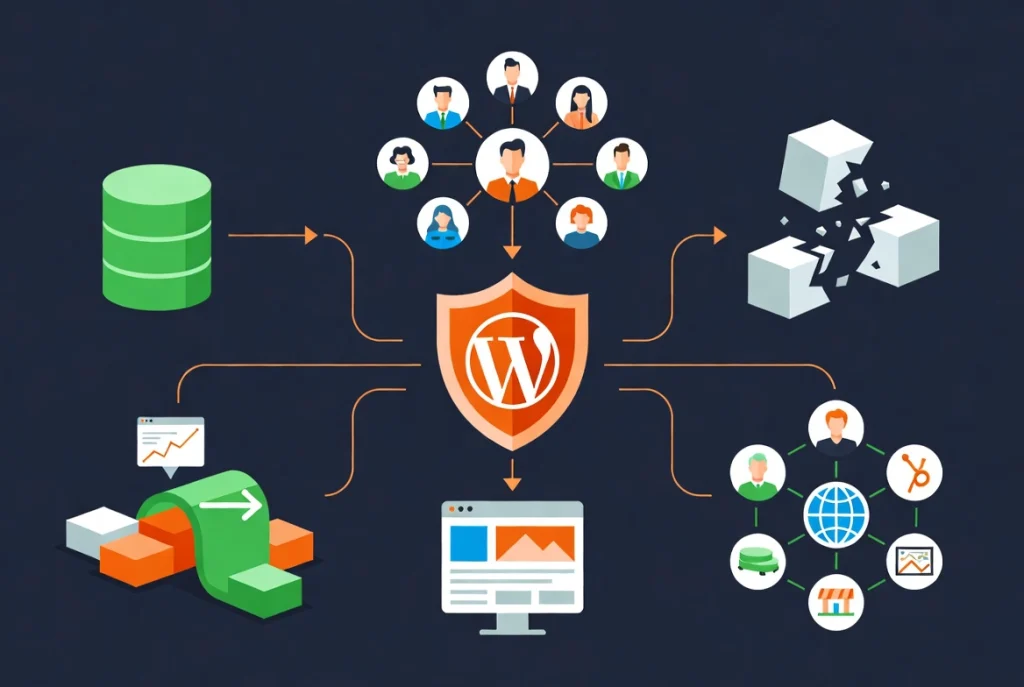
Every few years, someone declares WordPress “dead” or “bloated” or “outdated.” They’re always wrong. Here’s why.
The Longevity Advantage
Content you write in WordPress today will still be readable in a decade. That database schema—the structure of how your content is stored—remains stable. This kind of longevity is rare in tech.
Compare that to trendy JavaScript frameworks that completely change every few years, requiring expensive rewrites. Or proprietary platforms that can shut down overnight, taking your content with them.
WordPress respects your content. It’s designed to last.
The Talent Pool Advantage
This is the business advantage nobody talks about. Because WordPress is so widely used, developers, designers, and agencies specializing in it are everywhere.
If your freelancer leaves, you can find a replacement easily. If you need urgent help, communities and forums are available 24/7.
Try finding developers for some proprietary system or obscure framework. Good luck. You’re at the mercy of whoever built it. That vendor lock-in is a massive business risk.
With WordPress, you’re never locked in to a single developer. That talent portability is a huge competitive advantage.
The Modernization Advantage
The shift to block-based architecture modernized the entire platform. WordPress now rivals modern JavaScript frameworks in flexibility while remaining accessible to non-developers.
You can build complex, interactive sites without writing code. But if you need code-level control, you have it. That flexibility serves everyone from solo bloggers to enterprise development teams.
The Community Advantage
This is WordPress’s real superpower. If you have a problem, someone has already solved it. If you need a feature, someone has probably built it.
Thousands of tutorials exist. Hundreds of WordCamps happen globally. Countless agencies, freelancers, and consultants specialize in this one platform.
When you choose WordPress, you’re not just choosing software. You’re joining a global ecosystem of creators, developers, and businesses. That network effect is impossible to replicate.
When WordPress Might NOT Be Right (The Honesty You Need)
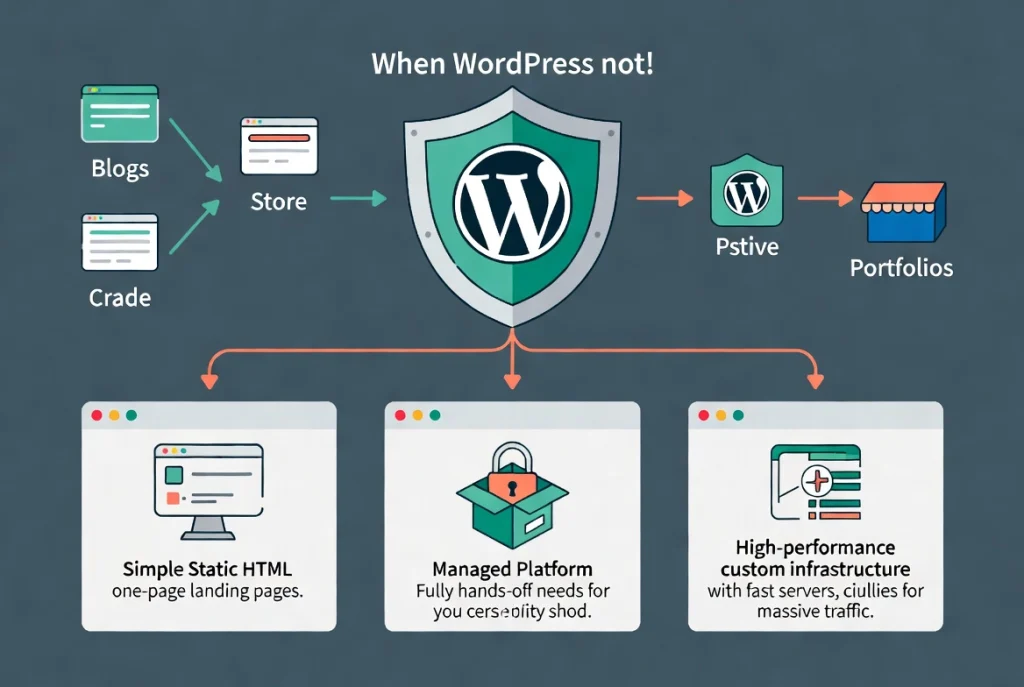
I believe in WordPress, but I’m not going to lie to you. It’s not perfect for everything.
If you need a simple one-page landing page that never changes, WordPress might be overkill. A static HTML page could work fine.
If you have zero technical interest and want someone else to handle absolutely everything forever, a fully managed platform like Squarespace might be easier (though more expensive and less flexible long-term).
If you’re building something that requires millisecond response times and handles millions of simultaneous users, you might need custom-built infrastructure. Though even then, WordPress with proper scaling can handle massive traffic.
But for 95% of web projects—business sites, online stores, blogs, portfolios, membership sites, directories, booking systems, and forums—WordPress is not just viable. It’s often the best choice.
Making the Strategic Choice
Here’s what it comes down to: WordPress is a professional-grade tool that rewards those who take time to understand it.
It’s not the easiest platform to start with. The learning curve exists. You’ll need to understand hosting, domains, themes, plugins, and maintenance.
But what you get in return is control. Complete, absolute control over your digital presence. No platform fees that increase with your success. No limitations on what you can build.
That startup CTO I mentioned at the beginning? He chose WordPress. Not because it was easy, but because it was right. Six months later, his development team had built exactly what they needed, customized to their specifications, without being constrained by platform limitations.
That’s the WordPress advantage in 2026. It gives you the freedom to build what you envision, the flexibility to change as you grow, and the confidence that your platform won’t limit your success.
Your Next Step
If you’re convinced WordPress is right for your project, the next step is getting it installed and configured properly. That’s where many people make mistakes that haunt them for years.
Return to our comprehensive guide on WordPress Basics and Installation to begin your setup process the right way. We cover everything from choosing hosting to configuring your first critical settings.
Start with a solid foundation. Choose your plugins wisely. Prioritize security from day one. The learning curve is worth the effort because the control you gain is absolute.
WordPress isn’t just software. It’s infrastructure for your digital future. Choose wisely. Build carefully. The platform will support whatever you create.
Welcome to WordPress. You’re joining 45.8% of the internet. That’s pretty good company.
Related Resources
- WordPress Basics and Installation: Complete Guide
- How to Install WordPress Locally on Windows and Mac
- Managing Your WordPress Media Library
- W3Techs WordPress Usage Statistics
- WordPress History on Wikipedia