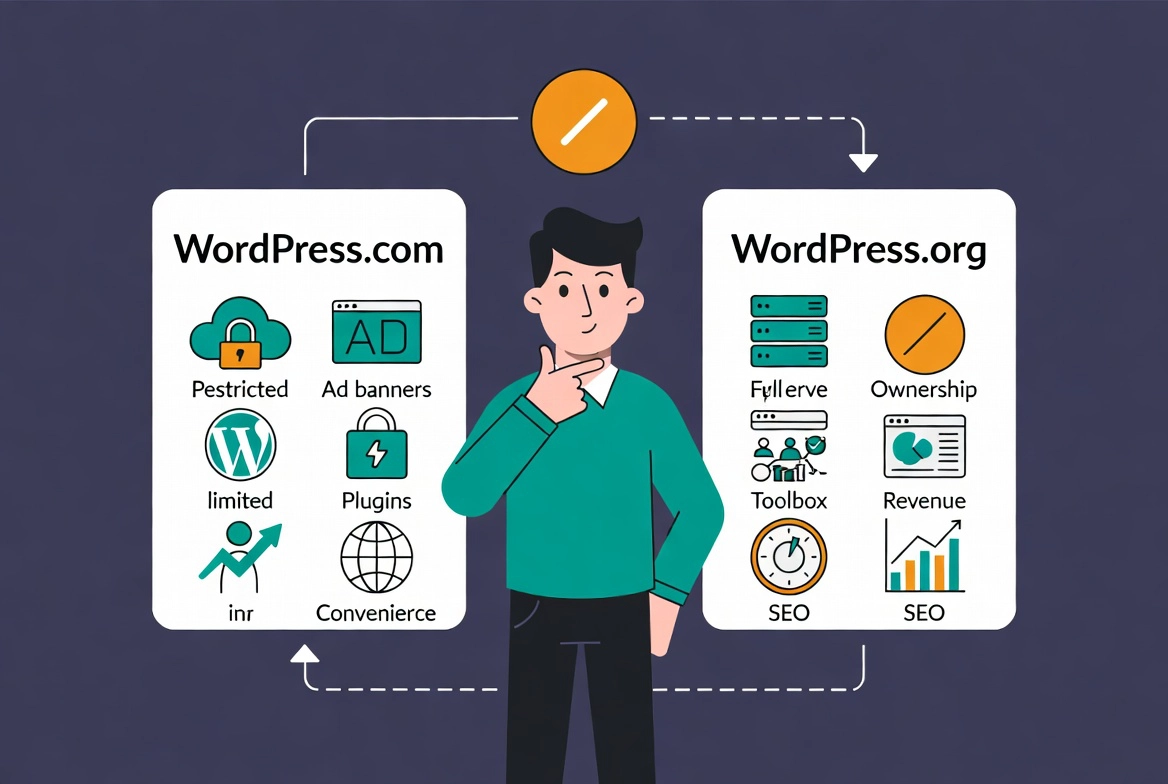
I once built an entire business on WordPress.com before realizing I couldn’t install the payment plugin I needed. Six months of content creation and SEO work became worthless because I’d chosen the wrong platform. The migration to WordPress.org cost me three weeks and $2,000 in developer fees.
Choosing a content management system is a high-stakes decision for any business in 2026. The choice you make today dictates your technical debt, your data sovereignty, and your ability to scale in three years. Most people confuse WordPress.com vs WordPress.org because they share a name and core codebase, but they represent vastly different products with different philosophies. One is a service, the other is a platform. This guide builds on our WordPress Basics and Installation foundation to help you make the right choice from day one.
⚡ Quick Summary (TL;DR)
- The fundamental difference between the platforms is that WordPress.com is a fully managed, commercial hosting service, while WordPress.org provides the open-source software you host yourself.
- Choosing self-hosted WordPress.org grants you total data sovereignty, lower long-term overhead costs, and full ownership over every element of your digital presence.
- The open-source platform gives you unrestricted freedom to install any of the 60,000+ available plugins, use custom code, and select your own preferred security and optimization stack.
- To monetize your website freely through your own ad networks, e-commerce transactions, or affiliate links without paying a premium service tax, WordPress.org is the necessary choice.
Table of contents
- Understanding WordPress.com vs WordPress.org Fundamentals
- WordPress.com vs WordPress.org: The Ownership Architecture
- WordPress.com vs WordPress.org: Financial Breakdown
- Extensibility and the Plugin Ecosystem
- Security and Maintenance in 2026
- Monetization and Branding
- Performance and Speed
- Making the Choice: The Professional Stance
Understanding WordPress.com vs WordPress.org Fundamentals
You must understand the basic architecture before comparing features.
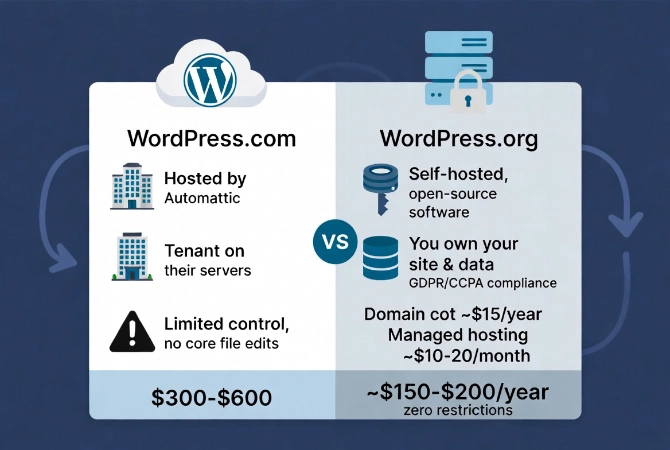
WordPress.com is a commercial hosting service owned by Automattic. WordPress.org is the home of the open-source project. You download the software there for free and host it yourself.
For fundamental definitions before diving deeper, check out our guide on What is WordPress? A Beginner’s Guide.
WordPress.com vs WordPress.org: The Ownership Architecture
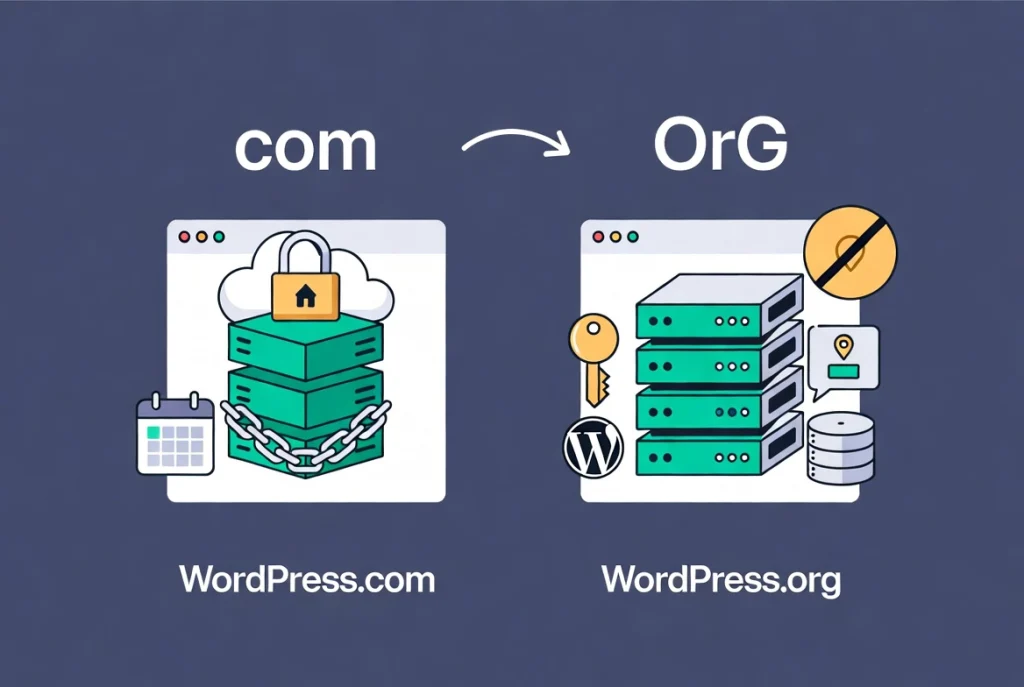
Ownership forms the primary differentiator between these platforms.
When you use WordPress.com, you essentially become a tenant. You pay a monthly fee to occupy space on their servers. They manage the infrastructure, updates, and security. This sounds convenient, and for many people it is.
The Hidden Cost of Convenience
This convenience comes at the cost of control.
You don’t own the server environment. You cannot modify core files. You remain bound by their terms of service, which can change at any time. Your website exists at their mercy.
True Ownership With WordPress.org
WordPress.org represents true ownership.
You buy your own hosting. You install the software. You own every byte of data. In 2026, where data privacy regulations like GDPR and CCPA are strictly enforced, knowing exactly where your database sits represents a legal requirement for many enterprises.
With a self-hosted site, you choose your data center location. You choose your encryption methods. You control the backups completely.
WordPress.com vs WordPress.org: Financial Breakdown
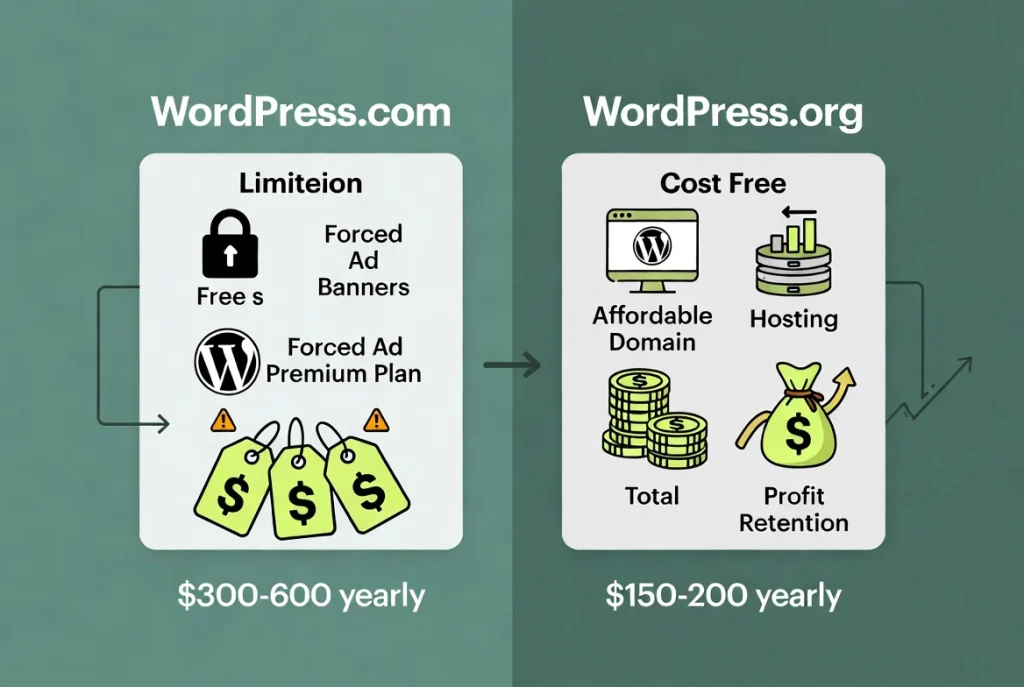
Price is where many beginners get caught in the wrong decision.
WordPress.com offers a free tier that looks attractive initially. But the free tier is extremely limited. You get a branded subdomain like “mysite.wordpress.com.” You have to display their ads. You cannot install plugins.
WordPress.com Pricing Reality
To get a professional site, you must upgrade to their Business or Commerce plans.
By the time you pay for these premium tiers, you spend $300 to $600 per year. This doesn’t include any premium themes or additional features you might need.
WordPress.org Cost Structure
Self-hosting via WordPress.org has different costs.
You pay for a domain name (about $15 per year) and hosting. High-quality managed hosting in 2026 starts at around $10 to $20 per month. This means for roughly $150 to $200 a year, you get a site with zero restrictions.
You keep all profit from your ads. You don’t pay a “tax” on your e-commerce transactions to the hosting provider. Review our guide on How to Choose the Best WordPress Hosting for detailed hosting recommendations.
Comparison Table: Features and Costs
| Feature | WordPress.com (Business Plan) | WordPress.org (Self-Hosted) |
|---|---|---|
| Cost | High monthly subscription | Low hosting + domain fees |
| Plugins | Restricted on lower tiers | Full access to 60,000+ |
| Monetization | Limited on cheap plans | 100% control |
| Maintenance | Automated by Automattic | User-managed (or managed host) |
| Storage | Fixed limits | Scalable based on host |
Extensibility and the Plugin Ecosystem
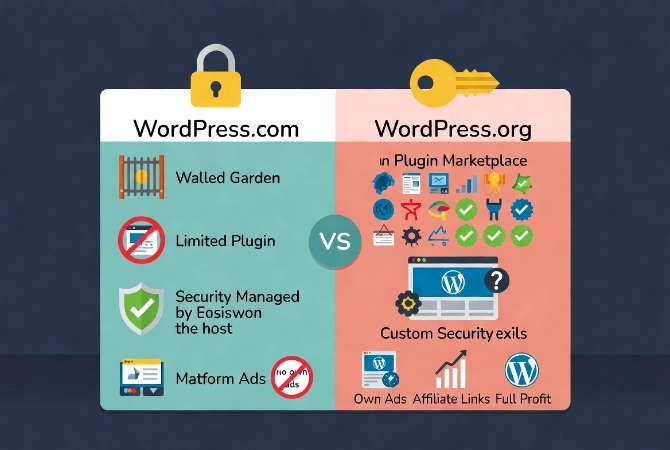
Plugins are the reason WordPress dominates 45 percent of the web. According to data from W3Techs, WordPress continues to hold the largest market share of any CMS. This dominance is fueled by the community. On WordPress.org, you can install any plugin you want. Whether it is a custom AI-driven SEO tool or a proprietary payment gateway, you have the freedom to integrate it.
WordPress.com is more like a “walled garden.” They curate the experience. On the lower plans, you cannot install any outside plugins. They provide built-in features for Jetpack, but that is often not enough. If you want to use a specific page builder or a niche membership plugin, you have to pay for the expensive Business plan just to get the right to upload it. This is a significant bottleneck for growth.
Security and Maintenance in 2026
There is a common myth that self-hosted WordPress sites are insecure. This is false. A self-hosted site is as secure as you make it. In 2026, most reputable hosts offer “auto-healing” server environments and automatic core updates. You can also implement professional-grade firewalls. For more on this, read our detailed breakdown of WordPress Security Basics for Beginners.
WordPress.com does handle the security for you. They have a massive team monitoring their servers. This is their strongest selling point. If you are a solo blogger with no technical interest, the peace of mind might be worth the extra cost. But if you are a professional, you probably want to choose your own security stack. You might want to use Cloudflare or a specific server-side cache that WordPress.com doesn’t support.
Monetization and Branding
If you intend to make money, WordPress.org is the only logical choice. WordPress.com has strict rules about affiliate links and advertising. On their free and personal plans, they actually run their own ads on your site and you don’t get a penny. To run your own ad network (like Mediavine or Raptive), you must be on a high-tier plan.
Branding is also a factor. Professionalism requires a clean URL. While WordPress.com allows custom domains on paid plans, the back-end experience is still heavily branded by their company. When you use the self-hosted version, the “WordPress” brand stays in the background. You can even “white label” the dashboard for your clients.
Performance and Speed
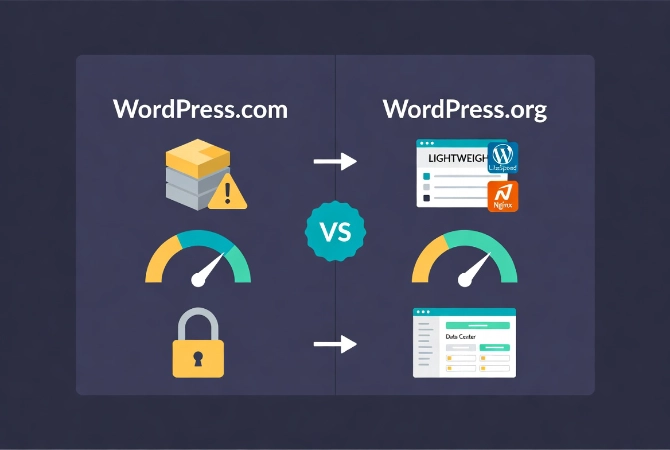
In 2026, Core Web Vitals are more important than ever for SEO. WordPress.com sites generally perform well because they use a standardized stack. But they are not optimized for every specific use case. They use a lot of “bloat” to ensure that their features work for everyone.
With WordPress.org, you can strip away everything you don’t need. You can use lightweight themes. You can use server-side technologies like LiteSpeed or Nginx tailored to your specific traffic patterns. You can choose a host with data centers close to your audience. This level of granular performance tuning is impossible on the .com version.
Making the Choice: The Professional Stance
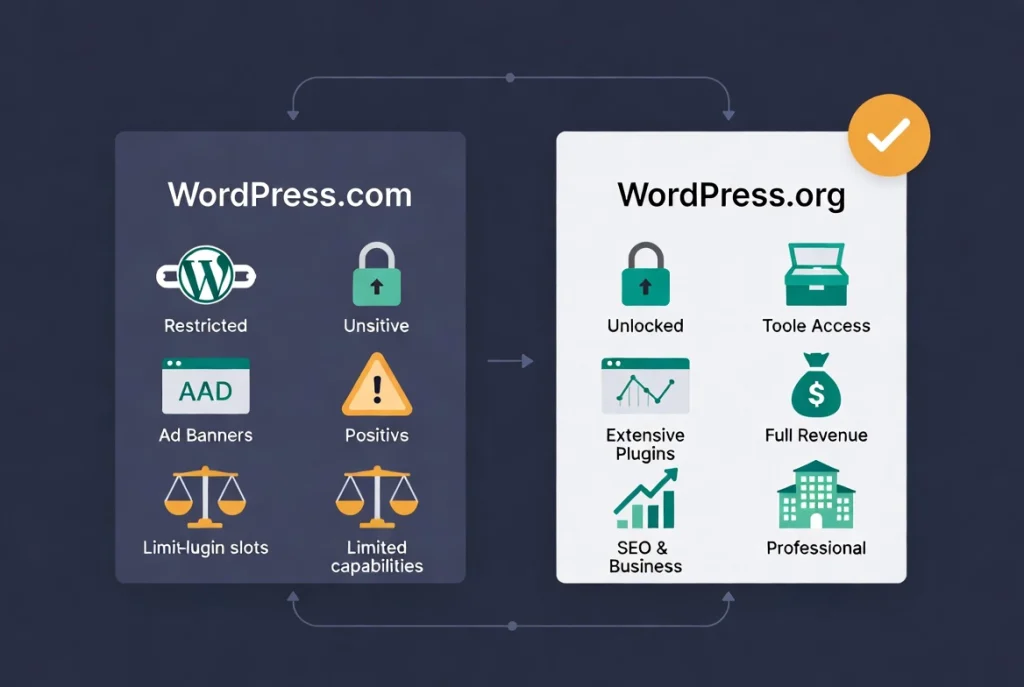
I have seen businesses start on WordPress.com and regret it within twelve months. The migration process is not always easy. While you can export your content, moving your theme settings and plugin configurations can be a nightmare. It is better to start on the platform you intend to grow with.
Choose WordPress.com if:
- You are a hobbyist with no interest in monetization.
- You want a “set it and forget it” blog and don’t care about custom features.
- You have a high budget and don’t mind paying a premium for someone else to manage your updates.
Choose WordPress.org if:
- You are building a business, a brand, or an e-commerce store.
- You want to use specific plugins like Elementor, Advanced Custom Fields, or WooCommerce without restrictions.
- You want to keep 100% of your advertising and sales revenue.
- You care about long-term SEO and site performance.
The open-source nature of WordPress is its greatest strength. As documented by Wikipedia, the software is licensed under the GPL, which ensures your right to use, modify, and distribute it. WordPress.com is a service built on top of that freedom, but it inherently limits that freedom for its users.
Basically, the “dot org” version is the real deal. It is the version used by the New York Times, NASA, and major celebrities. It provides the flexibility required for the modern web. If you want to understand how to manage your content once your site is up, you should compare WordPress Posts vs Pages: Key Differences.
The technical landscape of 2026 demands agility. A self-hosted site allows you to pivot. If your host raises prices, you move. If a new AI technology emerges, you integrate it. If you are on WordPress.com, you wait for them to allow it. Don’t wait. Take control of your web presence from day one. Choose the self-hosted route and build something you actually own.