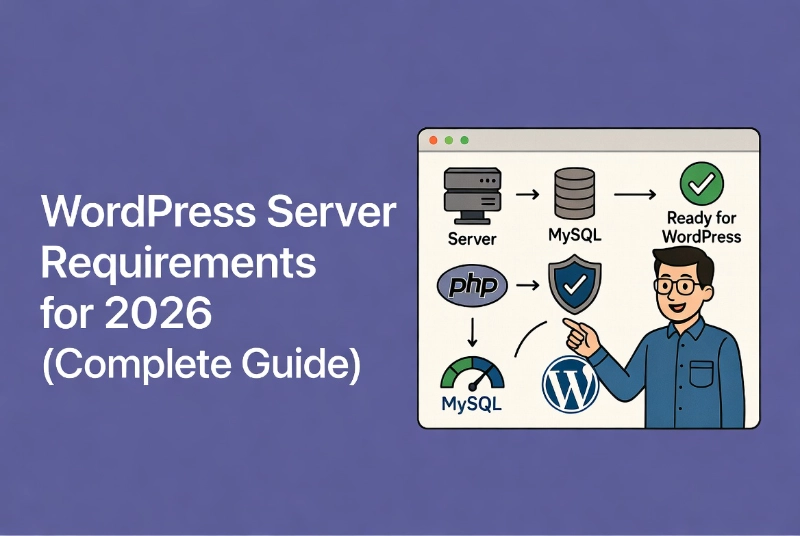
WordPress Server Requirements: Current Hosting Checklist
I’ll be honest with you, I used to think WordPress server requirements were just boring technical details that didn’t really matter.
Then I watched a client’s site crash spectacularly during a product launch because their cheap hosting couldn’t handle the traffic. They lost thousands in sales that day. The frustrating part? It was completely preventable.
Understanding WordPress server requirements isn’t about checking boxes on a list. It’s about building a foundation that won’t crumble when your business actually starts growing. Whether you’re following our guide on WordPress Basics and Installation or upgrading an existing site, getting these requirements right from the start saves you from painful headaches later.
In this guide, I’ll walk you through exactly what your WordPress site needs in 2026 to run fast, secure, and reliably.
⚡ Quick Summary (TL;DR)
- Setting up modern WordPress server requirements correctly protects your website from devastating crashes during sudden traffic spikes.
- Running PHP 8.3 or higher is essential for maximum performance and security, along with configuring a minimum memory limit of 256MB to avoid the white screen of death.
- Your site needs MySQL 8.0 or MariaDB 10.11 at a minimum to handle database connections efficiently and preserve international characters safely.
- Choosing Nginx over Apache provides superior performance under heavy traffic, while supporting TLS 1.3 ensures non-negotiable security and faster connection speeds.
Why Your PHP Version Actually Matters
PHP powers every single thing that happens on your WordPress site.
Every time someone visits your site, PHP processes the request, talks to your database, executes your theme’s code, and delivers the page. Think of it as your car’s engine—you want the latest, most efficient model, not one from a decade ago.
By 2026, running anything older than PHP 8.3 is a serious mistake. Here’s why that matters to you, not just to developers.
Performance You Can Actually Feel
I ran tests comparing PHP 7.4 to PHP 8.3 on identical sites.
The difference shocked me. PHP 8.3 handled nearly 40% more requests per second. That means your site loads faster, handles more visitors simultaneously, and costs less to run because you’re using server resources more efficiently.
PHP 8.3 includes something called a Just-In-Time (JIT) compiler. Without getting too technical, it makes your server work smarter, not harder. You’ll find more about PHP’s evolution on the PHP Wikipedia page if you’re curious about the technical details.
Security Risks Are Real
Older PHP versions don’t receive security updates anymore.
Hackers know this. They specifically target sites running outdated PHP because the vulnerabilities are well-documented and easy to exploit. Running PHP 7.4 in 2026 is like leaving your front door wide open with a “Welcome” sign for attackers.
The Memory Limit Nobody Talks About
Here’s something that tripped me up early on: the official minimum memory limit is technically low, but the practical minimum is much higher.
Set your memory_limit to at least 256 MB. If you’re using page builders like Elementor or running a WooCommerce store, you’ll need 512MB or more. Starve your site of memory, and you’ll see the dreaded white screen of death.
Many cheap hosts default to older PHP versions because it saves them money on support costs. Don’t let them. Demand PHP 8.3 or higher. If your host can’t provide this, they’re failing you.
Database Requirements: The Heart of Your Site
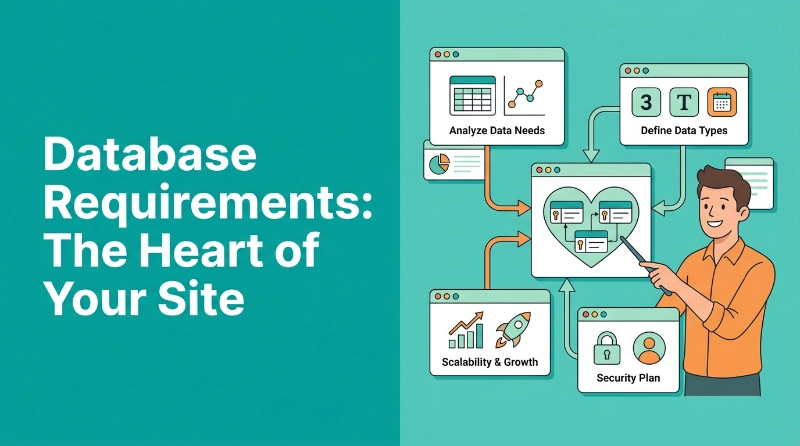
Your database stores everything that makes your site unique.
Every post you write, every comment someone leaves, every setting you configure—it all lives in your database. For 2026, you need MySQL 8.0 or MariaDB 10.11 at minimum.
Why I Prefer MariaDB
I’ve worked with both MySQL and MariaDB extensively.
MariaDB 10.11 is a Long Term Support (LTS) release, which means you get stability and security updates for years. More importantly, it handles high-concurrency connections better than MySQL. When multiple people access your site simultaneously, MariaDB manages those connections more efficiently.
Performance data shows MySQL 8.0 offers up to 2x better performance on modern servers compared to the older 5.7 version. The query optimizer is smarter—it picks better execution paths, which means less time spent “thinking” before delivering data to PHP.
The Character Set You Must Have
Make sure your database uses the utf8mb4 character set.
This might sound technical, but here’s why it matters: without utf8mb4, your database can’t properly store emojis and many international characters. I’ve seen sites where customer names, product descriptions, and comments get corrupted because someone skipped this setting.
Most people discover this problem too late—after they’ve lost data. Check your collation settings now, not later.
Choosing Your Web Server: Nginx vs.
Apache
Your web server sits at the front door of your site, receiving every request and deciding what to do with it.
You essentially have two choices, and both have strong arguments in their favor.
Apache: The Comfortable Old Friend
Apache has been around forever, and there’s a reason for that—it works.
It supports .htaccess files, which makes configuration easy for beginners. You can drop a few lines into an .htaccess file and change how your site behaves without touching complex server settings.
But Apache has a significant weakness: it creates a new process for every connection. Under heavy traffic, this eats up RAM faster than you’d believe. I’ve seen servers with 8GB of RAM brought to their knees by a moderate traffic spike because Apache was spawning too many processes.
Nginx: The Modern Performance Champion
Nginx is what I recommend for any site that cares about performance.
It uses an event-driven architecture that handles thousands of concurrent connections with minimal memory usage. Where Apache might consume 4GB of RAM serving 1,000 visitors, Nginx might use 500MB doing the same job.
The tradeoff? Nginx doesn’t support .htaccess files. You write server blocks in the main configuration file instead. This is actually more secure and faster—the server doesn’t waste time checking every folder for hidden configuration files on every single request.
I pair Nginx with PHP-FPM (FastCGI Process Manager) on all my production sites. This combination delivers the best possible performance for WordPress in 2026.
If you’re struggling with this decision, our guide on How to Choose the Best WordPress Hosting dives deeper into infrastructure considerations.
HTTPS and TLS 1.3: Security That’s Non-
Negotiable
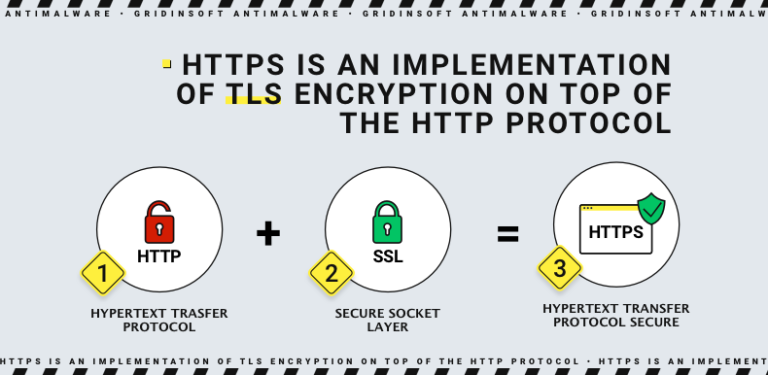
Let me be blunt: running a site without SSL in 2026 is professional negligence.
Browsers display prominent “Not Secure” warnings on HTTP sites. Your visitors see these warnings and leave. Your search rankings suffer. Payment processors won’t work without HTTPS.
But having an SSL certificate is just the baseline—your server needs to support TLS 1.3.
Why TLS 1.3 Matters for Speed
TLS 1.3 is faster than the older TLS 1.2 protocol.
It reduces the number of “handshakes” required to establish a secure connection. This might sound trivial, but it shaves precious milliseconds off your load time. When you’re competing for attention online, every millisecond counts.
HTTP/2 and HTTP/3 Are Essential
Your server should support HTTP/2 at minimum, ideally HTTP/3.
These protocols allow browsers to download multiple files (CSS, JavaScript, images) simultaneously over a single connection. The older HTTP/1.1 forces browsers to open multiple connections, which is inefficient and slow.
Modern WordPress themes are asset-heavy. You need a server that handles concurrent requests efficiently.
If your host doesn’t offer free Let’s Encrypt certificates and HTTP/3 support, they’re technologically stuck in 2015. Find a better host.
Hardware Resources: What You Actually Need
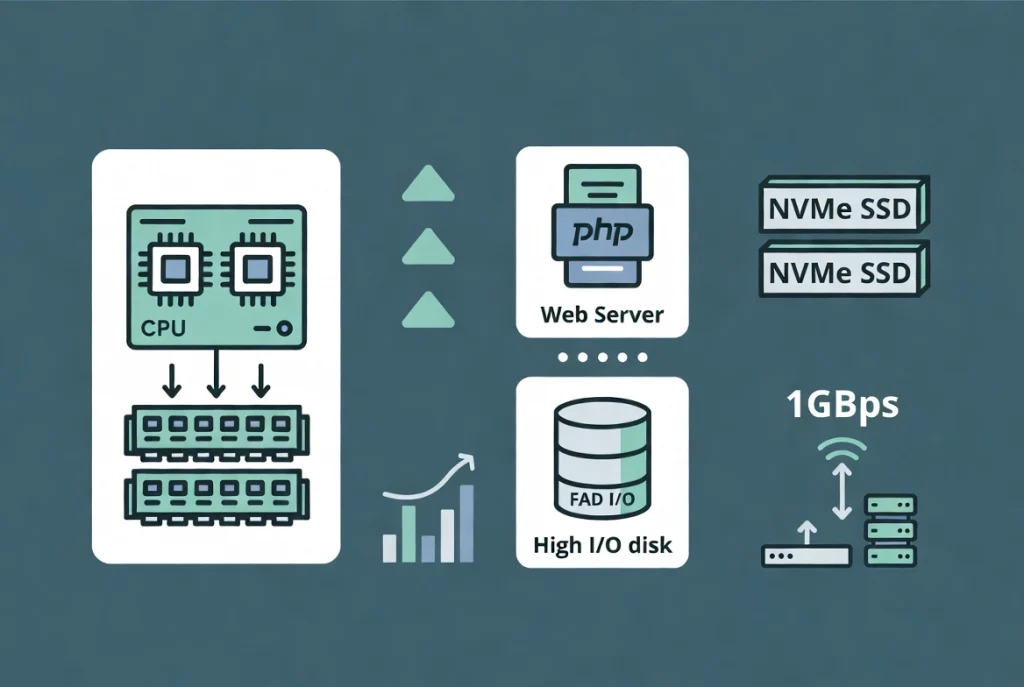
Software requirements are only half the equation.
You need actual computing power—whether physical or virtualized—to run all this code efficiently.
Minimum Specifications for Business Sites
For a standard business website with moderate traffic, here’s what I recommend:
- CPU: At least 2 dedicated vCPU cores. Shared CPU cores lead to “noisy neighbor” problems where other sites on the server slow yours down unpredictably.
- RAM: 4GB is the sweet spot. This gives enough headroom for your operating system, web server, and database to cache frequently accessed data.
- Storage: NVMe SSDs are mandatory in 2026. Regular SATA SSDs are too slow for database-heavy operations. Magnetic hard drives are obsolete for web hosting.
- Network: A 1Gbps uplink should be standard. Make sure data egress is either unmetered or high enough that you won’t face overage charges during traffic spikes.
When to Split Your Architecture
I learned this the hard way on a high-traffic e-commerce site.
If you’re seeing more than 100,000 visitors monthly, you can’t put everything on one server anymore. Separate your database server from your web server.
Why? They have different resource needs. Databases need high RAM and fast disk I/O. Web servers need CPU power for PHP processing. Split them, and you can scale each independently based on actual demand.
Essential PHP Extensions You Can’t Skip
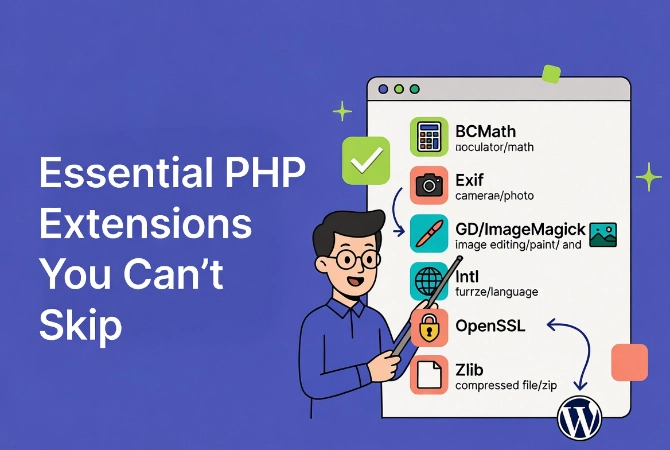
WordPress relies on specific PHP libraries to function properly.
If these extensions are missing, features simply fail—often without clear error messages. You might see a broken image editor or updates that mysteriously won’t install.
The Critical Extensions List
Ensure your host has these enabled:
- BCMath: High-precision math operations, essential for e-commerce calculations
- Exif: Reads image metadata (camera settings, GPS data, etc.)
- GD or ImageMagick: Image manipulation libraries. Without one of these, WordPress can’t create thumbnails
- Intl: Handles internationalization and localization
- OpenSSL: Secure communication with external services
- Zlib: File compression for better performance
Managed hosts usually include these by default. If you’re running your own VPS, you’ll need to install them manually.
A missing extension is the most common cause of “mysterious” WordPress bugs that leave you scratching your head for hours.
Once you’re logged into your dashboard (see How to Login to Your WordPress Admin Area if you need help), the Site Health tool will warn you about any critical missing extensions.
Operating System: Why Linux Wins Every Time
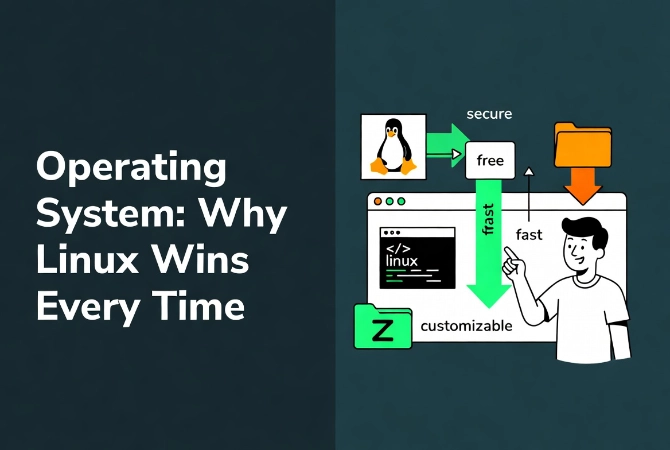
WordPress technically runs on Windows servers using IIS.
I strongly advise against it. The WordPress community develops for Linux first. Most plugins and themes are tested exclusively on Linux environments. You’ll run into weird compatibility issues on Windows that waste hours of troubleshooting.
The Best Linux Distributions for 2026
Ubuntu 24.04 LTS or Debian 12 are the industry standards.
These distributions provide the stability production environments demand. They have long-term support cycles, meaning you receive security patches for years without needing risky full OS upgrades.
For more technical details about these distributions, visit the official Debian website.
The Performance Gap You Can’t Ignore
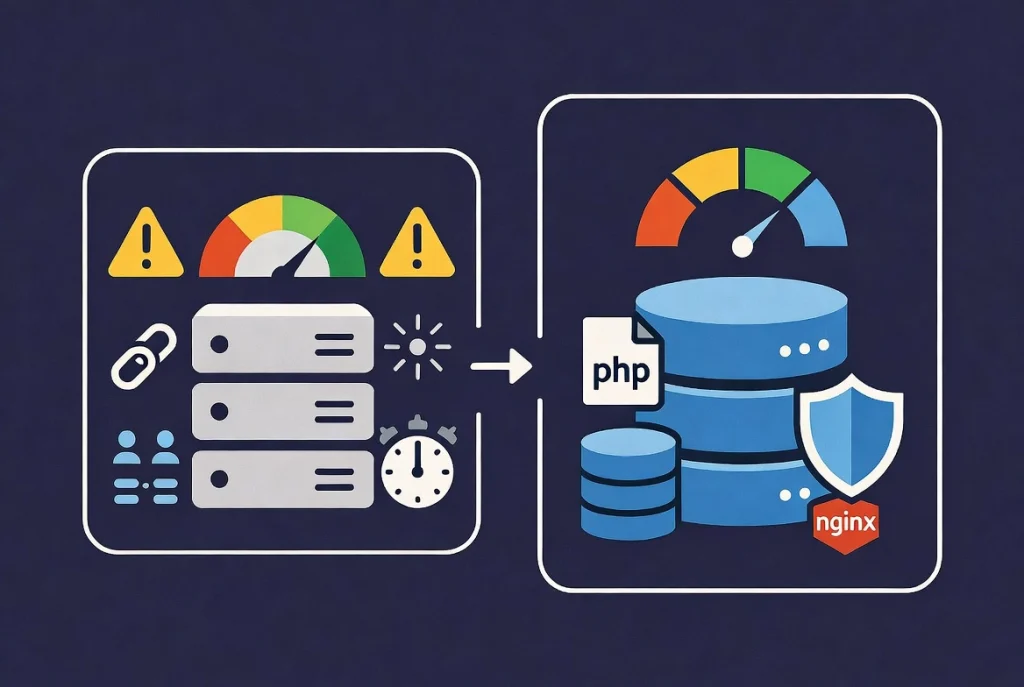
There’s a massive difference between “it runs” and “it runs well.”
Meeting bare minimum requirements gets your site online. But it’ll be slow and vulnerable, and it’ll crash during traffic surges—exactly when you need it most.
Following the 2026 standards I’ve outlined—PHP 8.3, MySQL 8.0 or MariaDB 10.11, and Nginx with TLS 1.3—ensures your site is ready for the modern web.
Think About Technical Debt
Starting with outdated technology creates technical debt.
You’ll spend countless hours fixing server errors, dealing with security breaches, and troubleshooting performance issues. That’s time you could spend growing your business instead.
A fast site improves your search rankings. It increases user engagement and conversion rates. Your server is the engine of your digital presence—don’t put a lawnmower engine in a sports car.
Take Action Today
Check your current server settings now.
Log into your hosting control panel and verify your PHP version, database version, and available memory. If you’re running outdated software, schedule upgrades before they become emergencies.
Your site’s performance, security, and reliability depend on these foundational choices. Make them count.
Additional Resources for WordPress Setup
Ready to put this knowledge into action? Here are some resources to help you get started:
- Begin with our comprehensive guide on WordPress Basics and Installation to see how these requirements fit into the bigger picture
- Once your server is configured, learn about content organization in WordPress Posts vs. Pages: Key Differences
- Make the right hosting decision with How to Choose the Best WordPress Hosting
- Access your new site using our guide How to Login to Your WordPress Admin Area
- How to Install WordPress Locally on Windows and Mac
- Install WordPress in 60 Seconds: The Complete Softaculous Guide (2026)
- WordPress Security Basics for Beginners (2026)
- WordPress Navigation Menus: 7 Steps to Professional Site Structure (2026)
- WordPress User Roles and Permissions: Complete Guide (2026)
Your server requirements aren’t just technical specifications—they’re the foundation of your online success. Build it right from the start, and everything else becomes easier.