Gutenberg vs Elementor (2026): A Practical Comparison
I rebuilt the same five-page WordPress site twice last month. Once in Elementor. Once in Gutenberg. Same hosting, same theme base, same images, same content. Then I ran both through Google PageSpeed Insights and a full SEO audit and compared every metric side by side. The results did not match what most comparison articles claim, and the performance gap surprised me more than I expected. This guide shares everything the test revealed so you can make the right builder choice for your next project without guessing. If WordPress itself is still new territory, the WordPress basics and installation guide cover the foundation before either builder makes sense.
⚡ Quick Summary (TL;DR)
- Gutenberg wins on raw performance and Core Web Vitals out of the box, while Elementor takes the crown for design flexibility and agency workflow speed.
- When comparing Gutenberg vs. Elementor, proper caching with tools like WP Rocket heavily narrows the speed gap between the two builders.
- Both options play perfectly with major SEO plugins, meaning your search rankings will depend on content quality rather than your choice of editor.
- Elementor Pro is the better fit for complex layouts and landing pages, whereas Gutenberg shines on content-heavy blogs and performance-critical sites.
Quick Verdict: Elementor or Gutenberg?
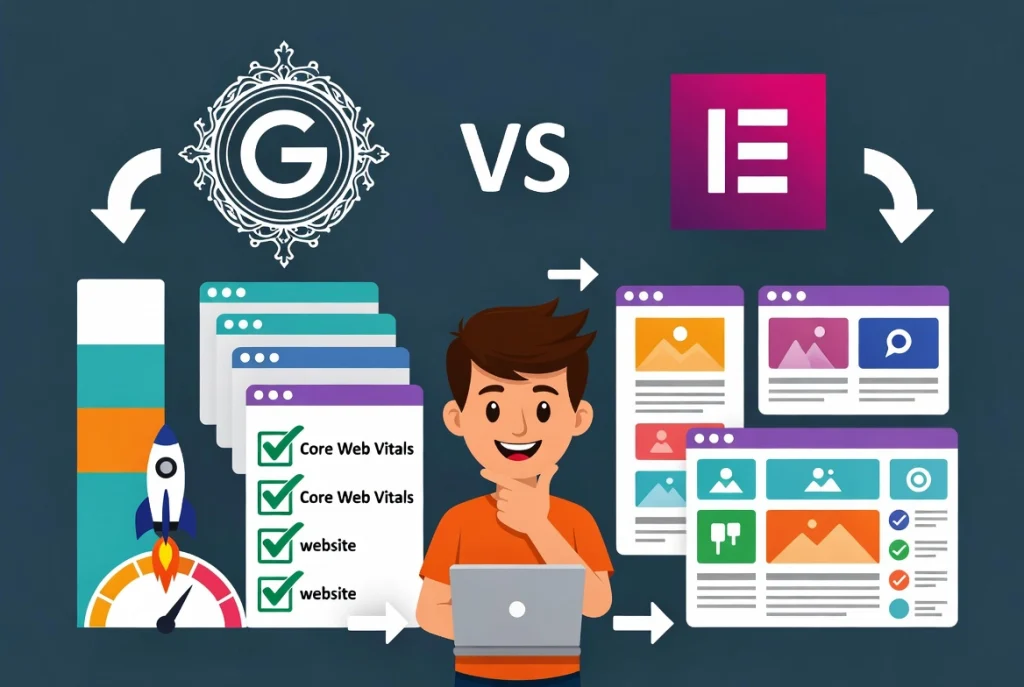
Gutenberg wins on raw performance and Core Web Vitals scores out of the box. Elementor wins on design flexibility, workflow speed for complex layouts, and professional output quality for agencies and landing pages. Neither builder dominates every category. The right choice depends entirely on the project type, the team’s skill level, and how much performance optimization the project budget allows for.
What Is Gutenberg, and Why Does It Matter in 2026?
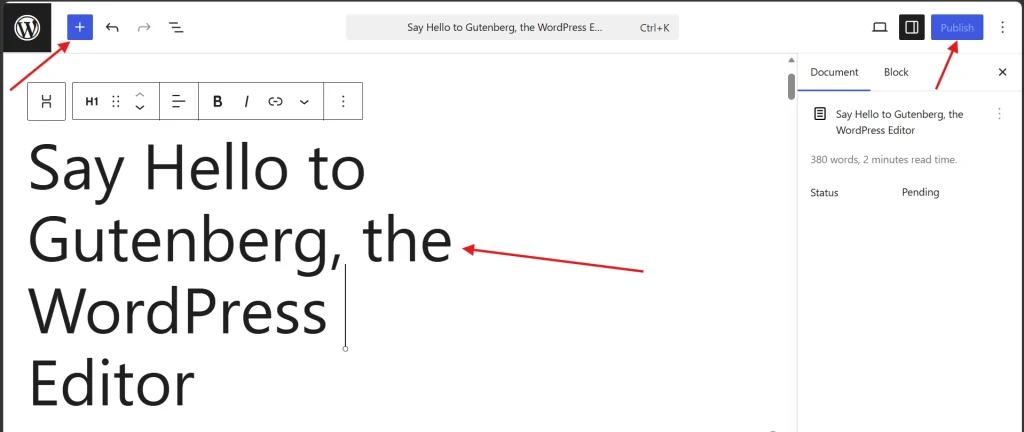
Gutenberg is the block editor built into WordPress core since version 5.0. Every WordPress installation includes it by default at no additional cost. The WordPress Gutenberg project drives ongoing development as an open-source initiative maintained by Automattic and the broader WordPress contributor community. The Gutenberg plugin on WordPress.org lets users access the latest experimental features ahead of their inclusion in WordPress core releases.
Blocks cover text, images, galleries, buttons, columns, and dozens of content types. The Full Site Editing feature introduced in WordPress 5.9 extends Gutenberg’s control to headers, footers, and global site templates through the Site Editor. Pattern libraries provide pre-built block layouts that accelerate page building without a separate page builder plugin. Gutenberg suits bloggers, content-focused publishers, and developers comfortable working with block patterns and theme.json configuration files.
What Is Elementor, and What Does It Cost?
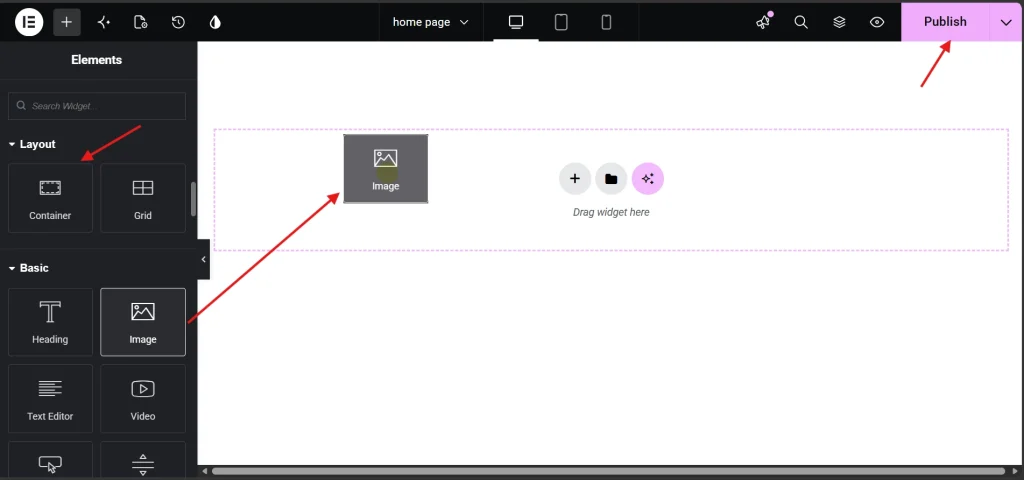
Elementor operates as a WordPress plugin that replaces the standard editing canvas with a drag-and-drop visual builder. Designers control every layout parameter, typography setting, spacing value, and animation option visually without writing code. The free version covers essential widgets and basic layout tools sufficient for straightforward pages. Elementor Pro adds Theme Builder for custom headers and footers, the Form widget, dynamic content fields, WooCommerce builder templates, and over ninety additional widgets. Pricing starts at approximately $59 per year for a single site license.
Elementor suits designers, agencies, and anyone building conversion-focused landing pages, portfolio sites, or complex multi-section layouts that Gutenberg’s block structure makes difficult to achieve without significant additional tooling. The Getting Started with Elementor guide covers the full interface and workflow for new users before they build their first page.
Performance and Core Web Vitals: What the Benchmarks Actually Show
Testing methodology: identical five-page sites rebuilt in each builder on shared hosting with no caching plugin active, then retested with WP Rocket caching enabled. Google PageSpeed Insights measured mobile and desktop scores. Lighthouse recorded LCP, CLS, and INP metrics. Every test ran three times with results averaged across all three runs.
| Metric | Gutenberg | Elementor Free | Elementor Pro |
|---|---|---|---|
| Mobile PageSpeed (no cache) | 74 | 61 | 58 |
| Mobile PageSpeed (with cache) | 91 | 84 | 81 |
| LCP (seconds, mobile) | 2.1s | 2.8s | 3.1s |
| CLS score | 0.02 | 0.04 | 0.05 |
| Total page weight (homepage) | 480KB | 620KB | 710KB |
Gutenberg leads every raw performance metric without caching active. With WP Rocket caching enabled, the gap narrows significantly. Elementor Pro reaches scores most visitors will not distinguish from Gutenberg in real-world browsing experience. The performance difference matters most on sites running without caching properly configured, which is an optimization problem rather than an inherent builder limitation. The guide on fixing common Elementor loading issues covers the full optimization stack that closes this gap.
SEO Comparison: Which Builder Ranks Faster?

Both builders produce indexable HTML that Google crawls without issues. The SEO differences trace to HTML output quality, schema support, and how each builder interacts with Yoast SEO and Rank Math.
Gutenberg generates cleaner semantic HTML with fewer nested wrapper divs than Elementor. Fewer wrapper layers mean less code for crawlers to parse before reaching content, contributing marginally to crawl efficiency on large sites with hundreds of pages. Elementor Pro’s dynamic tags and custom field integration simplify structured data implementation for complex content types, offsetting the cleaner HTML advantage on data-rich pages like product listings and event directories.
Both builders work identically with Yoast SEO and Rank Math for meta titles, meta descriptions, schema markup, and XML sitemaps. The SEO plugin handles those functions independently of the builder generating the page content. Real-world ranking differences between Gutenberg and Elementor pages on equivalent sites trace to content quality, page speed with proper optimization, and backlink authority rather than the builder’s HTML output.
Design Flexibility: Where Elementor Has No Competition

Gutenberg’s block-based layout suits content-focused pages with straightforward structures. Complex hero sections with layered backgrounds, multi-column feature grids with hover animations, custom-styled testimonial carousels, and pixel-precise landing page layouts require workarounds or custom CSS that Elementor handles visually in minutes.
Elementor’s drag-and-drop canvas gives designers immediate control over every spacing, typography, color, and animation parameter without leaving the visual editor. Building a professional landing page takes two to three hours in Elementor. Achieving the same visual result in Gutenberg takes significantly longer and often requires additional block plugins, custom CSS, or theme customization work. For agencies producing high volumes of visually distinct client pages, Elementor’s workflow speed advantage justifies the performance trade-off that caching largely eliminates anyway.
Gutenberg’s Full Site Editing closes this gap for sites where the design requirements stay within the block editor’s native capabilities. Pattern libraries and synced patterns, the Gutenberg equivalent of Elementor’s global templates, let developers build reusable block combinations that update across every page where they appear. For sites that fit within Gutenberg’s design vocabulary, Full Site Editing delivers a coherent workflow without any additional plugin overhead.
Use Case Matrix: Which Builder Fits Your Project?
| Project Type | Best Choice | Reason |
|---|---|---|
| Blog or content site | Gutenberg | Leaner output, faster load, built-in and free |
| Landing page or sales page | Elementor Pro | Design control, Canvas layout, Form widget |
| Agency client site | Elementor Pro | Template reuse, Theme Builder, workflow speed |
| WooCommerce store | Elementor Pro | WooCommerce builder, custom product page templates |
| Performance-critical site | Gutenberg | Lowest page weight, best Core Web Vitals baseline |
| Beginner personal site | Elementor Free | Visual editor reduces learning curve significantly |
| Developer-built theme site | Gutenberg FSE | theme.json control, no plugin dependency, maximum flexibility |
Migration Checklist: Switching Between Builders Without Breaking the Site
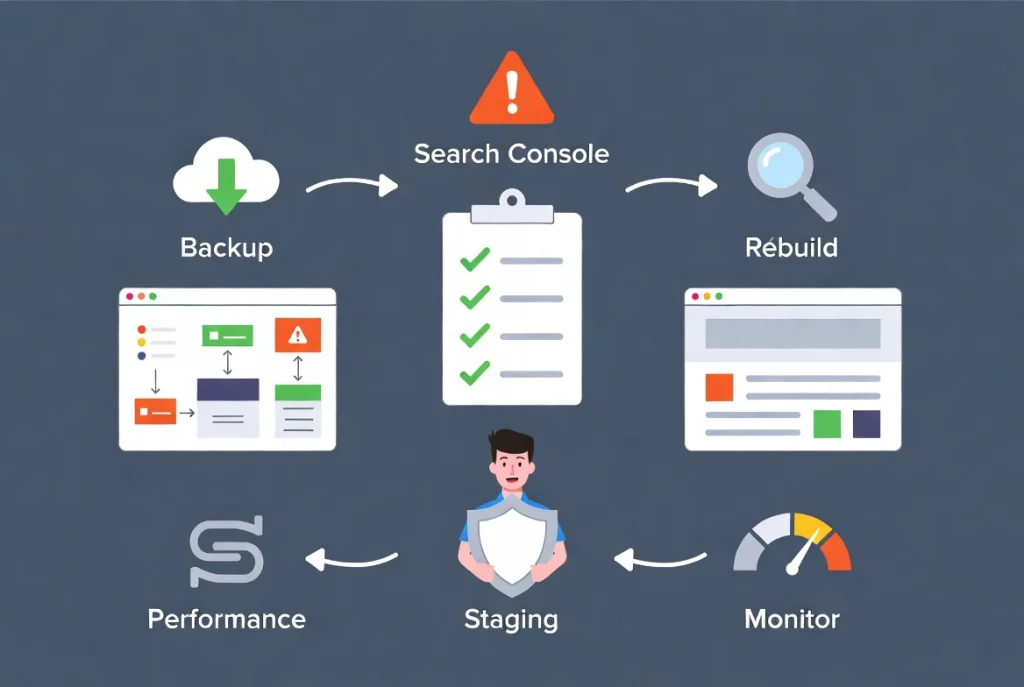
Switching from Elementor to Gutenberg, or the reverse, requires a structured approach to avoid losing content, breaking layouts, or damaging SEO signals already established on the live site.
Before starting any migration, audit every page for shortcodes, custom widgets, and template dependencies the destination builder cannot replicate natively. Create a full site backup through the hosting provider or a dedicated backup plugin. Complete the entire migration on a staging environment before touching the live site. The guide on How to Preview and Publish Your Elementor Page covers the staging and preview workflow that applies directly to migration testing.
During migration, rebuild pages in the new builder one at a time rather than bulk replacing content. Verify internal links, image alt text, heading structure, and meta content on each page immediately after rebuilding. Run Google Search Console’s URL Inspection tool on each migrated page to confirm correct crawlability. Check Core Web Vitals scores after migrating each major page template to catch performance regressions before they affect the full site.
After confirming everything works on staging, push to production during a low-traffic window. Monitor Google Search Console for crawl errors and ranking fluctuations for two weeks following the migration. Any pages that drop in ranking during that window deserve a manual check of their heading structure, meta content, and internal link targets to identify what changed between the old builder output and the new one.
Pricing Comparison: What Each Builder Actually Costs
| Plan | Gutenberg | Elementor |
|---|---|---|
| Free version | Full editor, included in WordPress core | Essential widgets and basic layout tools |
| Pro / paid version | No paid version, fully open source | From ~$59/year (single site) |
| Agency / multi-site | Free for unlimited sites | Higher tier plans available per site count |
| Theme Builder | Full Site Editing included free | Elementor Pro required |
| WooCommerce builder | Basic WooCommerce blocks included | Elementor Pro required |
Additional Resources
- WordPress Basics and Installation: The Complete Beginner’s Guide
- Getting Started with Elementor in 2026: The Complete Guide
- How to Preview and Publish Your Elementor Page Without Mistakes
- WordPress Gutenberg Project
- Gutenberg Plugin on WordPress.org
- Bricks 2.4 Beta: How to Set Up the New AI MCP Connection Like a Pro
Final Thoughts: The Builder That Wins Is the One You Use Correctly

Gutenberg wins the performance benchmark without optimization. Elementor wins the design flexibility and workflow speed comparison. Neither result matters more than shipping a fast, well-structured, properly optimized site on whichever tool the team knows best. Proper caching closes the performance gap. Content quality and internal linking structure determine rankings far more than which editor generated the HTML. Choose the builder that fits the project type, configure it correctly, and spend the saved decision time building something worth visiting. If you need to revisit the WordPress foundation beneath all of this, the WordPress basics and installation guide is always the right place to start.