Novamira vs WPVibe vs NibWP: WordPress MCP Tools Compared (2026)
Novamira, WPVibe, and NibWP connect AI assistants to WordPress in different ways. Novamira emphasizes direct, self-hosted execution for development and staging. WPVibe combines a hosted MCP service with a WordPress plugin and approval-focused guardrails. NibWP runs an MCP server through WordPress and offers an expanding set of integrations and builder skills.
There is no universal winner. The right option depends on where the connection runs, how much access the agent receives, which safety controls you require, and whether you need deep page-builder or plugin integrations.
Quick comparison
| Decision factor | Novamira | WPVibe | NibWP |
|---|---|---|---|
| Connection model | The plugin runs on your WordPress server and connects directly to compatible AI clients. | Hosted MCP service plus a small WordPress plugin | The WordPress plugin exposes an MCP endpoint for compatible AI clients. |
| Documented focus | PHP, WP-CLI, database, filesystem, and builder work on development or staging. | Content, REST API, selected WP-CLI-style operations, site management, and guarded workflows | Content abilities, plugin integrations, workflows, builder skills, and optional sandboxed execution |
| Safety position | Powerful direct access; vendor says development and staging only, with backups | Draft-first content, role checks, approval gates, command allowlists, trash, and audit logs | WordPress capability checks, granular permissions, audit logging, and sandbox options according to plan |
| Free offering | Free core plugin for unlimited sites | Free tier with unlimited connected sites and a daily action allowance | Free MCP server and WordPress content abilities for unlimited personal sites |
| Paid entry point | Personal: €49/year introductory price for three sites; €69 regular price | Pro: $19/month or $99/year | Pro: €49/year per site; Bundle: €79/year per site |
Three differences that matter more than the tool count
1. Where the control layer runs
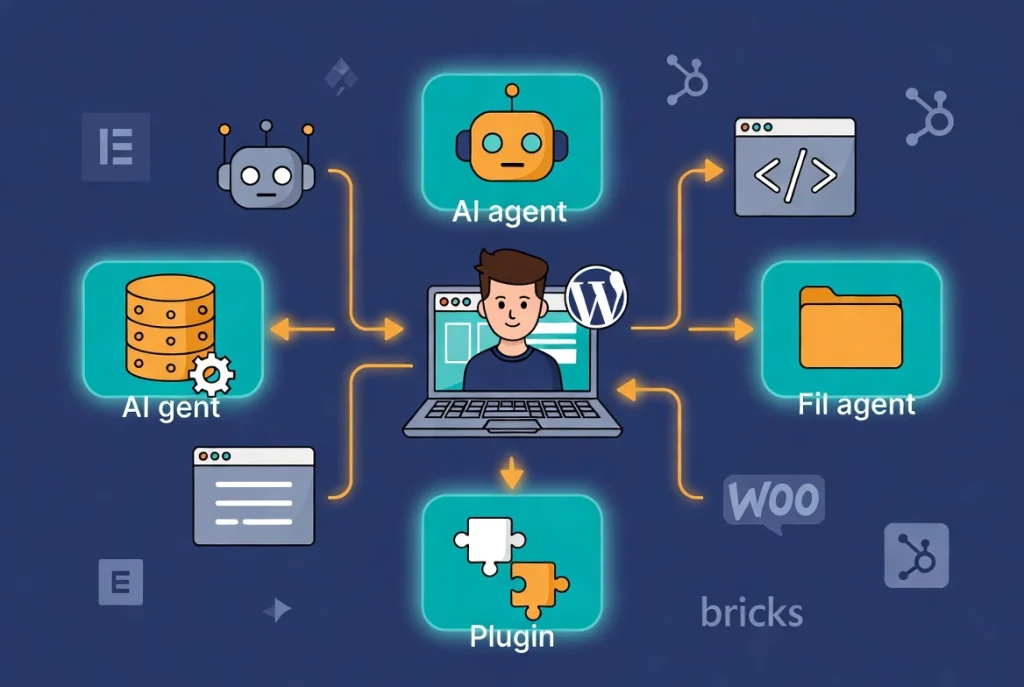
Novamira describes a direct connection between the AI client and the plugin running on your server. WPVibe places its hosted service between the AI client and its WordPress plugin. NibWP exposes its MCP service from WordPress and connects compatible clients through the site’s endpoint. This is not a cosmetic difference. It affects setup, remote availability, troubleshooting, credential handling, and which party operates part of the connection path.
Ask each vendor for a simple data-flow diagram. It should show the AI provider, MCP client, vendor infrastructure, WordPress endpoint, authentication mechanism, logs, and any third-party processors. A privacy policy alone may fail to explain which content is transmitted during a real tool call.
2. What “WordPress access” includes
Content access through the REST API is different from executing PHP, modifying files, changing options, running database mutations, or managing plugins and themes. A larger tool count does not automatically mean broader access, and broader access does not automatically mean better. The useful question is whether the product exposes the smallest set of operations needed for your workflow.
For example, an editorial assistant may only need permission to read media and create draft posts. Giving that assistant filesystem and code-execution access adds risk without improving the task. A developer debugging a staging environment may legitimately need those advanced operations but should still review the generated code and keep a tested restore point.
3. How mistakes are contained and reversed
Look for concrete controls: drafts instead of immediate publication, trash instead of permanent deletion, read-only database access by default, per-action approval, command allowlists, isolated code or theme work, audit logs, credential revocation, and documented rollback. Then test those controls. A safety feature on a pricing page is useful context, but it is not proof that the control covers every operation or behaves as expected on your hosting stack.
Backups are the final layer, not the first. Confirm that the backup is stored outside the affected server, includes both files and the database, and can be restored before allowing an agent to perform a high-impact task.
What these WordPress MCP tools actually do
Model Context Protocol (MCP) is an open standard that lets an AI application connect to external tools and data. MCP defines the communication pattern; it does not decide what an agent may change inside WordPress. Each WordPress implementation chooses its tools, authentication, permissions, confirmation steps, and hosting model.
That distinction matters. Two products can both call themselves WordPress MCP servers while exposing very different capabilities and risks. Compare the exact operations an agent can invoke, not only the number of tools shown on a landing page.
Novamira: direct execution for development and staging
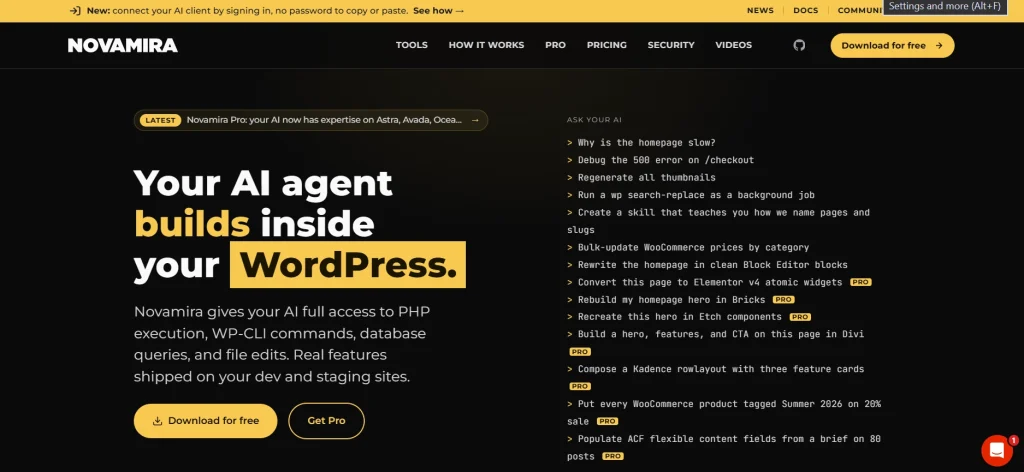
Novamira runs as a plugin on the WordPress server. Its official site says an agent can execute PHP, run WP-CLI commands, query the database, inspect site context, and edit files. The connection is direct rather than routed through a Novamira-hosted proxy.
This architecture gives a coding agent broad access to the real WordPress environment. It can be useful when debugging a development copy, building custom functionality, or working with theme and plugin internals. It also creates a large blast radius if a prompt, generated command, credential, or connected client is compromised.
Novamira is unusually clear about that tradeoff: its site says the product is for development and staging environments only, with backups, and that database changes, configuration edits, and direct code execution can run live. Treat that warning as a requirement, not a footnote.
Novamira pricing and requirements
- Free: €0, unlimited sites, with core PHP, file, and database abilities.
- Personal: €49/year introductory price, €69 regular price, for three sites.
- Agency: €149/year for up to 1,000 sites.
- Agency Lifetime: €299 one-time for up to 1,000 sites.
- Published requirements: WordPress 6.9 or later, PHP 8.0 or later, and the required free-plugin version for Pro.
Check the official Novamira pricing page before buying. Each production, staging, development, or multisite subsite can count toward an active paid license.
WPVibe: hosted access with workflow guardrails
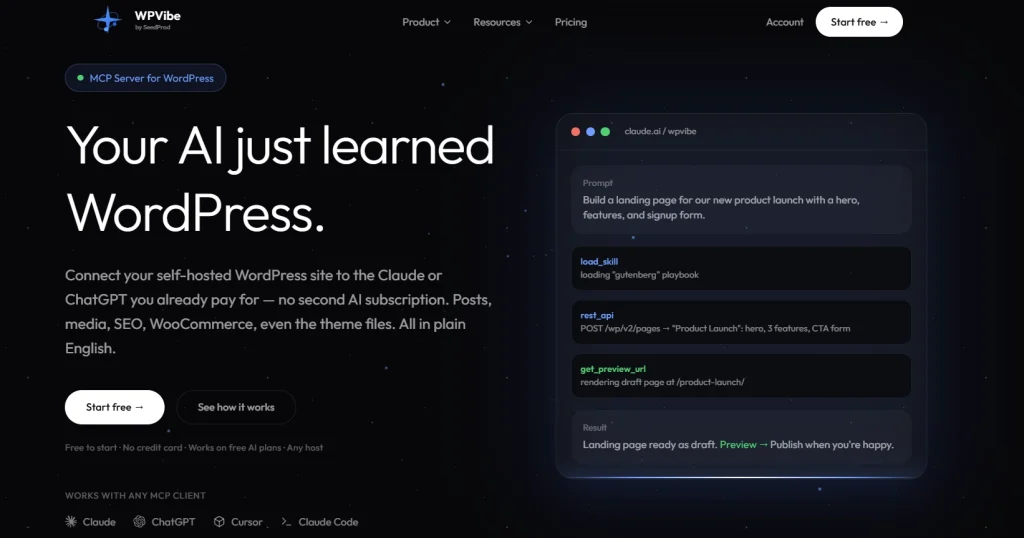
WPVibe uses a hosted MCP service and requires a small plugin on the WordPress site. The plugin exposes the endpoints, enforces WordPress user capabilities, and executes approved operations. Authentication uses WordPress application passwords.
The vendor currently lists 30 MCP tools and more than 40 WP-CLI-style commands. Its documented capabilities include WordPress REST API operations, media, plugin abilities, site inspection, selected theme work, and multi-site update workflows. The WP-CLI commands are emulated in PHP, so the hosting account does not need a WP-CLI binary or SSH access.
WPVibe’s main differentiator is its documented safety workflow. Posts default to draft, deletion defaults to trash, database queries are read-only unless a mutation is approved, sensitive operations are logged, and theme changes use an isolated draft before publication. These are vendor-described controls; administrators should still test them on a staging site and review every granted permission.
WPVibe pricing model
The free plan includes unlimited connected sites but limits daily WordPress actions. The vendor currently lists Pro at $19/month or $99/year, with higher Power, Agency, and Scale tiers providing larger daily allowances and team features. Because allowances and plan details can change, consult the live pricing page linked from the official WPVibe site.
NibWP: integration-heavy MCP inside WordPress
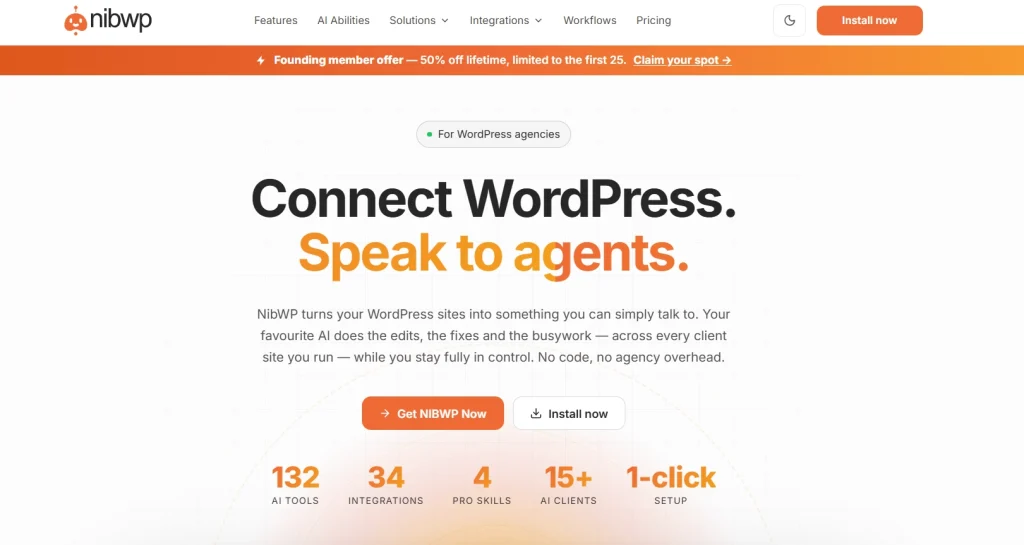
NibWP turns a WordPress installation into an MCP server. Its free tier includes the core MCP server, WordPress content read-and-write abilities, application password authentication, and a site memory store. Paid plans add file operations, sandboxed PHP, integrations, workflows, AI jobs, audit features, and optional builder-oriented skills.
NibWP is attractive when plugin and page-builder integrations matter. Its official pages list integrations for WooCommerce, ACF, SEO plugins, forms, CRM tools, learning systems, Elementor, Bricks, Kadence, and other builders.
However, the vendor’s current pages use several different integration totals: sections mention 30+, 33, 36 active, 45+, and 50+ premium integrations. Those figures may refer to different scopes, but the vendor does not consistently explain the distinction. Instead of choosing NibWP by a headline number, inspect the current integration directory for the exact plugins and operations your site needs.
NibWP pricing model
- Free: €0/year for the core MCP server and content abilities on unlimited personal sites.
- Pro: €49/year per site, transferable between sites.
- Bundle: €79/year per site, including the Pro skills.
- Individual skill packs: €29/year each when purchased separately.
- Published refund period: 14 days for paid plans.
Confirm the selected site count, annual or lifetime option, and included skills on the official NibWP pricing page.
Which option fits which workflow?
The following recommendations are based on documented architecture and features. They are not benchmark winners.
- Consider Novamira when a developer wants direct, broad execution on a disposable local, development, or staging environment and is prepared to review code, database changes, and filesystem edits.
- Consider WPVibe when hosted access, browser-based clients, draft-first workflows, approval gates, and management across several sites are more important than keeping every connection component on the WordPress server.
- Consider NibWP when the deciding factor is support for a particular plugin, builder, or pack, and you have confirmed that exact integration on the current plan.
A practical evaluation checklist
Before committing to any WordPress MCP tool, create a staging copy and run the same small test plan:
- Connect a dedicated WordPress user with only the capabilities required for the test.
- Have the agent inventory the site without making any changes. Confirm what data, plugins, files, and settings it can see.
- Create one draft post, upload one test image, and edit one reversible setting.
- Request a potentially destructive operation and record whether the tool blocks it, previews it, asks for confirmation, or runs it immediately.
- Review logs and verify that credentials can be revoked.
- Restore the staging backup to confirm that the recovery process works as expected.
- Compare the exact plugin or builder operations you need rather than relying on total tool counts.
Security precautions for every WordPress AI agent
- Start on local development or staging, never on an important production site.
- Create and test a complete off-server backup before connecting the agent.
- Use a separate WordPress accouwith only the permissions necessary to complete the task.
- Review requested commands, SQL, PHP, file changes, and publication actions.
- Do not place API keys, passwords, customer information, or private configuration in prompts.
- Enable logs and retain them long enough to investigate unexpected changes.
- Revoke application passwords, tokens, and unused integrations after testing.
- Confirm where prompts, credentials, logs, and site data are processed and retained.
Where the WordPress AI Client Fits
WordPress 7.0 introduced an AI client abstraction that lets WordPress extensions communicate with configured AI providers. That outbound application interface is not automatically a replacement for an MCP server that lets an external agent operate WordPress. A site may eventually use both patterns: the AI Client for plugin features inside WordPress and a carefully permissioned MCP connection for work initiated from an external assistant.
For the technical distinction, see the official WordPress developer note, Introducing the AI Client in WordPress 7.0, and our explainer on how WordPress 7 and Novamira fit together.
Final assessment
Choose the connection model and safety behavior before comparing feature totals. Novamira offers broad direct execution but is explicitly intended for development and staging environments. WPVibe emphasizes hosted convenience and guarded, draft-first operations. NibWP emphasizes integrations, workflows, and optional builder skills, although its current marketing pages should clarify their different integration counts.
Whichever tool you evaluate, use a staging copy, a dedicated account, minimal permissions, verified backups, and a repeatable test plan. An AI agent with WordPress write access should be treated like a powerful administrator or developer—not like a harmless chat widget.
Primary sources
- Novamira product and security overview
- Novamira pricing and requirements
- WPVibe product, setup, safety, and pricing overview
- NibWP product and integration overview
- NibWP pricing and plan features
- Model Context Protocol introduction
- WordPress Core: Introducing the AI Client in WordPress 7.0
Last fact-checked: September 9, 2026.