
AI Coding Tools for WordPress in 2026: Five Options Compared
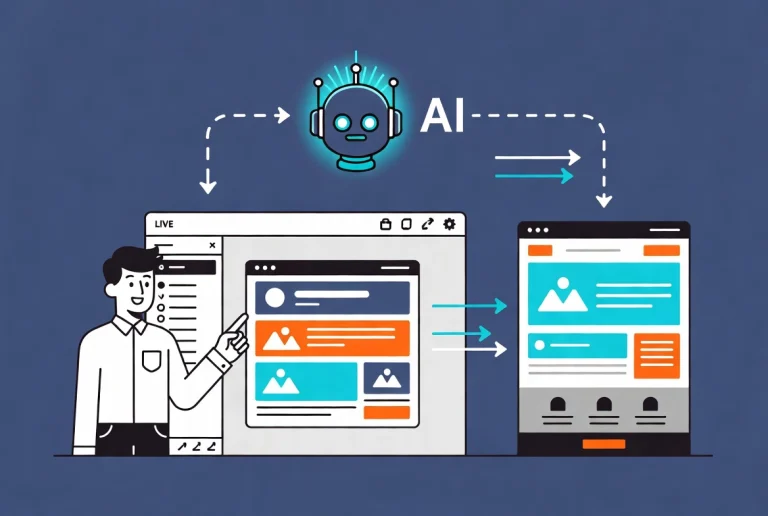
AI coding tools can now generate WordPress snippets, edit multi-file plugins, build Elementor widgets, and connect agents to a site’s real data. They do not all solve the same problem. Angie and AI Engine operate inside WordPress, while Claude Code, Cursor, and GitHub Copilot primarily work with a codebase in a development environment.
This guide separates those categories and explains which workflow each tool is designed to support. It does not assign invented accuracy scores or claim that one product is universally best.
AI coding tools for WordPress: quick comparison
| Tool | Where it works | Useful for | Main limitation |
|---|---|---|---|
| Angie by Elementor | Inside WordPress | WordPress snippets, Elementor widgets, pages, custom post types, and approved site operations | Some third-party integrations are still evolving; an Elementor account is required. |
| AI Engine | Inside WordPress | AI provider connections, chatbots, content tools, embeddings, forms, and MCP workflows | It is a broad AI framework, not a dedicated multi-file coding IDE. |
| Claude Code | Terminal and project repository | Understanding, editing, testing, and refactoring a complete plugin or theme codebase | Not WordPress-specific unless you provide the project, standards, tools, and site connection |
| Cursor | AI code editor | Repository-aware development, multi-file changes, planning, debugging, and MCP connections | WordPress context must come from the repository, documentation, or connected tools. |
| GitHub Copilot | IDE, GitHub, CLI, and agent workflows | Inline suggestions, chat, code review, repository tasks, and pull-request workflows | Its broad development scope does not replace WordPress-specific validation. |
What happened to CodeWP?
Older versions of this article recommended CodeWP as an active WordPress snippet generator. That recommendation is no longer current. The official CodeWP domain now redirects to Automattic’s Telex authoring environment. The previous product and plan information is not presented as a current CodeWP service at that destination, so we have removed CodeWP from the active comparison to avoid repeating outdated pricing or capabilities.
This is an important lesson for AI tool roundups: a functioning old pricing URL or an indexed review does not prove that a service remains available. Please check the official homepage, current documentation, account creation flow, and recent changelog before recommending a product.
How to evaluate a WordPress AI coding tool
The most useful tool is the one that fits the location and risk of the task. Evaluate these five areas:
- Context: Can the tool see only the current file, the complete repository, or the live WordPress database and configuration?
- Execution: Does it only suggest code, edit project files, run tests, or execute changes within WordPress?
- Review: Can you inspect a diff, preview, plan, or draft before anything becomes live?
- WordPress knowledge: Does the workflow include WordPress coding standards, sanitization, escaping, nonces, capabilities, hooks, and supported APIs?
- Data handling: Which provider receives prompts, source files, database content, logs, credentials, or customer data?
A WordPress-aware agent can have more context than a general coding assistant, but that may also give it more power over the site. More access is not automatically better. Grant only the capabilities needed for the current task.
Angie by Elementor: WordPress-native code and site operations
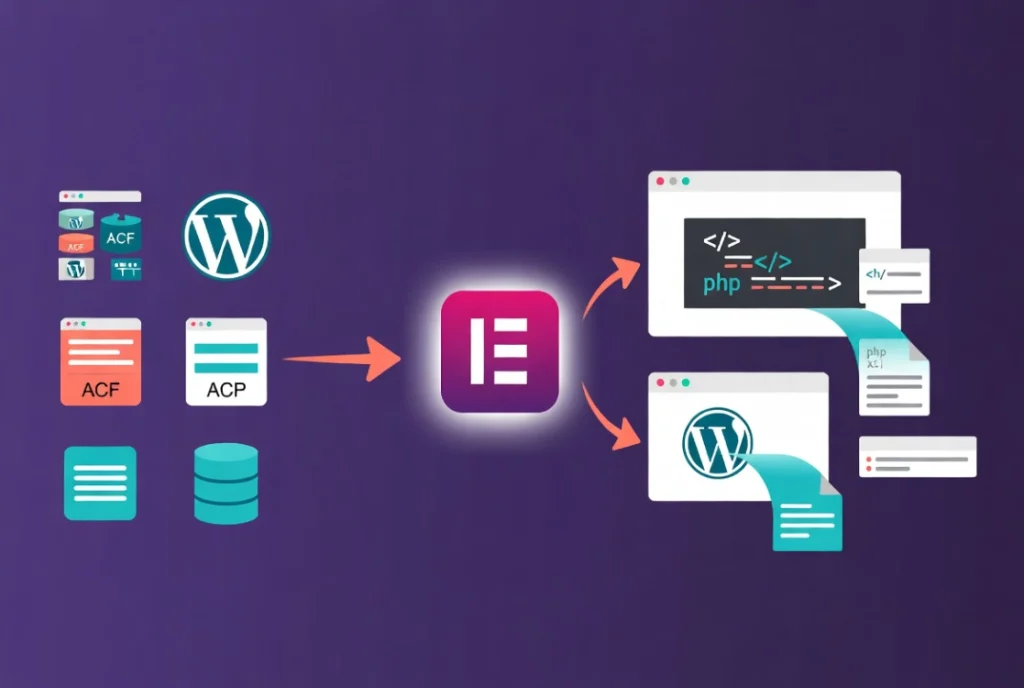
Angie is an Elementor product delivered as a separate WordPress plugin. Elementor says it can generate Elementor pages and widgets, WordPress snippets, visual applications, custom post types, and fields. It can work on a WordPress site without requiring the Elementor editor, although signing in requires an Elementor account.
Angie Code uses a preview environment for generated snippets and widgets. Super Admin Mode is a separate, opt-in capability with read-write access to files, the database, and PHP. That distinction should remain visible: building a preview widget and enabling an agent to alter the full WordPress stack are different risk levels.
The free plan currently includes limited daily credits. Elementor’s WordPress.org listing also warns that some third-party integrations continue to evolve and recommends backing up the site. Angie is a practical candidate for people who want WordPress- and Elementor-aware generation inside wp-admin, but its output should still undergo a code and security review.
AI Engine: a broad WordPress AI framework
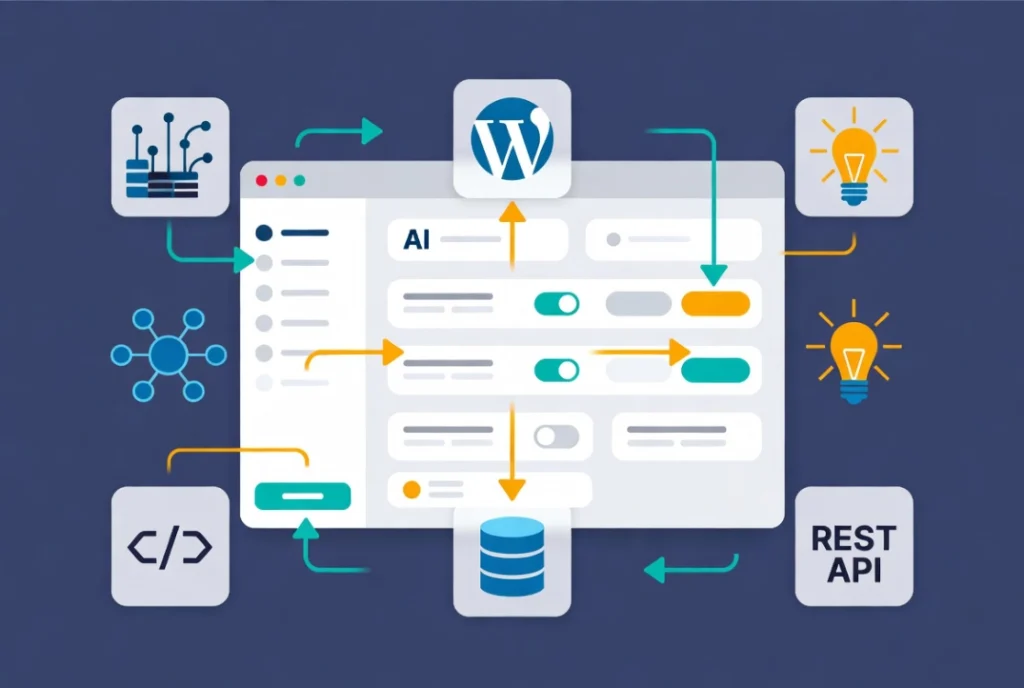
AI Engine by Meow Apps is broader than a code generator. Its documented features include provider connections, chatbots, content generation, forms, embeddings, image features, a WordPress workspace, and MCP support. The current WordPress.org listing is the appropriate source for repository version, compatibility, and installation information.
Choose AI Engine when the project needs an AI framework inside WordPress rather than only a tool that writes PHP. Its flexibility also means setup decisions matter: provider keys, model choice, data sent to external services, exposed MCP abilities, user permissions, and enabled add-ons should all be documented.
Do not assume that a conversational database or code operation is safe because it originates in wp-admin. Test advanced actions on staging, limit the connected account, and inspect the exact tools exposed to an external client.
Claude Code: repository and terminal workflow
Claude Code is an agentic coding tool for the terminal and development environment. It can understand a repository, edit files, run commands, and work with configured MCP servers. It is not a WordPress plugin and does not automatically know the active production site’s database, settings, or installed-plugin state.
That separation can be useful. A developer can give Claude Code a plugin or theme repository, WordPress coding standards, automated tests, static analysis, and a disposable local WordPress environment. Changes can then be reviewed as a diff before deployment.
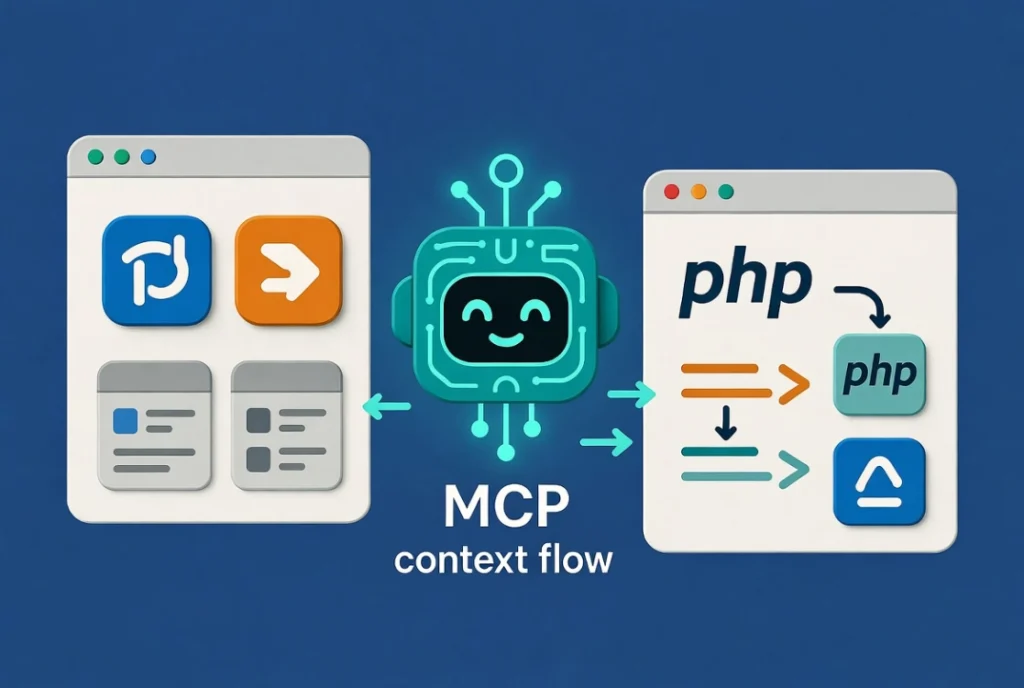
Connecting Claude Code to a WordPress MCP server expands what it can inspect or change. Review the server’s permissions independently; Claude Code’s capabilities do not make every third-party WordPress connector equally safe. See our Novamira, WPVibe, and NibWP comparison for three different connection models.
Cursor: repository-aware AI development
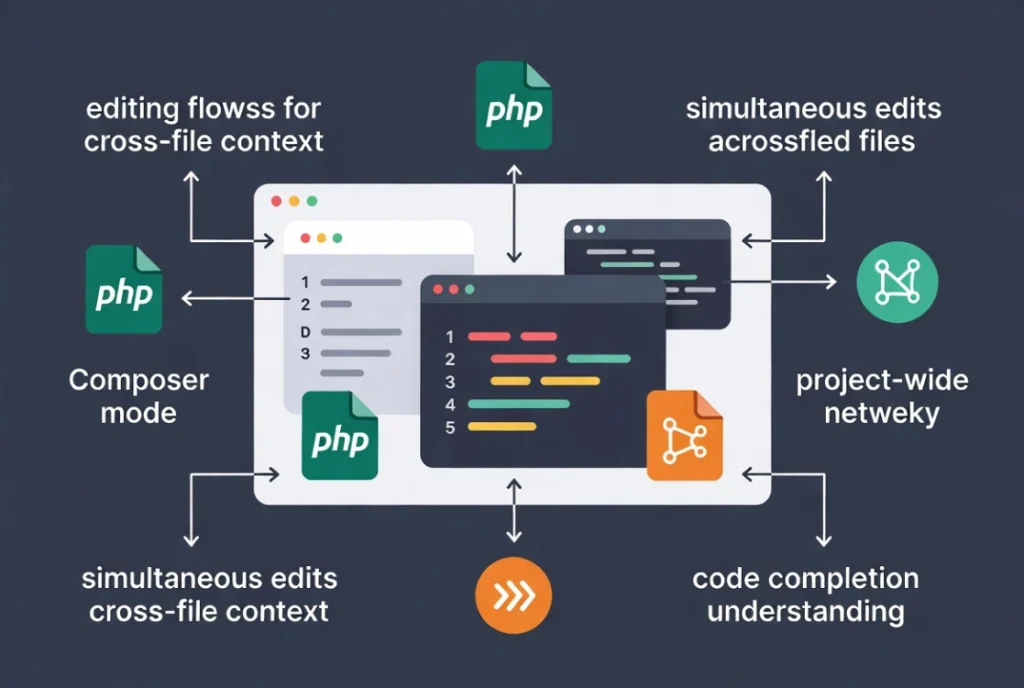
Cursor is an AI code editor and coding agent. Its documentation covers repository understanding, multi-file editing, planning, debugging, rules, skills, CLI workflows, and MCP connections. These capabilities suit custom plugins and themes where changes span PHP, JavaScript, CSS, block metadata, tests, and build configuration.
Cursor is not inherently WordPress-aware. Its answer quality depends on the project files and instructions it can inspect. Add the supported WordPress and PHP versions, coding standards, architecture, build commands, and test procedures to the repository context. Please ensure that production credentials are excluded from project rules and prompts.
GitHub Copilot: coding assistance across the development lifecycle
GitHub Copilot covers inline suggestions, chat, IDE agent mode, command-line use, code review, and repository-based agent workflows. It fits teams whose WordPress plugins or themes already live in GitHub and follow pull-request review.
Copilot can help with boilerplate, explanations, tests, refactoring, and proposed repository changes. It should not be described as processing only one file at a time; current agent features can research and change a repository. It still needs WordPress-specific constraints and human review for permissions, database queries, escaping, sanitization, nonces, compatibility, and backward support.
Which workflow should you choose?
- WordPress or Elementor component generation: evaluate Angie in a staging copy and keep Super Admin Mode off unless the task requires it.
- Chatbots, content, embeddings, multiple model providers, or MCP inside WordPress: evaluate the AI engine and document every enabled provider and ability.
- Custom plugin or theme development from the terminal: evaluate Claude Code with a local test site, version control, and automated checks.
- Multi-file development in an AI editor: evaluate Cursor using the complete repository and written WordPress project rules.
- GitHub-centered development and pull-request review: evaluate GitHub Copilot across the IDE and repository workflow.
- Direct agent access to an installed WordPress site: compare dedicated WordPress MCP connectors separately; do not treat them as ordinary code-completion tools.
A repeatable test before using generated code
- Create an isolated local or staging site and store an off-server backup.
- Record WordPress, PHP, theme, plugin, Node.js, and tool versions.
- Assign each candidate the same small task and acceptance criteria.
- Run WordPress coding standards, static analysis, syntax checks, and relevant automated tests.
- Review capabilities, nonces, sanitization, validation, escaping, prepared SQL, and output encoding manually.
- Test activation, deactivation, uninstall, error handling, accessibility, and a supported older environment where relevant.
- Compare the number of corrections required, rather than the confidence level of the generated explanation.
- Review the final diff and deploy through the normal release process.
How WordPress 7 changes the picture
WordPress 7.0 introduced the AI Client, an abstraction that WordPress extensions can use to communicate with configured AI providers. It does not make every external coding assistant WordPress-aware, nor does it remove the need to review generated code. It gives plugin developers a more consistent foundation for AI-powered features inside WordPress.
Read the official developer note, “Introducing the AI Client in WordPress 7.0,” and our guide to WordPress 7 and external WordPress agents.
Final assessment
Choose by workflow, access level, and review process—not by an unexplained percentage score. Angie and the AI Engine bring AI into WordPress. Claude Code, Cursor, and GitHub Copilot work most naturally with a version-controlled codebase. A dedicated MCP connector can bridge an external agent to a real WordPress installation, but that additional context also requires stricter permissions, logs, backups, and staging practices.
No generated code should bypass normal development checks. AI can shorten the path to a first implementation; the developer remains responsible for security, licensing, compatibility, accessibility, performance, and the final deployment.
Primary sources
- CodeWP domain and current redirect
- Elementor Angie product page
- Angie WordPress.org listing
- Meow Apps AI Engine overview
- AI Engine WordPress.org listing
- Claude Code documentation
- Cursor documentation
- GitHub Copilot documentation
- WordPress AI Client developer note
Last fact-checked: September 9, 2026.