WordPress Tutorials
Welcome to our WordPress tutorials hub. Discover step-by-step guides that help you install WordPress, customize your website, choose the best plugins and themes, and fix common issues easily.
Step-by-Step WordPress Training
Building a successful website starts with a strong foundation. In these WordPress tutorials, we cover the essential technical steps from secure manual installations and SSL configuration to advanced speed optimization techniques. By mastering these core skills, you ensure your site is fast, secure, and fully optimized for search engines right from day one. Continue exploring the guides below to level up your website management.
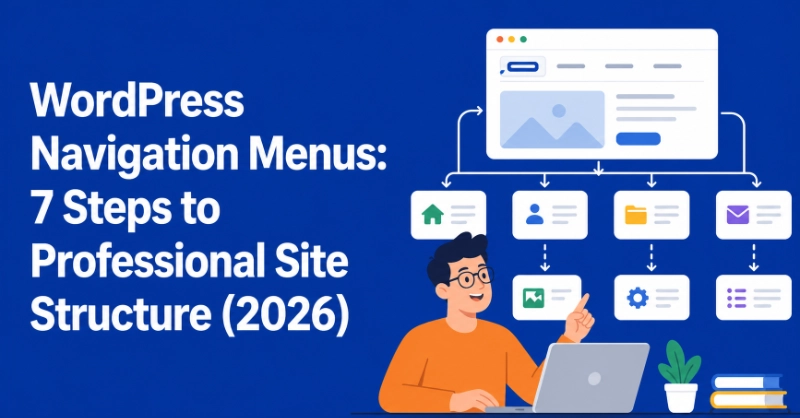
- WordPress Tutorials
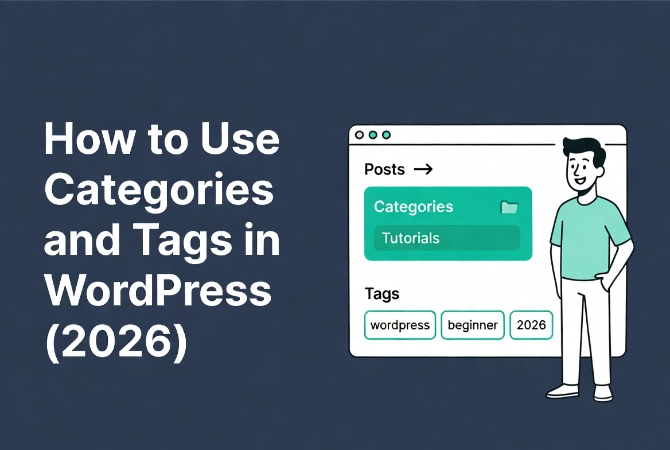
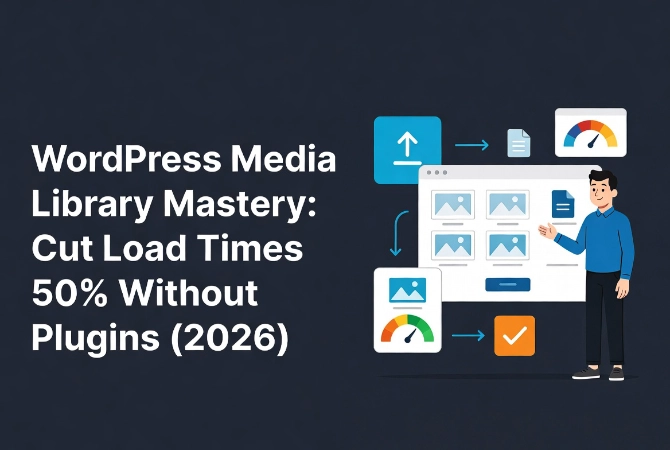
- WordPress Tutorials
Beginner Level
WordPress Guides
- Buy a domain and hosting
- How to Install WordPress (Step-by-Step)
- Choose a theme
- Best WordPress Plugins for Beginners
- How to Speed Up WordPress
WordPress Toolkit
What is WordPress?
WordPress is a free and open-source content management system (CMS) that allows you to create and manage websites without needing advanced coding skills. Learn more about WordPress on Wikipedia: https://en.wikipedia.org/wiki/WordPress.
Is WordPress free to use?
Yes, WordPress itself is free and open-source. However, you may need to pay for hosting, a domain name, and premium themes or plugins.
What is the difference between WordPress.com and WordPress.org?
WordPress.com is a hosted platform where your website is managed for you, while WordPress.org allows you to download the software and host it yourself for more control and customization.
Do I need coding knowledge to use WordPress?
No, you do not need coding knowledge. With themes, plugins, and page builders like Elementor, you can build a complete website visually.
How long does it take to build a WordPress website?
A basic website can be created in a few hours, while a more advanced website may take several days depending on the design and features.
Is WordPress good for beginners?
Yes, WordPress is beginner-friendly and widely used. It has thousands of tutorials, themes, and plugins that make website creation easier.
What are WordPress plugins?
Plugins are small software tools that add new features to your website, such as contact forms, SEO tools, security features, and performance optimization.
Can I use WordPress for an online store?
Yes, you can create an online store using the WooCommerce plugin, which allows you to sell physical or digital products.
Is WordPress secure?
WordPress is secure when properly maintained. Using strong passwords, regular updates, security plugins, and backups helps protect your website.
Can WordPress websites rank on Google?
Yes, WordPress is very SEO-friendly. With proper optimization, quality content, and SEO plugins, WordPress websites can rank well in search engines.