How WordPress Abilities and MCP Connect AI Agents to Websites
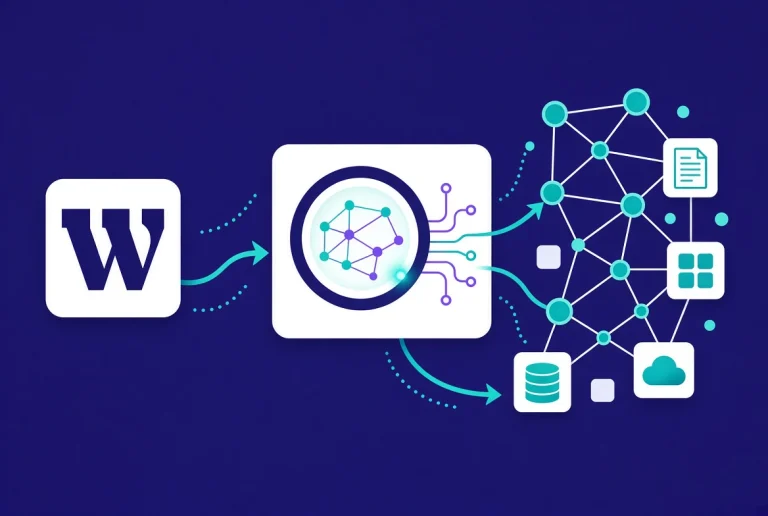
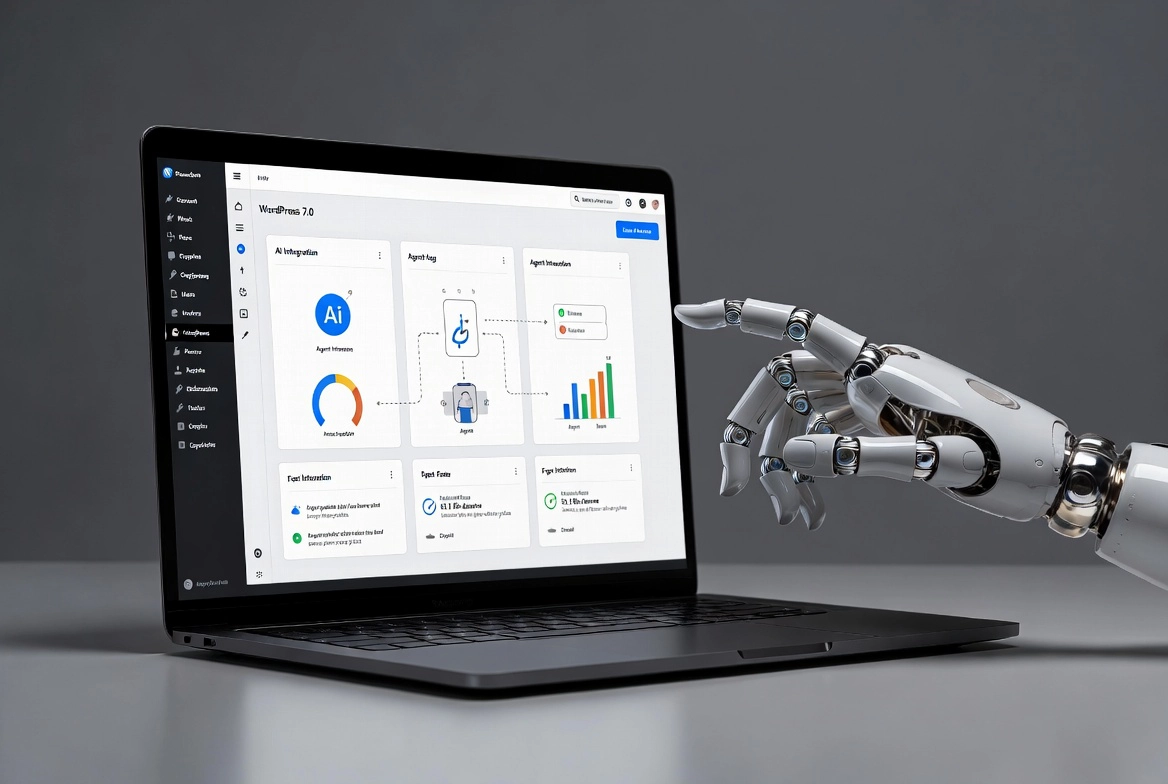
WordPress 7.0, released in May 2026, changes the relationship between AI systems and websites in a way that matters beyond plugin updates and editor improvements. For most of the web’s history, AI tools inferred what a site does by crawling its HTML and making educated guesses. WordPress 7.0 gives websites a standardized way to declare their capabilities directly, allowing AI agents to discover and invoke site functions through a controlled interface rather than interpreting unstructured page content.
Wesley Cude, founder of Cude Design, a WordPress development agency, puts it clearly: “For the first time, a WordPress site can actively declare what it does rather than waiting for an AI system to infer it. That changes the relationship between websites and AI tools fundamentally.”
For the full feature breakdown of this release, read our guide to WordPress 7.0 features. For a comparison of how WordPress 7.0 AI infrastructure relates to external tools, see our analysis of WordPress 7 vs Novamira.
📚 New to WordPress? Start with our WordPress Basics and Installation guide before exploring the AI infrastructure changes in 7.0.
TL;DR: What WordPress 7.0 Changes for AI
- The Abilities API lets plugins register named capabilities that AI agents can discover and invoke directly.
- The MCP Adapter converts those capabilities into Model Context Protocol tools, making any WordPress site an MCP server.
- AI agents like Claude Desktop and Cursor can connect to a WordPress site and query its capabilities without custom integration work.
- A layered permission model controls which AI agents can invoke which capabilities and at what access level.
- Sites that implement this infrastructure gain a structural advantage in AI-generated search results and recommendations.
The Problem the Abilities API Solves
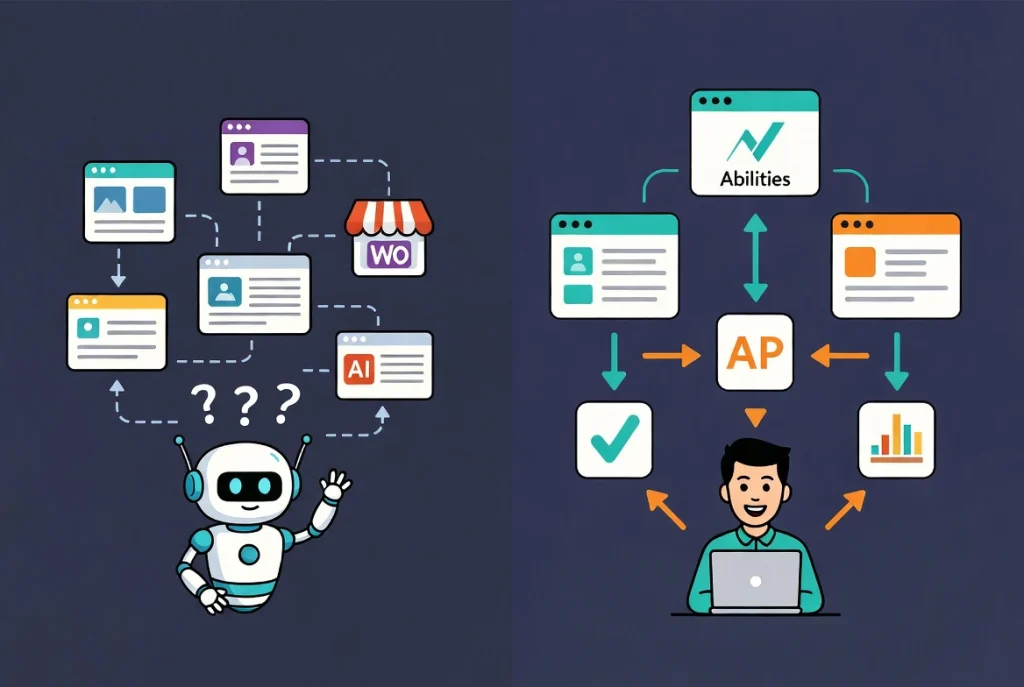
When an AI tool tries to understand a website, it faces a fundamental challenge. A WooCommerce store might carry thousands of products, but an AI crawling it sees only whatever appears on the pages it happens to visit. A service business might offer six distinct packages, but the AI must infer those from scattered paragraph text rather than reading a structured declaration.
This approximation problem grows more significant as AI systems become the primary interface through which people discover products and services. When someone asks an AI assistant for a recommendation, quality depends entirely on how accurately the AI understands the options available. Scraped and inferred data produces lower quality recommendations than structured, declared data.
The problem compounds at scale. A single website misrepresented by an AI is an inconvenience. Millions systematically misrepresented across an AI training corpus distort entire industries. WordPress 7.0 addresses this at the platform level by giving websites a standardized way to participate in how AI systems understand them. Technology.org’s analysis of this shift examines the broader web implications in detail.
ℹ️ Note: The Abilities API was first introduced on the PHP side in WordPress 6.9. WordPress 7.0 adds the JavaScript counterpart, meaning the full capabilities framework now covers both server-side and client-side execution environments. Plugins can register abilities regardless of where they primarily operate.
How the Abilities API Works
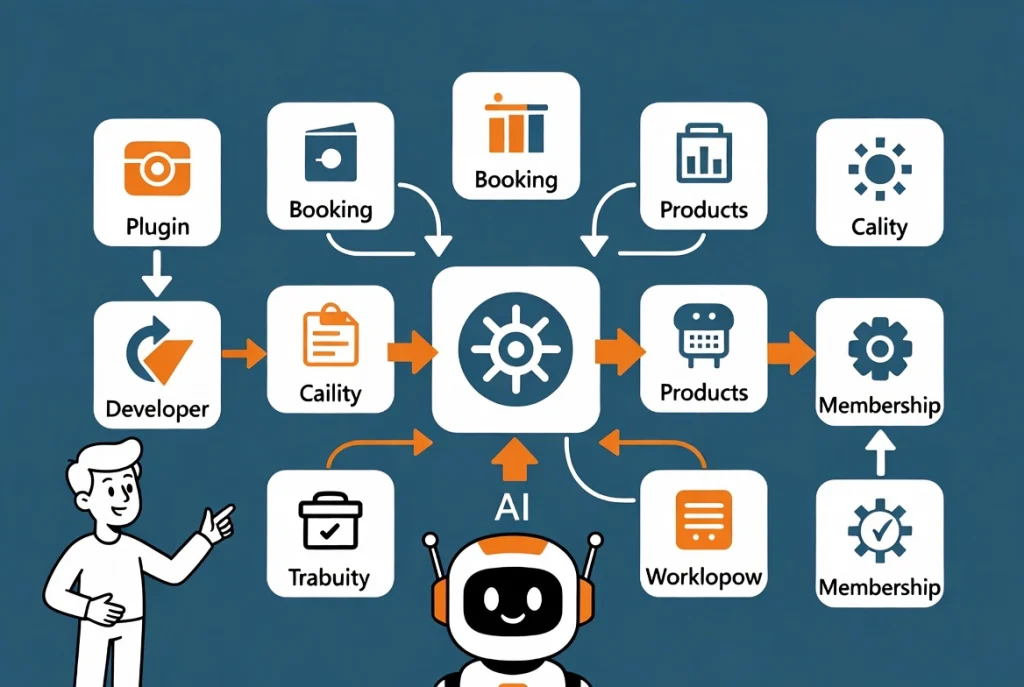
The Abilities API lets plugins declare their capabilities as named, structured units of work. A booking plugin registers an ability called check_availability that returns structured appointment data when queried. A WooCommerce store registers get_product_catalogue to return accurate product information, including pricing, stock levels, and attributes. A membership platform registers get_subscriber_tiers to declare its pricing structure in machine-readable format.
These declarations are not documentation for human developers. They are runtime capabilities that AI agents can discover and invoke directly. The distinction matters enormously. Documentation describes what a system can do. The Abilities API exposes what it can do in a format that allows automated discovery and invocation without human mediation.
Registering a basic ability requires declaring a name, a description, the required user role, and the function that handles invocation. The barrier to entry is low for developers already familiar with the WordPress plugin API. Plugins that register abilities become usable by AI agents, opening a new distribution channel for plugin functionality that did not previously exist.
💡 Pro Tip: If you build or manage WordPress plugins, check the developer documentation for the Abilities API now rather than waiting for ecosystem pressure to force adoption. Early adopters gain visibility with AI agents before competitors register equivalent capabilities. Moving first rewards developers with AI agent visibility before competitors register equivalent capabilities.
The MCP Adapter: Turning WordPress Into an MCP Server
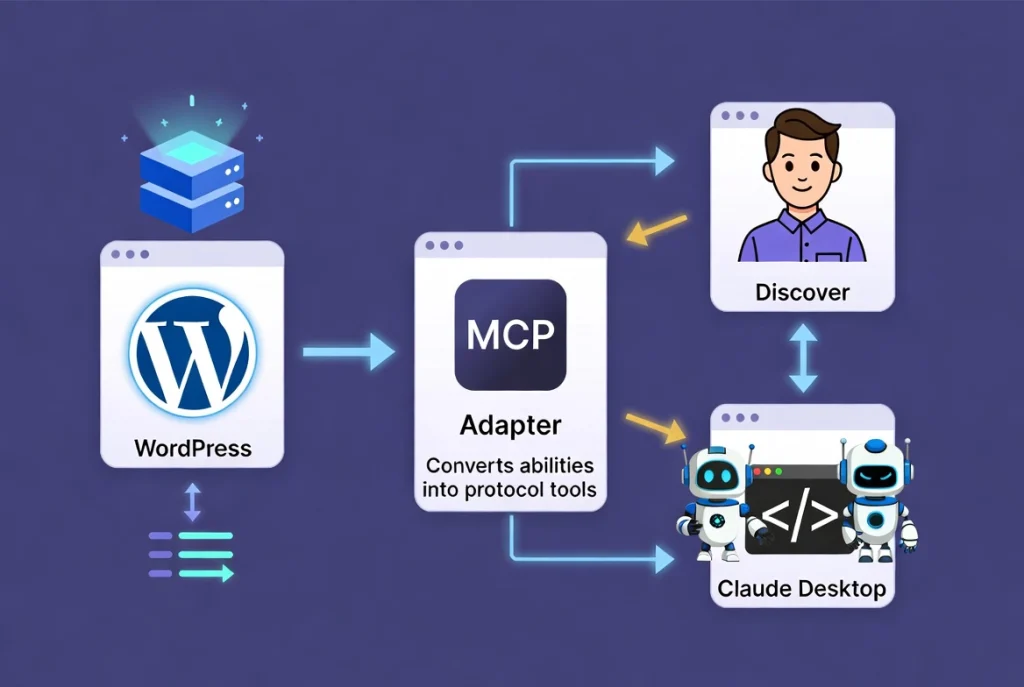
Anthropic developed the Model Context Protocol as an open standard for connecting AI systems to external data sources and tools. It defines how an AI agent discovers a system’s capabilities, requests data from it, and invokes actions within it. Major AI providers and an active open-source ecosystem have adopted MCP as a common interface for tool use.
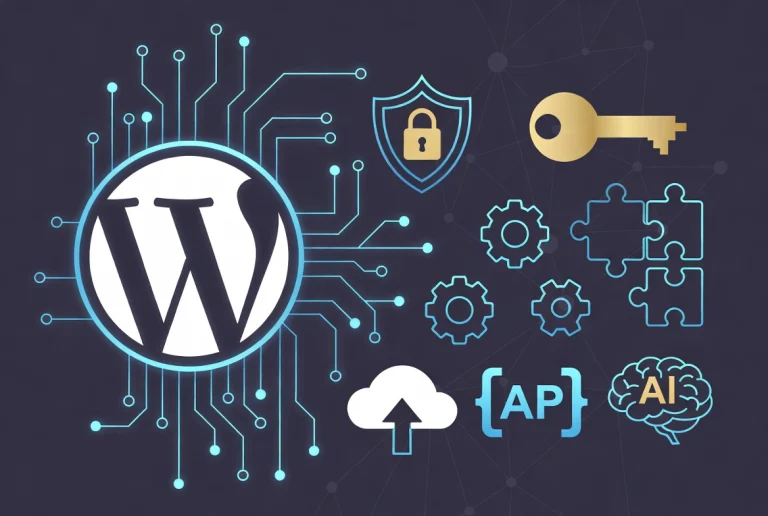
WordPress 7.0’s MCP Adapter converts the abilities registered through the Abilities API into MCP-compatible tools. Claude Desktop, Cursor, and VS Code with MCP extensions can all connect to a WordPress site and discover its registered capabilities automatically, without custom integration work for each AI tool and plugin combination.
A WordPress site becomes an MCP server. An AI agent connecting to it queries declared capabilities, retrieves structured data, and performs defined actions through a controlled interface rather than fragile HTML parsing. The site stops being a passive document and becomes an active participant in the interaction.
This architectural shift has clear parallels in web development history. REST APIs allow applications to communicate without sharing code. MCP does something similar for AI agents: a common language for interacting with external systems regardless of the underlying technology stack. WordPress.com’s own account of how 7.0 builds the AI infrastructure foundation explores this architectural direction further.
Security and Permission Architecture
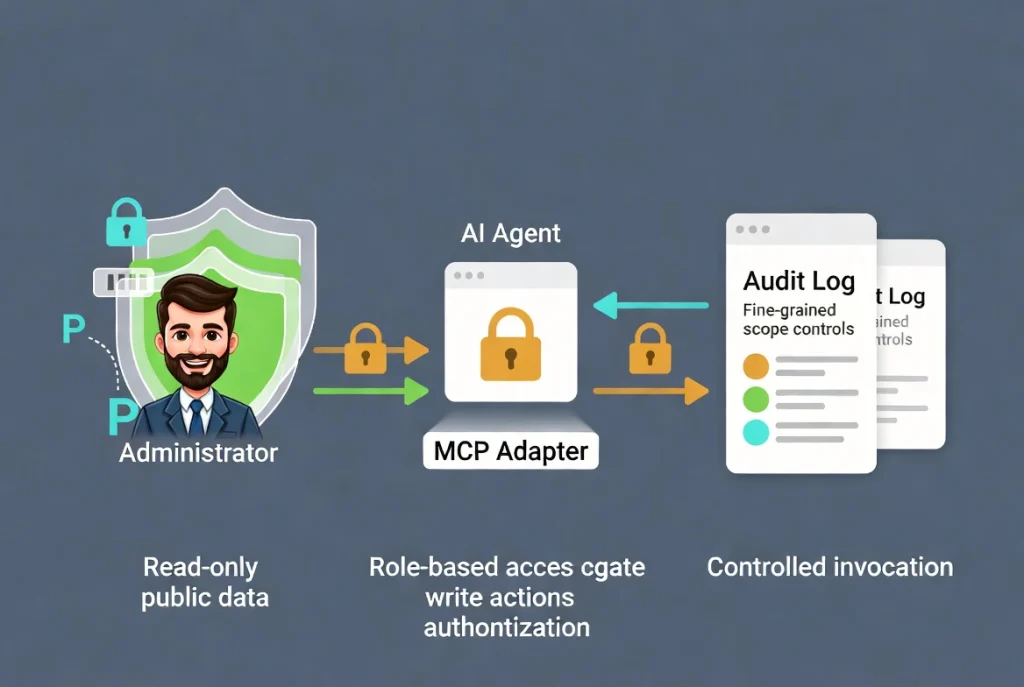
Giving AI agents direct access to a site’s capabilities raises obvious security concerns. WordPress 7.0 addresses these concerns through a layered permission model. Each registered ability specifies the required user role. Retrieving public product information requires no authentication. Modifying order status requires a role with appropriate write permissions. The MCP Adapter enforces these requirements at the point of invocation rather than trusting the AI agent to self-regulate.
Fine-grained scope control adds another layer. A site administrator exposes read-only abilities for reporting and discovery while keeping write abilities disabled until testing confirms correct behavior. Application password authentication provides a credential mechanism separate from the main WordPress authentication flow. Revoking access for a specific AI integration does not affect other site functionality.
We recommend audit logging as a companion to any MCP implementation. Recording which AI agent invoked which ability and what data returned or changed provides the traceability that responsible AI deployment requires. Grant minimum permissions necessary for the task and expand only when there is a clear need and appropriate controls in place.
What This Means for AI Search Visibility
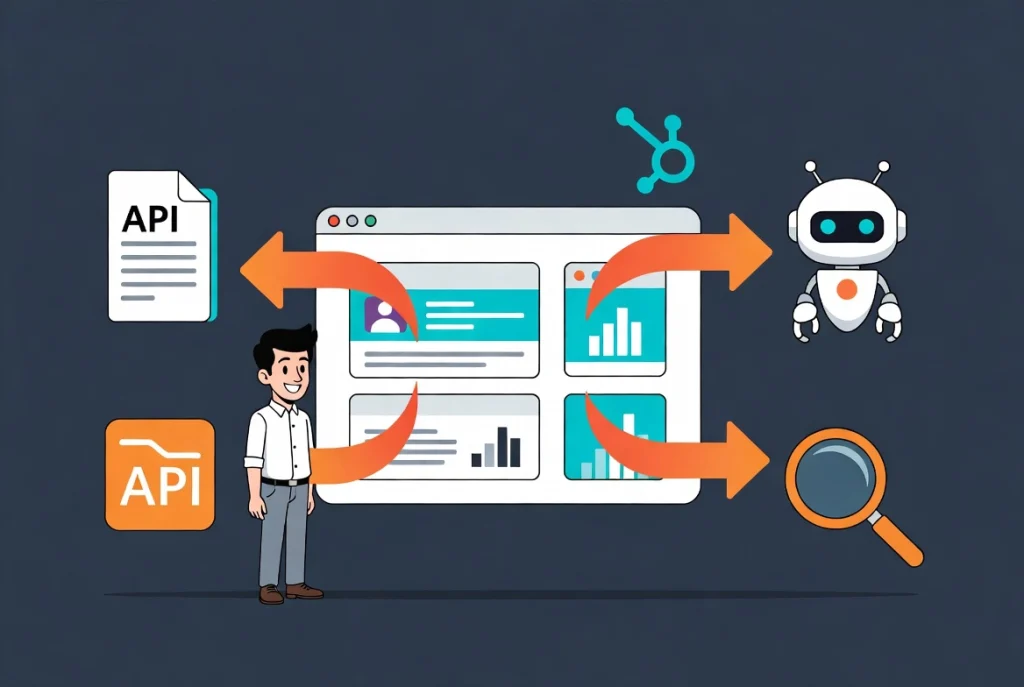
The implications extend well beyond direct AI agent use cases. Search engines and AI answer engines increasingly use structured data signals to determine how to represent websites in AI-generated responses. A site that declares its capabilities in structured, machine-readable formats is categorically easier for AI systems to represent accurately than one relying on inferred content.
Schema markup tells AI systems what a business is and offers at a static description level. The Abilities API tells AI agents what the site can do dynamically. Together they give AI systems a more complete picture than either provides alone.
For businesses that depend on AI-generated recommendations, search features, or answer engines, this information matters commercially. An AI tool querying a WooCommerce store’s live product data represents that store’s offering more accurately than one relying on a cached snapshot of a product page. More accurate representation leads to better-matched recommendations and higher quality referral traffic from AI platforms.
Our guide on no-code WordPress Google AI interactive sites covers practical no-code approaches to making your site more AI-interactive. Our roundup of the best AI code generation WordPress plugins of 2026 covers developer tools that support building on this new infrastructure.
What the Plugin Ecosystem Needs to Do
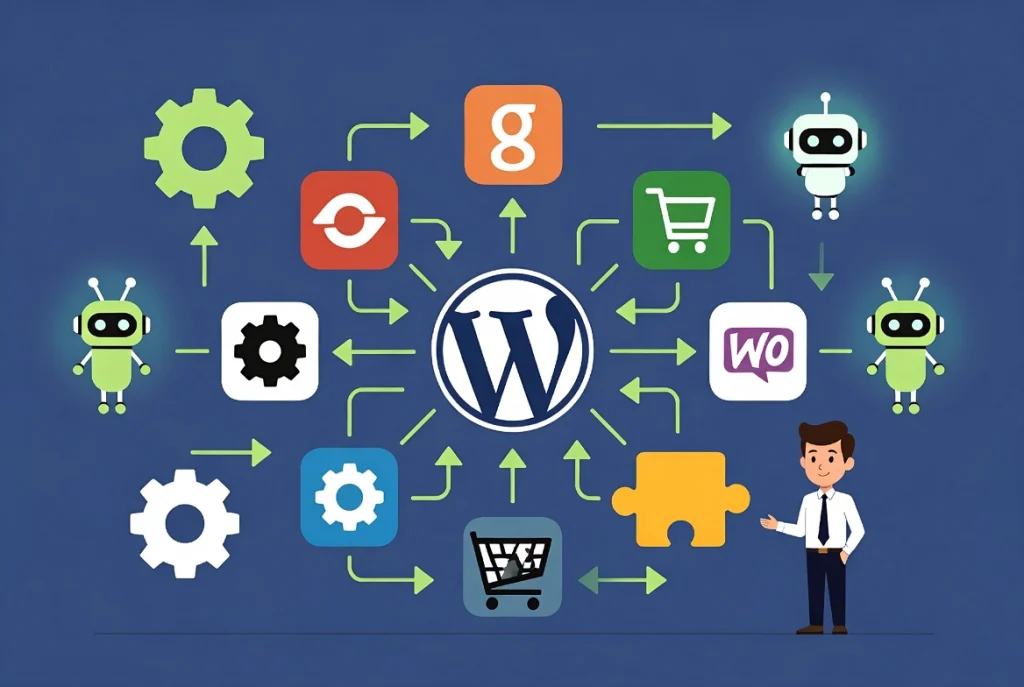
The full impact of the Abilities API depends on adoption rates across the plugin ecosystem. WordPress powers over 40 percent of the web and has a plugin ecosystem with more than 60,000 plugins. A WordPress installation where every major plugin has registered appropriate abilities is far more AI-accessible than one where only a handful have done so.
Community-developed MCP tools are already appearing. Plugins are registering abilities for content querying, taxonomy management, and WooCommerce operations in the weeks following launch. Ecosystem adoption will likely mirror previous capability additions to WordPress core: early adopters move quickly, the majority follow over twelve to eighteen months, and full coverage takes several years.
Sites establishing this infrastructure early gain a structural advantage in AI-mediated discovery over those that wait. This advantage compounds as more AI agents adopt MCP and as AI-generated recommendations grow as a traffic source.
Additional Resources
- WordPress 7.0 Features: Everything That Changed
- WordPress 7 vs Novamira: Which AI Tool Do You Actually Need?
- Best AI Code Generation WordPress Plugins of 2026
- No-Code WordPress Google AI Interactive Sites
- WordPress Basics and Installation: Complete Beginner Guide
- How WordPress 7.0 Is Changing the Way AI Agents Interact with Websites (Technology.org)
- How WordPress 7.0 Is Building the Foundation for AI-Powered Sites (WordPress.com)
- Cude Design: WordPress Development Agency London
WordPress 7.0 represents the most significant shift in how AI systems interact with WordPress since the REST API gave applications a standard communication layer. The Abilities API and MCP Adapter move WordPress from a passive document platform to an active participant in AI-mediated discovery. Sites implementing this infrastructure now build an advantage that compounds over the next two to three years as AI agents become a primary discovery channel. For everything you need to know about the full 7.0 release, read our complete guide on WordPress 7.0 features.