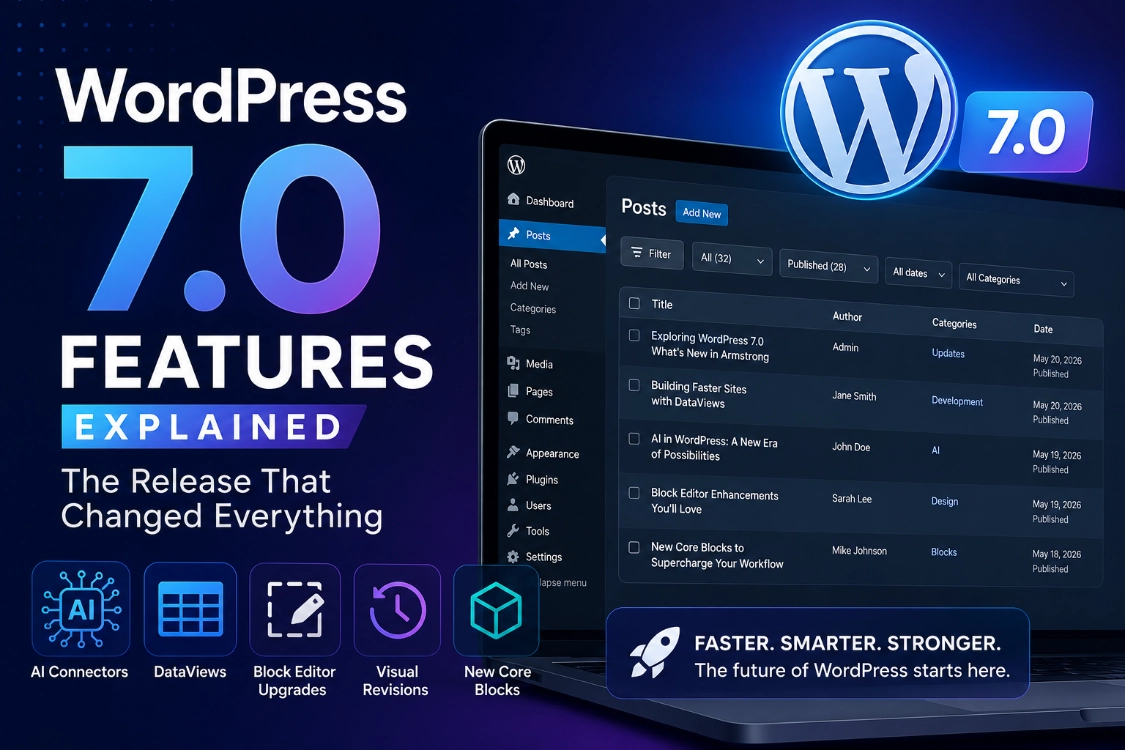
WordPress 7.0 Features Explained: Armstrong Release Guide
WordPress 7.0, codenamed “Armstrong,” officially launched on May 20, 2026, and we have been testing every major feature since the first beta dropped. This release is not a routine maintenance update. Armstrong introduces a native AI infrastructure layer, replaces the old admin data tables with a modern React-based system, delivers significant block editor upgrades, and lays the groundwork for multi-user collaboration that will ship in a future release. For developers, content teams, and site owners managing complex WordPress environments, understanding what changed is not optional. It is essential.
This article is part of our full resource series. Start with our WordPress Basics and Installation: Complete Beginner Guide if you are new to the platform. For a full breakdown of how the new AI infrastructure works alongside external tools, read our guide on WordPress 7.0 AI Features: What Site Owners Actually Need to Know.
📚 New to WordPress? Read What is WordPress? A Beginner’s Guide before exploring the 7.0 upgrade process.
TL;DR: What You Need to Know About WordPress 7.0 Armstrong
- WordPress 7.0 launched May 20, 2026, under the codename Armstrong.
- A new Connectors screen under Settings centralizes API keys for OpenAI, Google, and Anthropic across every compatible plugin simultaneously.
- WP List Tables now use dynamic React-based DataViews, which provide instant filtering and faster data management.
- The block editor gains responsive visibility controls, visual revisions, text columns, and three new core blocks.
- The core team postponed real-time multi-user collaboration to a future release for stability reasons.
- A permanent Command Palette icon in the admin bar provides faster navigation from anywhere in the dashboard.
The AI Infrastructure: What the Connectors Screen Actually Does
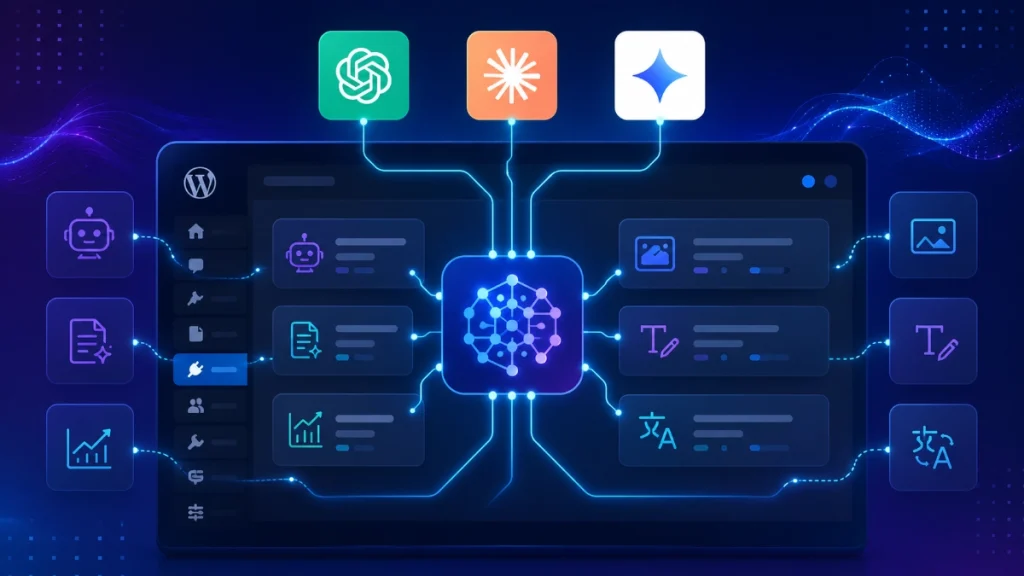
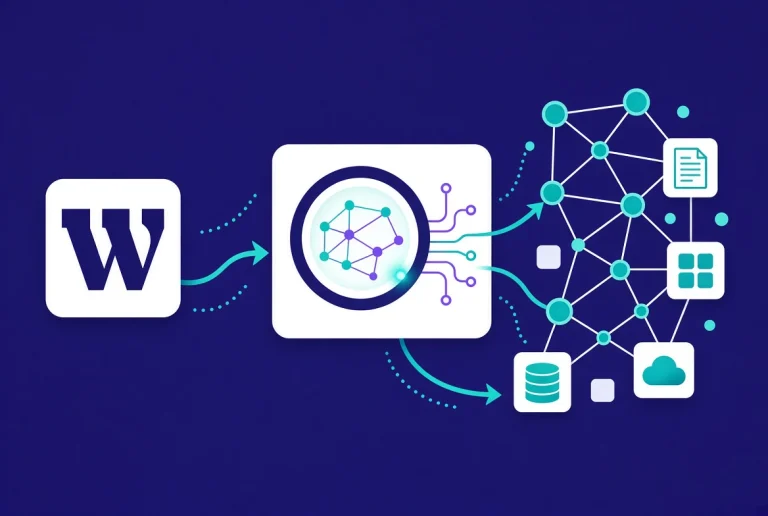
WordPress 7.0 does not ship an AI writing tool. It ships something more valuable: a standardized AI infrastructure that every plugin and theme in the ecosystem can build on. The new Connectors interface lives under Settings and gives administrators one centralized location to connect major AI providers, including OpenAI, Google, and Anthropic.
Before Armstrong, every AI-powered plugin required its own separate API key configuration. Three plugins meant three disconnected setups, three independent outbound connections, and no shared context between them. The Connectors screen eliminates that fragmentation entirely. Connect once, and every compatible plugin draws from the same central hub.
Two foundational components power this system. The Abilities API creates a machine-readable registry of what your site can do, allowing AI agents to understand and interact with plugins and themes in a standardized way. Credential storage, outbound request management, and a consistent developer interface all flow through the WP AI Client, removing the need for each plugin to build its own AI connection layer.
This is the infrastructure play, not the feature play. The real value arrives over the next twelve months as developers build AI-powered features on top of this foundation rather than inventing their own implementations. For a comparison of how this outbound AI infrastructure works alongside inbound AI tools like Novamira, read our detailed breakdown of WordPress 7 vs Novamira: Which AI Tool Do You Actually Need in 2026?
ℹ️ Note: The Connectors screen appears under Settings in any WordPress 7.0 installation. No additional plugin is required to access the AI connection interface. Compatible plugins activate their AI features automatically once a provider connects.
The Modernized Admin Interface: From Legacy Tables to Data Views
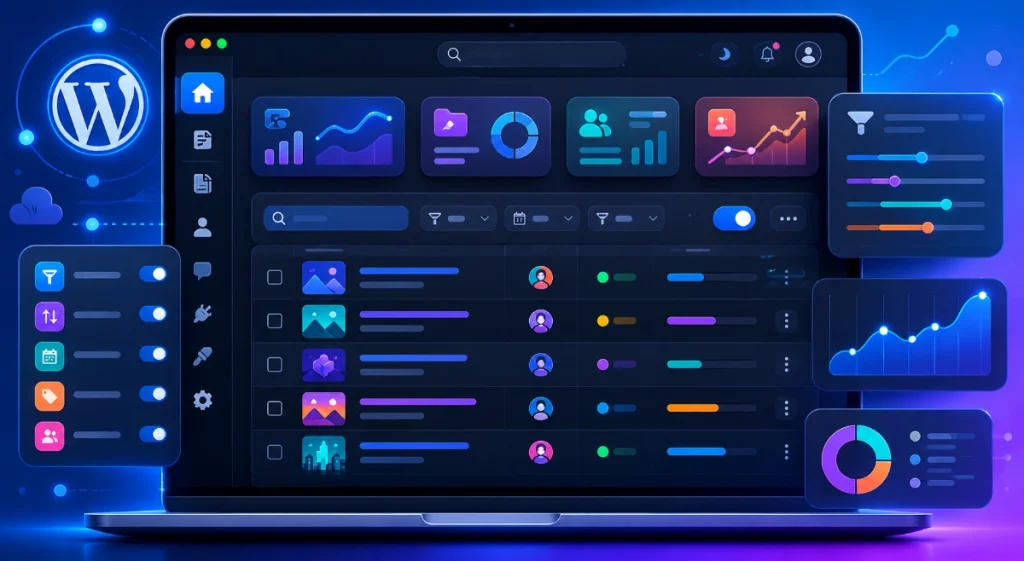
The most visually obvious change in WordPress 7.0 is the complete replacement of WP List Tables with React-based DataViews. Every screen that previously displayed posts, pages, users, comments, and plugin listings in static PHP-generated tables now renders through a dynamic, component-driven interface.
DataViews delivers instant filtering without page reloads. Sort by author, status, date, or custom taxonomy, and the results update immediately in place. Bulk actions process faster. The column display adjusts without navigating to separate screen options. For content teams managing hundreds of posts across multiple categories and authors, the efficiency difference is immediate and significant.
Beyond DataViews, the admin interface adopts a refreshed visual system. A modernized color palette, improved typography for readability, and enhanced contrast ratios across all dashboard screens create a more polished environment. Transitions between admin screens use smooth animations rather than abrupt page reloads, bringing the dashboard closer to a native application experience.
A permanent Command Palette icon now sits in the upper admin bar, providing instant access to system-wide navigation, post creation, plugin management, and settings navigation from any screen in the dashboard. Press Command + K on macOS or click the icon directly to activate it.
Block Editor Upgrades: What Content Teams Gain in Armstrong
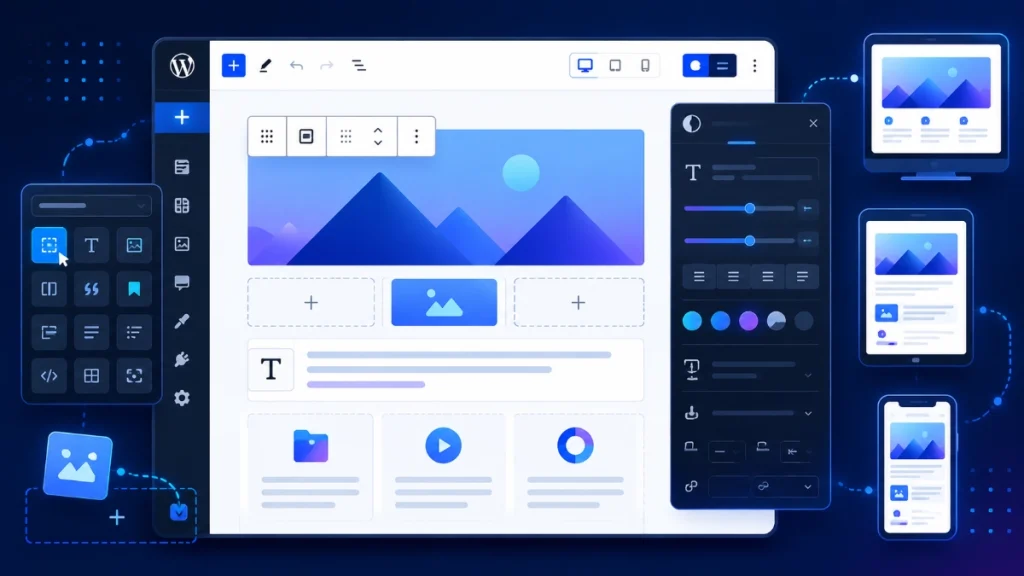
WordPress 7.0 delivers the most substantial block editor update since Gutenberg’s original introduction. Content creators, designers, and developers each receive features that address long-standing workflow limitations.
Responsive Visibility Controls
Hiding specific blocks on mobile without writing CSS media queries was not possible in WordPress core before 7.0. Armstrong changes this functionality. Device visibility controls now sit directly inside each block’s settings panel. Designers toggle specific blocks on or off for desktop, tablet, and mobile viewports without touching any code. List View displays visibility indicators for blocks that carry device-specific rules, giving editors a clear overview of how the layout adapts across screen sizes.
Visual Revisions
Reviewing content history previously meant reading raw HTML code strings in a side-by-side text comparison. Armstrong replaces that interface with a fully visual revision system. Additions are highlighted in one color, deletions in another, and modifications display inline within a live block preview. Editors see exactly what changed, where it changed, and how the published result will look, all without interpreting a single line of code.
This feature alone transforms how editorial teams handle content approval and rollback decisions. A senior editor can now review a contributor’s changes visually and approve or reject specific revisions with full context of the final output.
Expanded Layout and Typography Controls
Armstrong extends block-level styling with text indentation, text columns, and comprehensive width and height controls directly in the editor toolbar. Dimension presets and aspect ratio locking for wide and full images deliver consistent proportional design without manual calculation. Block-level custom CSS gives designers precise per-instance styling control without creating separate CSS classes for every variation.
Three New Core Blocks
WordPress 7.0 adds three blocks that previously required separate plugins to replicate.
The Breadcrumbs block generates native breadcrumb navigation that adapts automatically to your site’s page hierarchy and integrates with theme.json global styles. No plugin dependency, no custom shortcode, and no PHP snippet required.
The Icons block provides direct SVG icon support inside the editor. Designers insert scalable vector icons anywhere in content, control size, color, and background styling through standard block controls, and never touch a font icon library or custom upload workflow again.
The Heading block now ships as block variations, registering H1 through H6 levels as distinct selectable options with dedicated toolbar icons. Changing heading levels takes one click rather than navigating a dropdown menu.
Font Library and Navigation Overlays
A dedicated font library management screen simplifies custom typography across the entire site. Administrators upload, preview, and organize font assets from one location without interacting with theme files or CSS. The Font Library integrates with theme.json, meaning font choices propagate to global styles automatically.
Mobile navigation receives a significant update through customizable navigation overlays. Designers configure mobile menu behavior as template parts, set custom breakpoint triggers, and control overlay styling through the site editor rather than custom CSS or JavaScript modifications.
💡 Pro Tip: Before activating WordPress 7.0 on any live site, clone your database and test on a staging environment first. The DataViews replacement of WP List Tables affects plugins that add custom columns or action buttons to admin screens. Any plugin that hooks into legacy list table PHP filters requires a compatibility update from its developer. Review plugin changelogs for WordPress 7.0 compatibility notes before upgrading production.
Real-Time Collaboration: Why It Was Postponed
Multi-user live co-editing ranked among the most anticipated features on the WordPress 7.0 roadmap. The core development team removed it from the release to protect stability. Architecting conflict-free simultaneous editing across distributed databases and varying network conditions requires a level of synchronization infrastructure that the team chose not to rush. The decision reflects the same stability-first approach that made WordPress a reliable platform for 43 percent of all websites globally.
Real-time collaboration will ship in a future release. The architectural groundwork laid in Armstrong makes that future release more stable and more capable than an earlier forced launch would have produced.
How WordPress 7.0 Fits Into Your AI Workflow
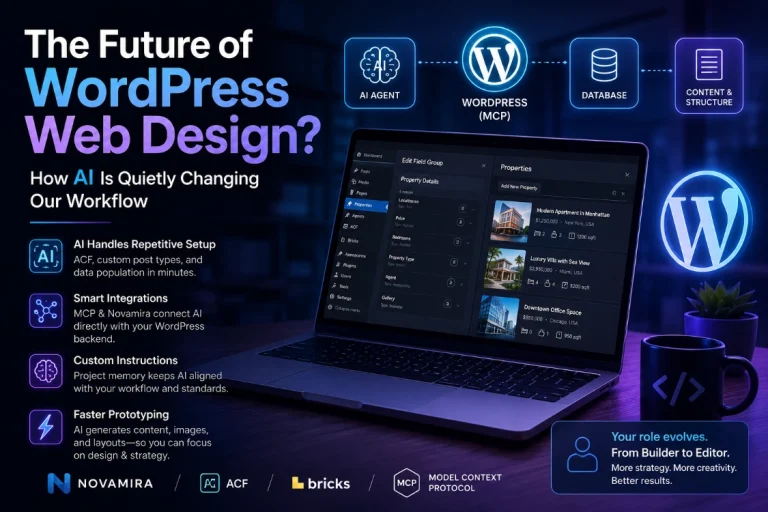
Armstrong’s centralized AI infrastructure works as the outbound layer of your site’s AI capability stack. Your site calls AI providers for content generation, image creation, and automated editing tasks. For the inbound layer, where an AI agent connects to your site and operates it directly, tools like Novamira work alongside the 7.0 infrastructure rather than competing with it.
Our tutorial on how to connect Claude AI to WordPress using Novamira MCP covers the hands-on connection process in full. AI-assisted content building inside Elementor has its own dedicated guide on Claude AI content generation with Elementor.
| Feature | What It Replaces or Adds | Who Benefits Most | Live in 7.0? |
|---|---|---|---|
| Connectors Screen | Replaces per-plugin API key setup | All site owners using AI plugins | Yes |
| DataViews | Replaces legacy WP List Tables | Content teams and administrators | Yes |
| Visual Revisions | Replaces HTML code diff view | Editorial teams and content managers | Yes |
| Responsive Visibility Controls | Replaces CSS media query workarounds | Designers and theme developers | Yes |
| Breadcrumbs Block | Replaces breadcrumb plugins | SEO teams and site builders | Yes |
| Icons Block | Replaces icon font plugins | Designers and content creators | Yes |
| Real-Time Collaboration | Multi-user live co-editing | Editorial teams | No, future release |
Additional Resources
- WordPress 7.0 AI Features: What Site Owners Actually Need to Know
- WordPress Basics and Installation: Complete Beginner Guide
- WordPress 7 vs Novamira: Which AI Tool Do You Actually Need in 2026?
- How to Connect Claude AI to WordPress Using Novamira MCP
- Claude AI Content Generation with Elementor
- WordPress Beta Tester Plugin
- WordPress Playground
WordPress 7.0 Armstrong is the most complete and architecturally significant release the platform has shipped in years. The centralized AI infrastructure changes how every AI plugin on your site operates. DataViews modernizes the admin experience in a way that benefits every user daily. Visual revisions and responsive block controls address workflow limitations that content teams have managed around for too long. Prepare your staging environment, verify plugin compatibility, and upgrade with confidence. For the complete picture of how 7.0 AI features work in practice, read our full guide on WordPress 7.0 AI Features.