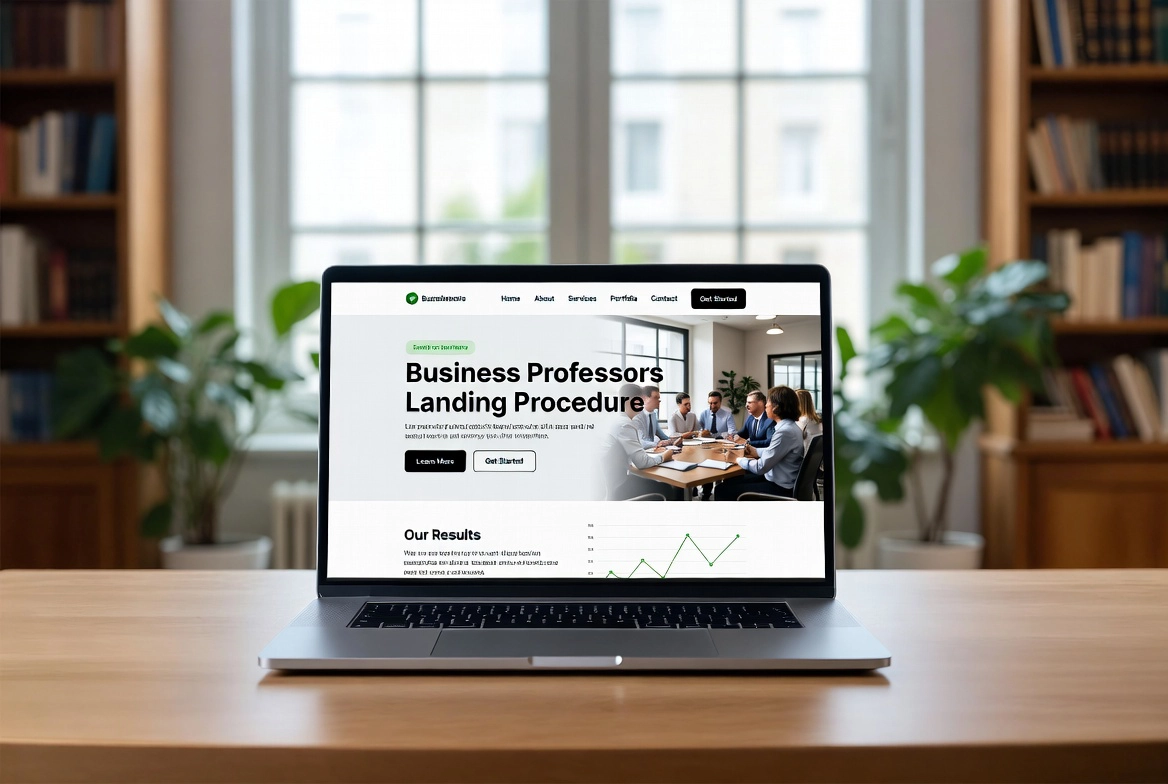
How to Build an Elementor Landing Page (2026)
Quick answer: A landing page should help one audience understand one offer and take one primary action. Elementor’s old separate Landing Pages feature was deprecated as of Elementor Pro 3.27, so this guide uses a standard WordPress page edited with Elementor. No layout can guarantee conversions; results depend on the offer, audience, traffic, copy, trust, and measurement.
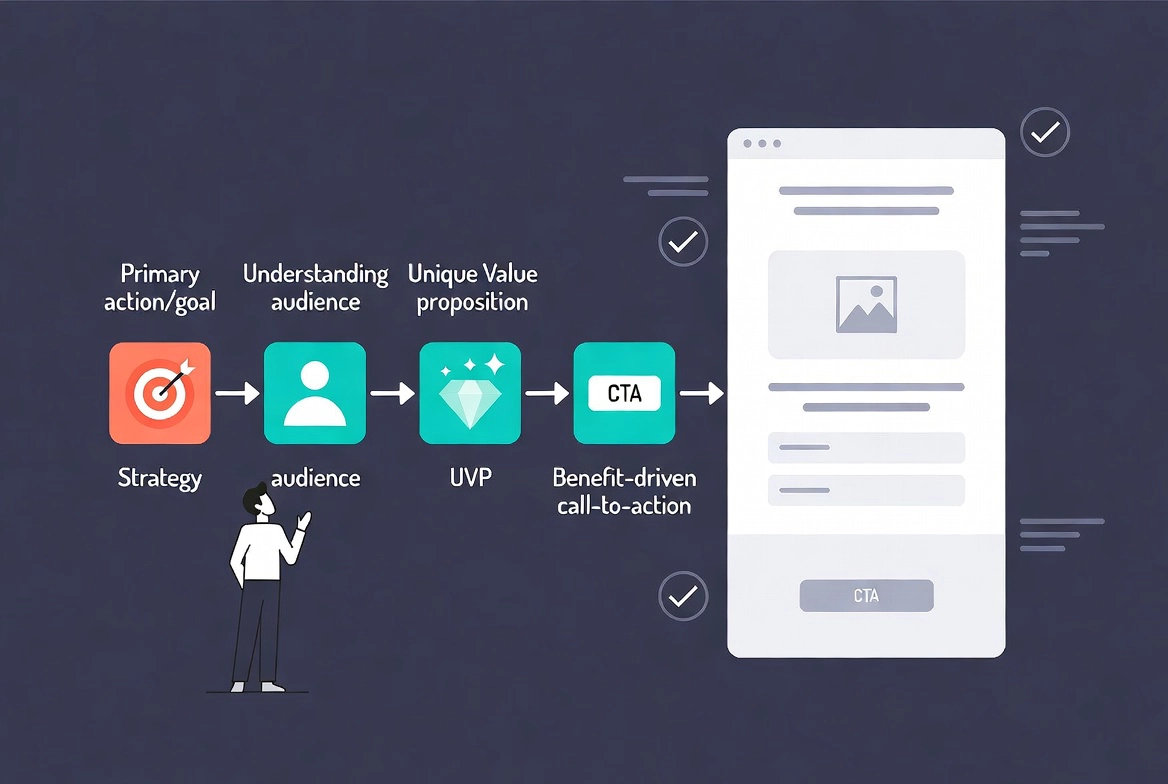
Define the page before designing it.
Write down the audience, traffic source, promise, evidence, and primary action. Match the headline to the reason visitors clicked. Choose a measurable outcome such as a qualified form submission, purchase, or demo request, and avoid competing calls to action.
Create the page and choose its layout.
Add a normal WordPress page and open it in Elementor. Choose a full-width theme template when you want the site header and footer, or a blank canvas-style layout when the campaign needs fewer distractions. Confirm that legal and privacy links remain accessible.
Build a useful content sequence.
Start with a specific headline, short supporting explanation, and visible action. Follow with benefits backed by evidence, how the offer works, objections or FAQs, and a repeated action near the end. Use real testimonials only with permission; do not invent customer quotes, logos, scarcity, or results.
Make the form and page trustworthy.
Keep fields to the minimum needed and explain what will happen after submission. Check contrast, labels, keyboard focus, mobile spacing, and performance. Compress the hero image and avoid a heavy background video unless it adds information. Ensure the privacy policy describes the processors receiving form data.
Measure and improve responsibly.
Record a baseline, define the metric before running a test, and change one important variable at a time. Small samples can be misleading, so report the period and count rather than declaring a winner too soon. Use our Elementor contact-form guide and pre-publish checklist.
Final quality check
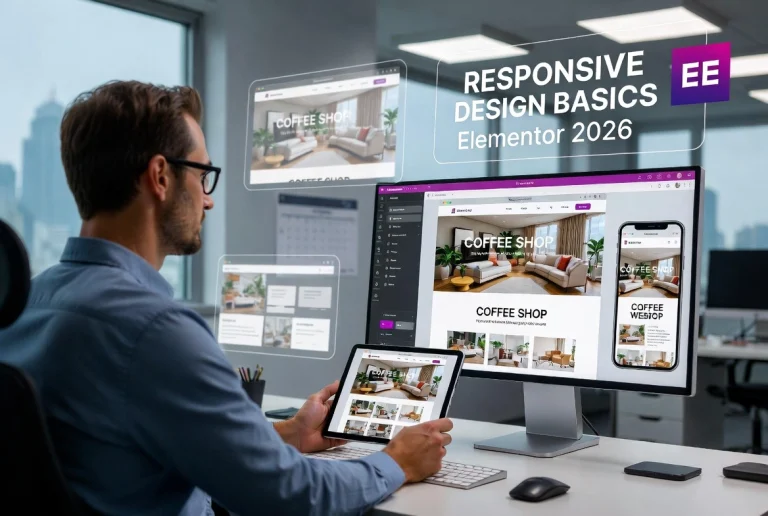
- Preview the page on desktop, tablet, and a real phone.
- Review keyboard navigation, visible focus, heading order, link wording, and color contrast.
- Test the live URL in a private browser window and clear caches if the editor and front end differ.
- Keep a backup before structural changes and confirm that forms, buttons, and links still work.